What Resolution Really Means
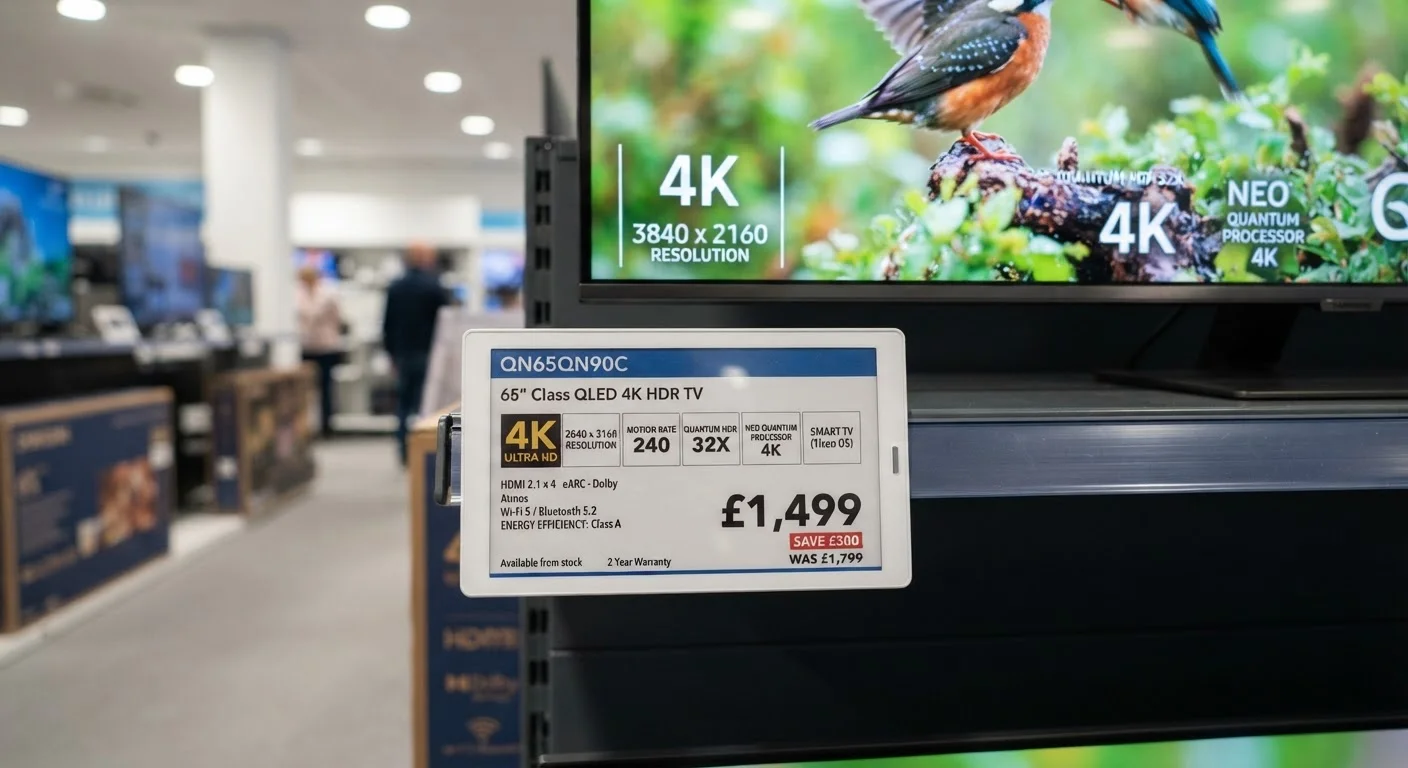
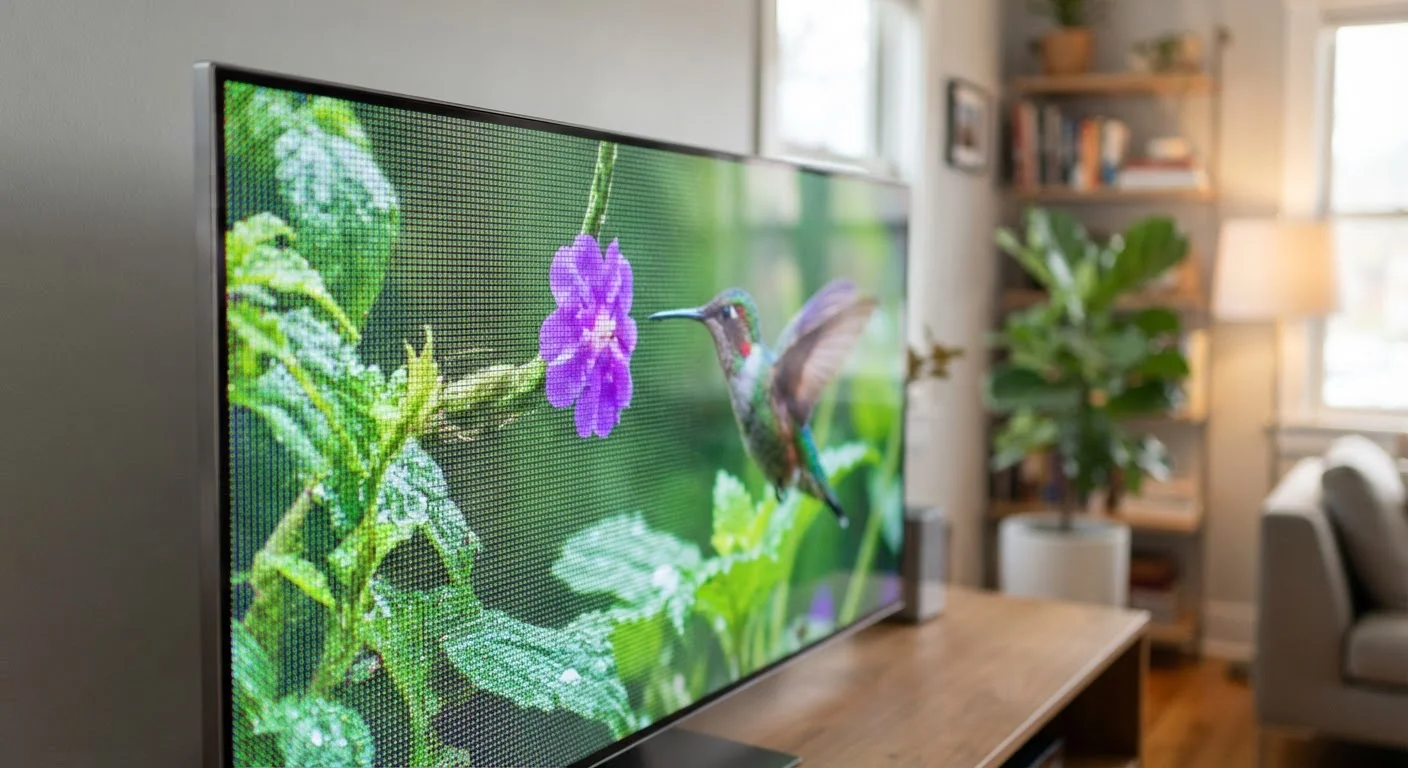
When a TV or monitor is advertised as "4K" or "1080p," those labels refer to pixel count — specifically how many columns and rows of tiny light-emitting dots make up the screen. A 1080p display has roughly 2 million pixels arranged in a 1920×1080 grid. A 4K display has approximately 8.3 million pixels in a 3840×2160 grid — four times as many.
More pixels allow a display to reproduce finer detail: sharper edges, more texture in fabric or faces, more precise gradients. But pixel count is only one variable in a complex equation. Two displays with identical resolutions can look worlds apart depending on how the screen produces color, how bright it gets, and how it handles contrast between dark and bright areas.
For a broader look at how resolution fits alongside other display measurements, see TV specs decoded for context on what display label numbers actually mean.
The Viewing Distance Problem
Here's what ads rarely mention: the human eye has limits. Beyond a certain distance, you simply cannot perceive the difference between resolutions — your visual system lacks the angular resolution to distinguish individual pixels.
A useful rule of thumb: to see the full benefit of 4K on a 55-inch TV, you generally need to sit within about 7 feet of the screen. At 10 feet or more, the difference between a well-calibrated 1080p panel and a 4K panel can become negligible. Screen size and seating distance together determine whether a resolution upgrade will actually be visible in your home.
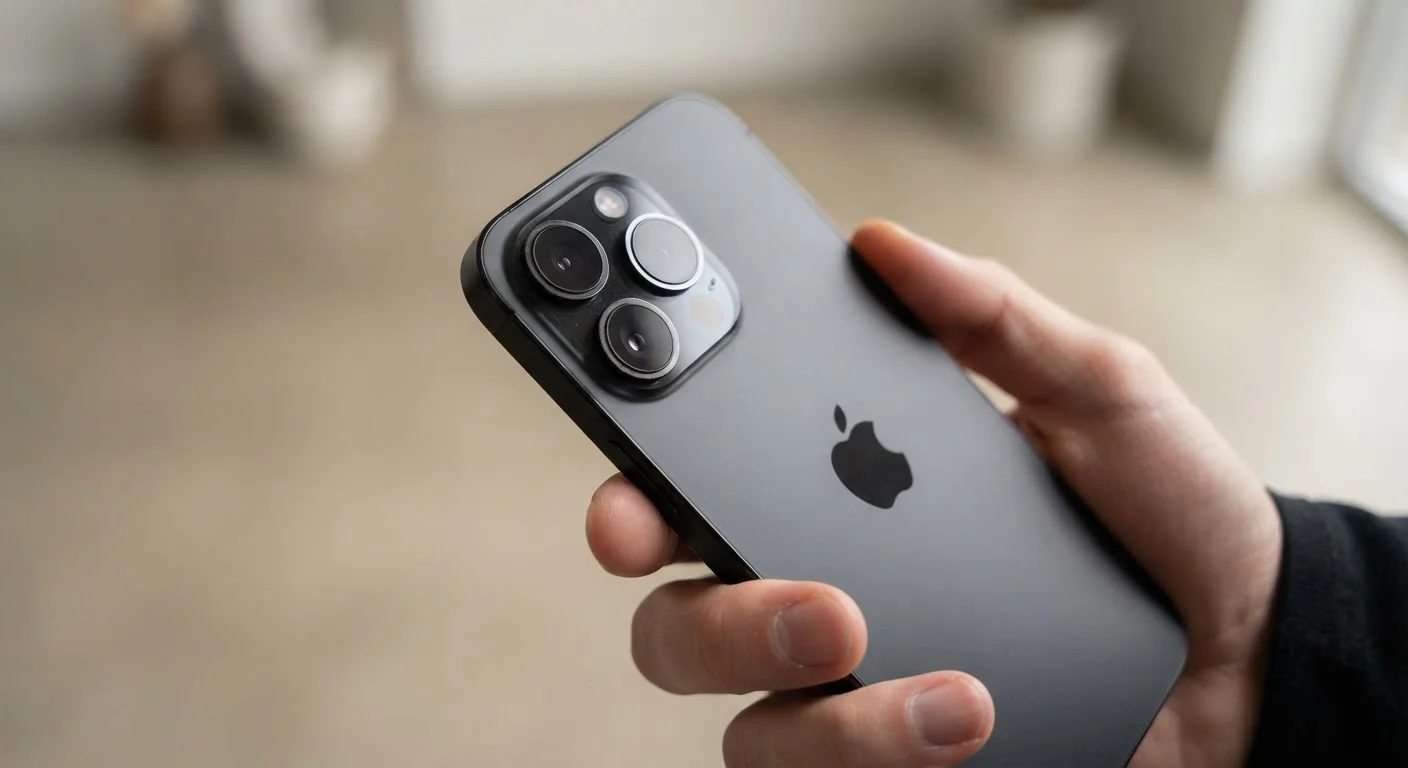
This is why the same logic applies differently to phones and laptops — those screens are viewed at arm's length. Many modern phone displays already exceed 400 pixels per inch (PPI), far beyond what the eye can resolve at a normal holding distance. On those devices, resolution is essentially a solved problem, and other specs take priority.
4×
More pixels in 4K vs. 1080p
A 4K display (3840×2160) contains approximately 8.3 million pixels, compared to roughly 2.1 million in a 1080p display — a fourfold increase in pixel count.
~7 ft
Viewing distance to see 4K benefit on a 55" TV
Display industry guidelines suggest that, at typical living room distances beyond 7–8 feet, the visual advantage of 4K over 1080p on a 55-inch screen becomes increasingly difficult to perceive.
400+ PPI
Typical flagship phone pixel density
Many modern smartphones exceed 400 pixels per inch — well above the threshold at which individual pixels are distinguishable at normal arm's-length viewing distances.
What Affects Picture Quality More Than Resolution
Resolution gets the marketing spotlight, but several other factors consistently have a larger impact on how a picture looks day-to-day:
- HDR (High Dynamic Range): HDR allows a screen to display a wider range of brightness — from deep blacks to intensely bright highlights. A 4K screen with poor HDR implementation often looks worse than a 1080p screen with excellent HDR.
- Contrast ratio: The difference between the darkest and brightest areas a screen can display simultaneously. High contrast makes images feel three-dimensional and vivid.
- Color accuracy and color volume: Whether colors look true-to-life, and whether bright colors stay vibrant at high luminance levels.
- Panel technology: OLED panels produce perfect blacks because each pixel turns off individually. LCD panels vary widely in quality depending on their backlighting design.
For a comparison of how refresh rate — another often-hyped number — holds up under scrutiny, read about refresh rate marketing to understand which performance claims are real.
Content Source: The Often-Overlooked Bottleneck
Your display can only show what the incoming signal contains. A 4K TV receiving a standard cable broadcast or a compressed 1080p stream will not produce native 4K picture quality — it will upscale the lower-resolution image to fill the screen. Upscaling has improved significantly and can look good, but it is not the same as genuine 4K source material.
Streaming services offer 4K content, but stream quality depends heavily on your internet connection speed and the service's compression settings. Physical 4K Blu-ray discs currently deliver the highest-quality home video available, with less compression than streaming.
The parallel to photography is worth noting: just as megapixel count doesn't define phone camera quality, raw resolution doesn't define display quality. Learn how spec sheets can mislead in cameras — the same principle applies to screens.
Making Sense of Resolution for Your Setup
When evaluating a display, resolution is worth considering — but only alongside screen size, your typical viewing distance, the content you actually watch, and the panel's HDR and contrast performance.
For laptop and monitor shoppers, a glossary of common resolution terms can help decode the labels you'll encounter. For phone displays, understanding which display specs matter for phones can sharpen your comparison skills.
The core principle: a higher resolution number is not a guarantee of a better-looking image. A well-calibrated display at a lower resolution, in the right room, viewed at the right distance, with quality source content, will outperform a high-resolution screen with poor contrast or substandard HDR every time.