Why Display Specs Can Feel Overwhelming
Walk into any electronics store and the spec sheets attached to phones and tablets are full of numbers: 6.7 inches, 2400×1080, 120Hz, 1000 nits. Each measures something different, and not every number matters equally for how a screen looks and feels in your hands. This reference breaks each spec down to what it actually changes about your daily experience.
Screen Size
The diagonal measurement of a display in inches, from one corner to the opposite corner. It describes physical dimensions but says nothing about how sharp or bright the image is.
Resolution
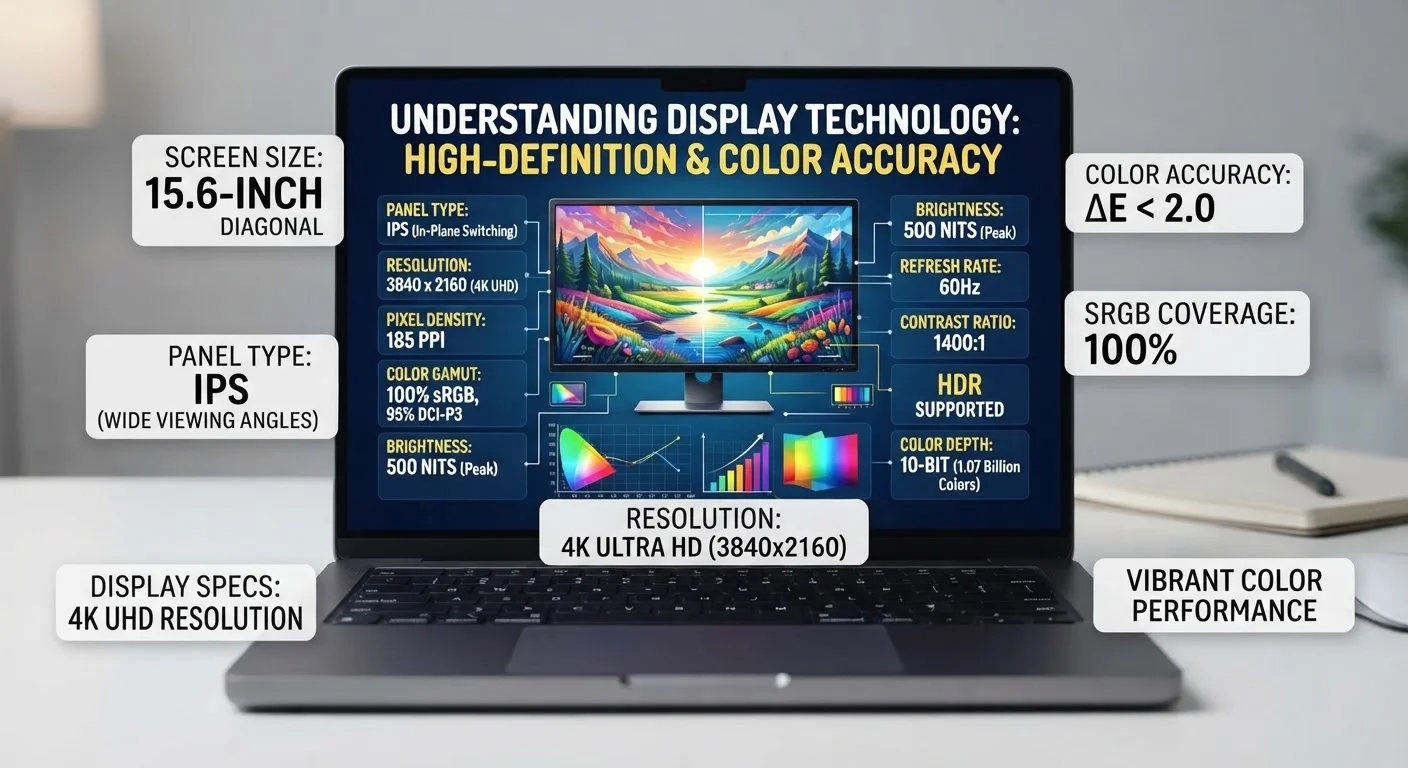
The total number of pixels on a screen, expressed as width × height (e.g., 1920×1080). Higher resolution means more detail is possible, but sharpness also depends on screen size.
Pixels Per Inch (PPI)
A measure of pixel density — how many pixels are packed into each inch of the screen. Higher PPI generally means sharper-looking text and images.
Refresh Rate
How many times per second the display redraws its image, measured in hertz (Hz). Higher refresh rates produce smoother motion during scrolling and video.
OLED
A display technology in which each pixel emits its own light. OLED screens can display true black by turning off individual pixels, resulting in high contrast ratios.
Adaptive Refresh Rate
A feature that automatically adjusts a screen's refresh rate up or down based on the type of content being displayed, balancing smooth motion against battery consumption.
Nits
A unit of screen brightness. One nit is one candela per square meter. Higher nit ratings mean a display can produce a brighter image, which is important for outdoor readability.
Color Gamut
The range of colors a display can reproduce. Wider color gamuts (such as DCI-P3) allow a screen to show more vivid, lifelike images compared to narrower standards like sRGB.
For a deeper look at how these same terms apply to laptop and monitor shopping, see Screen Resolution Terms Every Laptop Shopper Should Recognize.
Screen Size: What the Diagonal Measurement Tells You
Screen size is measured diagonally — corner to corner — in inches. A 6.1-inch phone and a 6.7-inch phone may look similar in a photo, but the larger one has noticeably more viewing area. That extra space matters most for reading articles, watching video, and using apps with a lot of on-screen information at once.
Bigger is not automatically better. A larger screen also means a larger, heavier device that may not fit comfortably in one hand or in a pants pocket. The right size is the one that fits how you actually hold and carry a phone day to day.
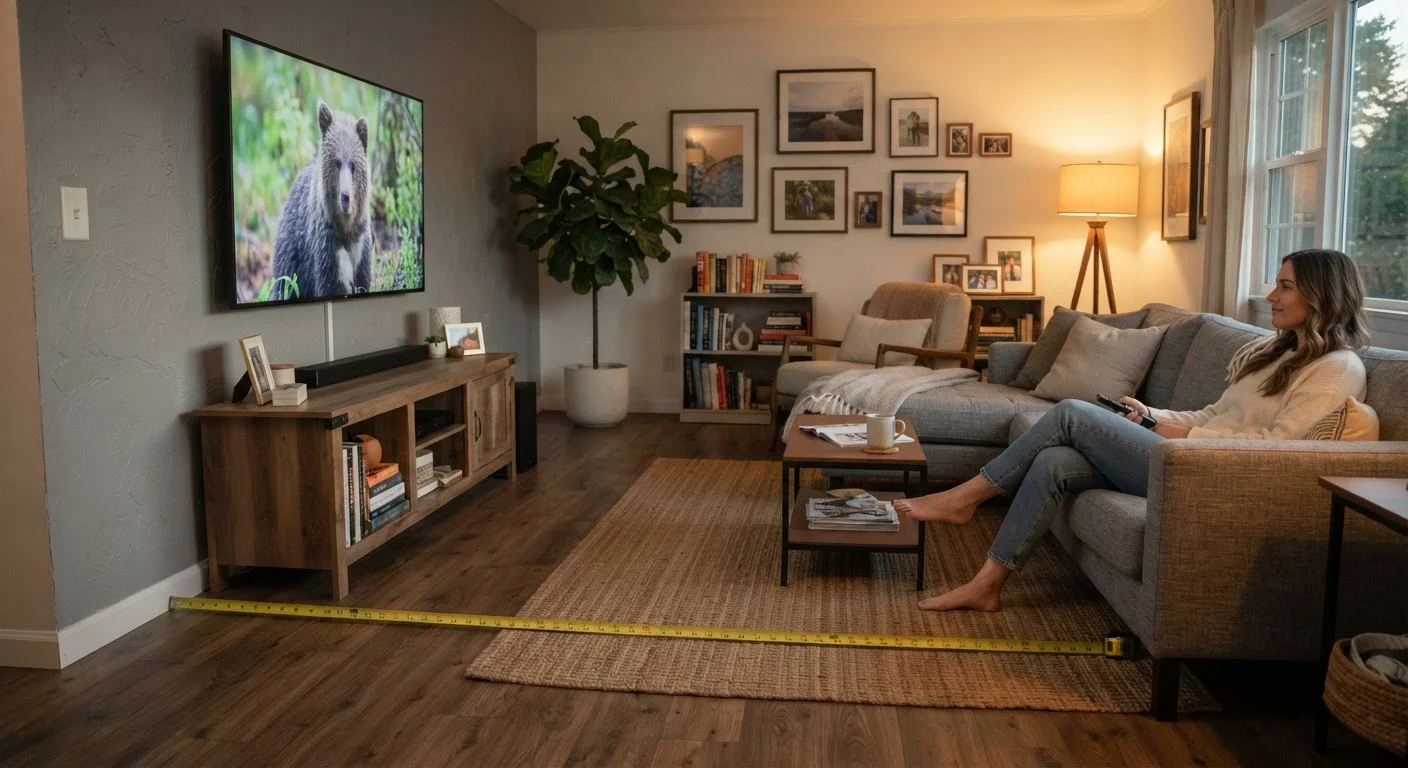
For televisions, viewing distance plays a major role in whether a larger size genuinely looks better. See TV Screen Sizes and Viewing Distance for how to match screen size to your room.
Resolution: How Many Pixels Fill the Screen
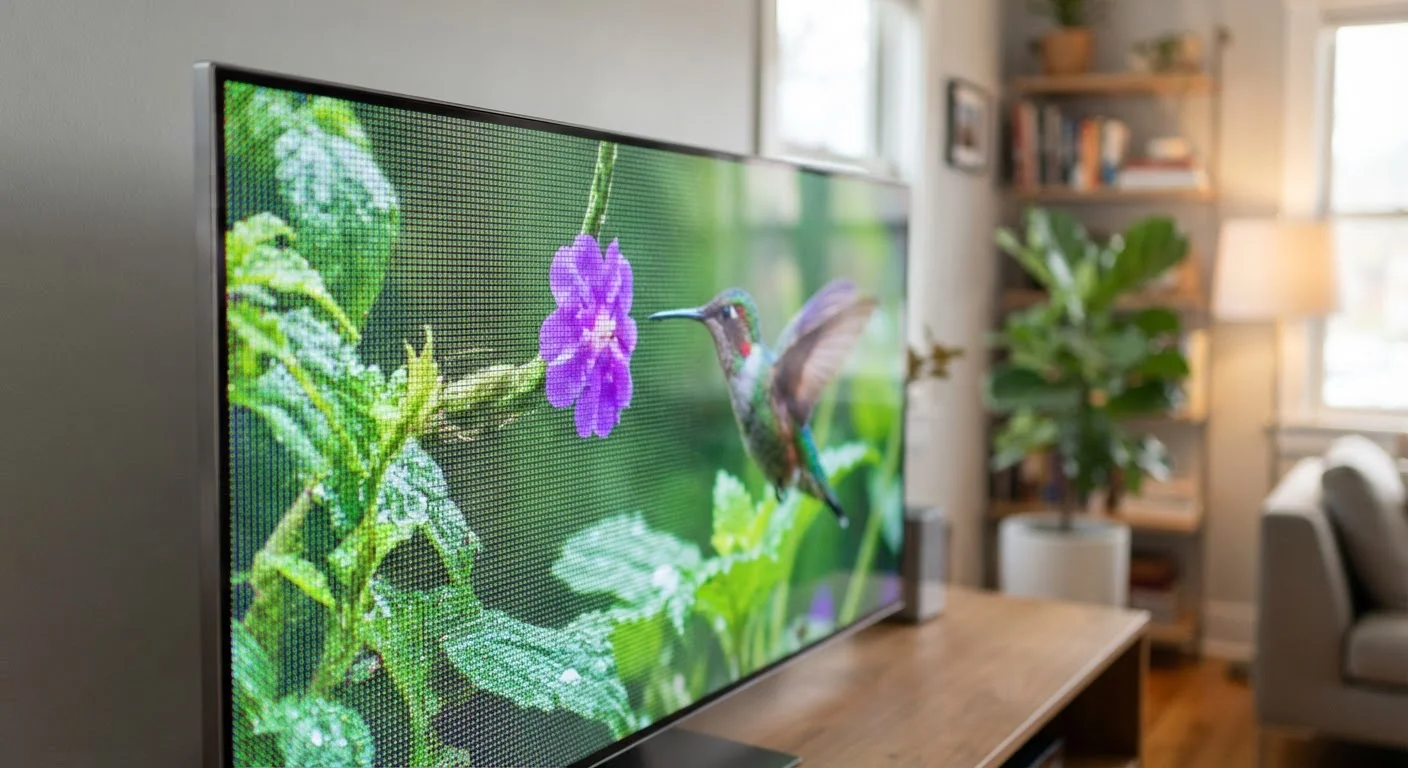
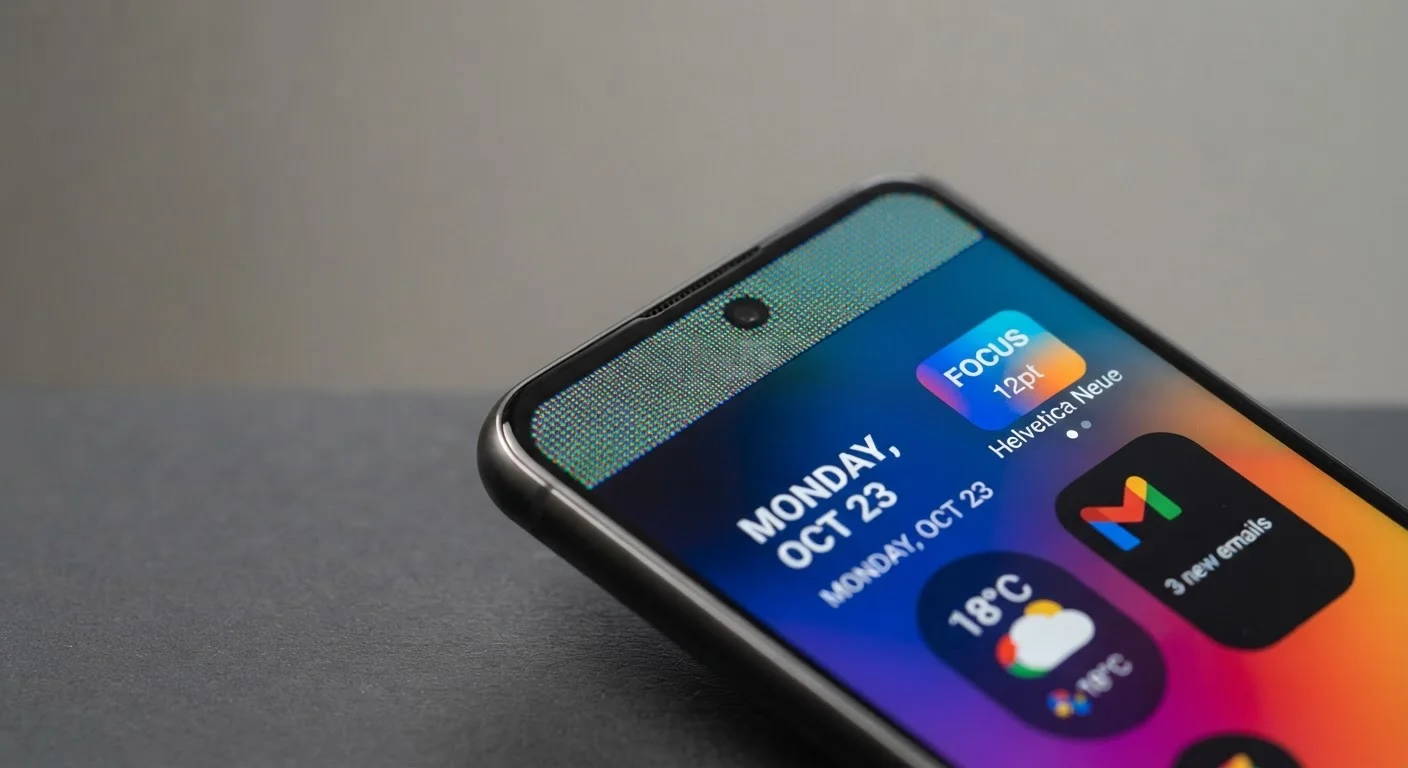
Resolution describes the total number of pixels on a display, expressed as width × height (for example, 2400×1080). More pixels packed into the same screen size means finer detail and crisper text — but only up to a point. Once pixel density (measured in PPI) passes roughly 300–400 PPI, most people cannot detect individual pixels at normal viewing distances.
A more practically useful number is PPI. A smaller screen with a high resolution can actually look sharper than a larger screen with the same resolution, because the pixels are more densely packed. Manufacturers sometimes advertise a high pixel count on a large screen that works out to ordinary sharpness in practice.
What Screen Resolution Actually Does to Picture Quality explains the real-world difference between 1080p, 4K, and 8K displays — and when the upgrade is visible.
Refresh Rate: Smooth Motion vs. Battery Life
Refresh rate — measured in Hz — is how many times per second the display redraws the image. A 60Hz screen updates 60 times per second; a 120Hz screen updates twice as fast. The practical result is smoother scrolling, more fluid animation, and reduced motion blur in games or fast-moving video.
The tradeoff is power consumption. Running at 120Hz draws more battery than 60Hz. Many devices use adaptive refresh rate technology, which automatically lowers the rate when the screen is showing still content (such as a text message) and raises it when you are scrolling or gaming. This gives you smooth motion when it helps without draining the battery when it does not.
For television displays, refresh rate marketing involves additional complexity. Refresh Rate on TVs: Separating Real Performance from Marketing Numbers walks through the difference between native and effective (interpolated) rates.
Brightness, Color, and Panel Type: The Other Specs Worth Knowing
Beyond size, resolution, and refresh rate, a few other measurements appear on spec sheets and affect the experience in real ways.
- Brightness (nits): Higher peak brightness makes a screen readable in direct sunlight. Outdoor visibility matters far more for a phone carried everywhere than for a desktop monitor used in a controlled environment.
- Color gamut: Terms like P3 or sRGB describe the range of colors a screen can show. Wider gamut means more vivid, lifelike color — relevant for photo editing and streaming HDR content.
- Panel type (OLED vs. LCD): OLED panels produce true black by turning off individual pixels; LCD panels use a backlight. OLED typically offers higher contrast and is thinner; LCD panels can achieve higher brightness in some configurations and are often found at lower price points.
For a complete look at how these specs combine on smartphones, see Smartphone Specs Decoded.
Which Spec Should You Prioritize?
There is no single answer — the right priority depends on how you use a device.
- Reading and general use: Resolution and PPI matter most. Aim for a panel where text looks sharp at arm's length.
- Gaming or social media scrolling: A higher refresh rate (90Hz or 120Hz) noticeably reduces eye strain during fast motion.
- Outdoor use: Prioritize brightness in nits. A dim, high-resolution screen is harder to use than a brighter, slightly lower-resolution one in sunlight.
- Battery life is a priority: A lower default refresh rate or an adaptive display conserves power; a large, always-on 120Hz panel costs battery life.
Specs interact — a screen that scores well on every measurement will cost more. Knowing which tradeoffs actually affect your daily habits is the most efficient way to decide what to pay for. See the TVs & Displays hub for additional display guides across device categories.