Screen Size and Viewing Distance
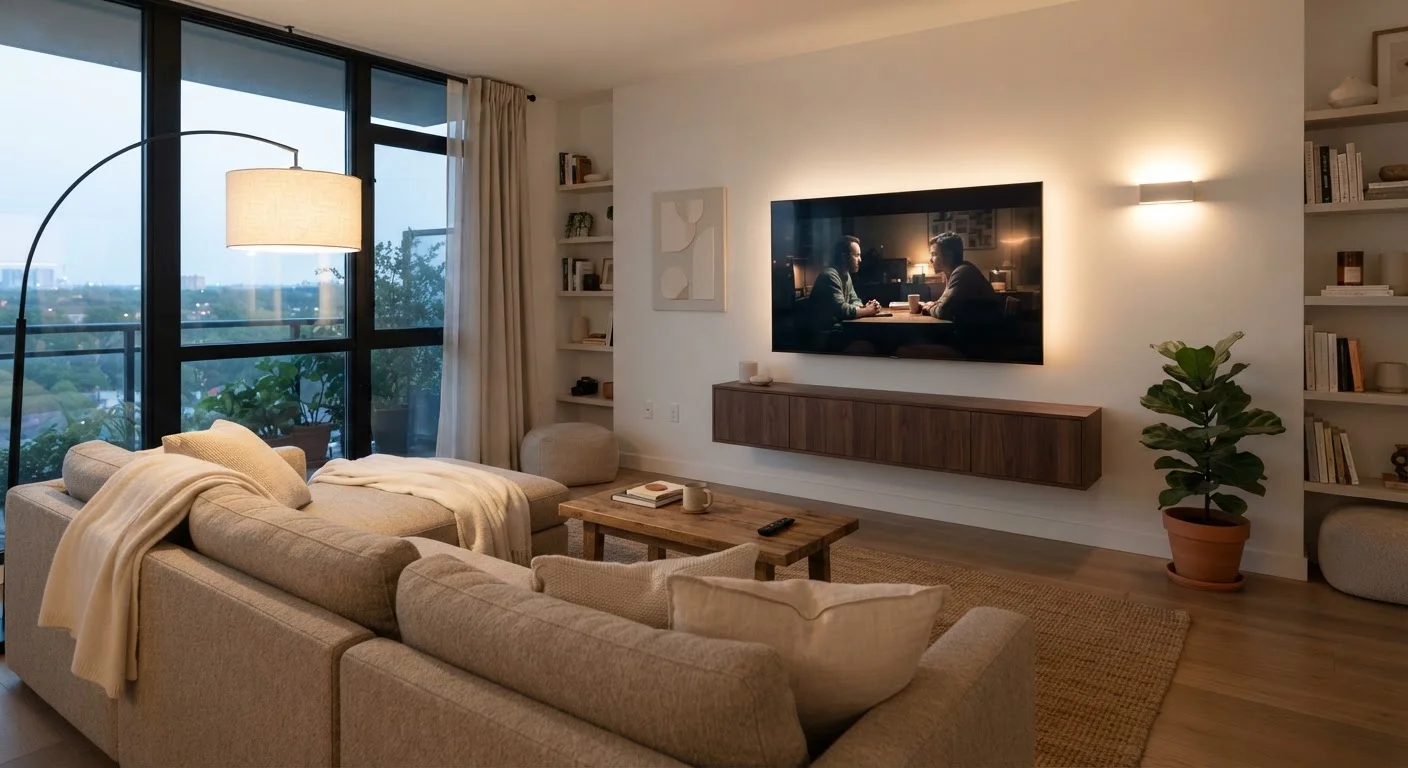
Before any spec sheet matters, two measurements do: how large your room is, and how far you sit from the screen. A TV that looks stunning in a showroom can feel overwhelming — or underwhelming — in your home if the size-to-distance ratio is wrong.
A widely used rule of thumb suggests sitting between 1.5 and 2.5 times the screen's diagonal measurement away from the TV. So a 65-inch TV ideally suits a viewing distance of roughly 8 to 14 feet. Going larger than your space comfortably accommodates causes eye strain; going smaller means you may not notice the image quality you're paying for.
Measure your intended viewing distance before you decide on a size. It's one of the few steps that genuinely changes which TV is right for you.
Panel Types Explained
The type of display panel determines how your TV produces light and color — and that has a direct impact on what you see every day.
LED/LCD panel
A display that uses a backlight behind a liquid crystal layer to produce images. Common and affordable, but can't fully block the backlight to produce deep blacks.
OLED panel
A display where each individual pixel emits its own light and can switch off completely, enabling true black and high contrast without a separate backlight.
QLED
An LED/LCD display enhanced with a quantum dot layer that improves color range and brightness compared to standard LED TVs.
4K resolution
A screen with 3,840 × 2,160 pixels — four times as many as 1080p HD. Delivers sharper images, especially on larger screens viewed up close.
HDR (High Dynamic Range)
A video standard that expands the range of brightness levels and colors a TV can display, making highlights brighter and shadows more detailed.
Refresh rate
How many times per second a TV redraws the image, measured in Hz. A higher native refresh rate produces smoother motion, which matters for sports and gaming.
HDMI 2.1
The latest common version of the HDMI port standard, supporting higher bandwidth for 4K at 120Hz and features like Variable Refresh Rate used by modern game consoles.
eARC
Enhanced Audio Return Channel — an HDMI feature that sends high-quality audio from a TV to a soundbar or receiver over a single cable.
- LED/LCD: The most common and affordable option. A backlight shines through a liquid crystal layer. Brightness is strong, but black levels are limited because the backlight can't fully switch off. Good for bright rooms.
- QLED: An LED/LCD panel with a quantum dot filter that expands color range and boosts brightness. Still backlit, so black levels share the same limitation — but color performance is meaningfully better than standard LED.
- OLED: Each pixel generates its own light and can switch off completely, producing true black. Contrast and color accuracy are exceptional. These panels perform best in darker rooms and typically carry a higher price.
For a deeper look at how these technologies interact with motion handling and image processing, see the complete guide to TV display technology.
Resolution and HDR: What Actually Matters
Resolution refers to how many pixels make up the image. Today's standard is 4K (3840 × 2160 pixels), which is four times the pixel count of 1080p HD. At typical living room distances on screens under 40 inches, the difference between 4K and 1080p is difficult to perceive. On a 55-inch or larger screen viewed from 7–9 feet, 4K sharpness becomes noticeably crisper.
HDR (High Dynamic Range) expands the range of brightness and color beyond what standard video delivers. It makes bright highlights more vivid and preserves shadow detail simultaneously. There are multiple HDR formats — HDR10 is the common baseline; Dolby Vision and HDR10+ are higher-tier standards that use dynamic scene-by-scene adjustments. A TV needs sufficient peak brightness (often measured in nits) to fully realize HDR's benefits. Low-cost TVs frequently carry an HDR label but lack the brightness to display it effectively.
Once you're happy with your picture settings out of the box, you can refine further — the guide to budget TV picture settings walks through practical calibration steps.
Smart TV Platforms and Ports
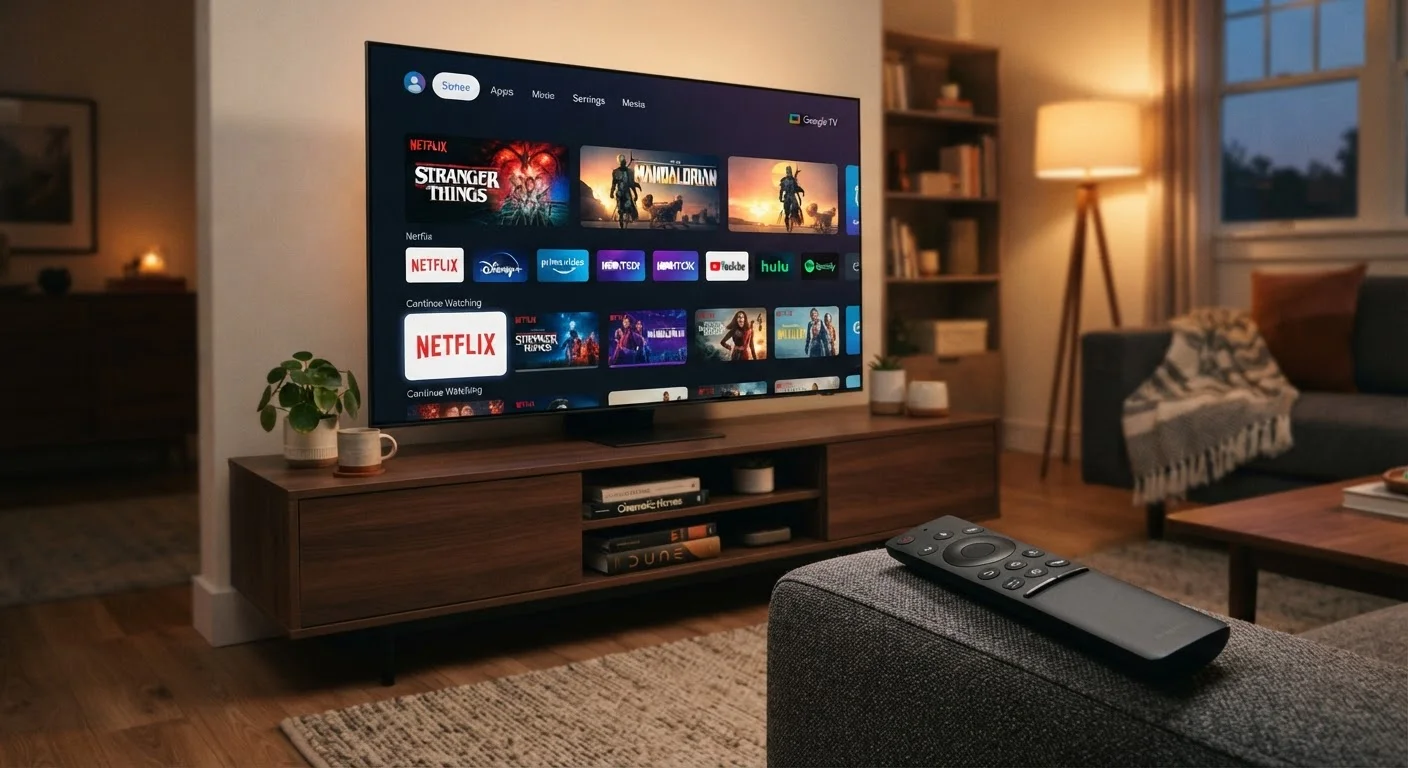
Almost every TV sold today is a smart TV, meaning it runs a built-in operating system that powers your streaming apps. The platform matters more than most buyers realize — it affects interface speed, app availability, how frequently the software is updated, and how much advertising is pushed at you.
Common platforms include Roku TV (known for its simple layout), Google TV (deep Android app ecosystem), Fire TV (integrated with Amazon services), and webOS (found on certain manufacturer lines with a distinctive interface). Each has tradeoffs. For a side-by-side look at what each platform actually offers day-to-day, see our smart TV platforms comparison.
Ports are easy to overlook until you run out of them. Check the following before deciding:
- HDMI ports: Aim for at least three. Confirm whether any support HDMI 2.1 if you game on a current-generation console.
- USB ports: Useful for media playback and powering streaming sticks.
- Optical audio out or eARC: Needed for certain soundbar configurations.
- Ethernet: A wired connection is more stable than Wi-Fi for 4K streaming.
What to Skip (and What to Prioritize)
Marketing language around TVs is dense with numbers that sound impressive but have limited real-world impact. Here's how to sort signal from noise:
Refresh rate claims: Native 60Hz is standard; native 120Hz improves motion clarity for sports and gaming. Numbers labeled as "effective," "motion rate," or "clear motion" are interpolated estimates — not native refresh rates. Read the spec sheet carefully.
Speaker wattage: Built-in TV speakers are almost universally underwhelming regardless of the watt rating. If audio quality matters to you, budget for a separate soundbar rather than paying a premium for TV speaker specs.
What genuinely deserves attention: panel type, peak brightness for your room's lighting conditions, the number and version of HDMI ports, and the smart platform's app ecosystem. These are the variables that shape your daily experience.
If you're also setting up a broader home tech environment — smart speakers, streaming devices, or a thermostat — the guides in our Home Tech Basics section cover how these pieces fit together.
Calibrate Before You Judge the Picture
Most TVs ship in a 'Vivid' or 'Dynamic' picture mode optimized to stand out on a bright showroom floor — not for accurate home viewing. Switching to 'Movie' or 'Cinema' mode and adjusting brightness to suit your room typically produces a much more natural, accurate image without spending anything extra.