Panel Types: The Foundation of Picture Quality
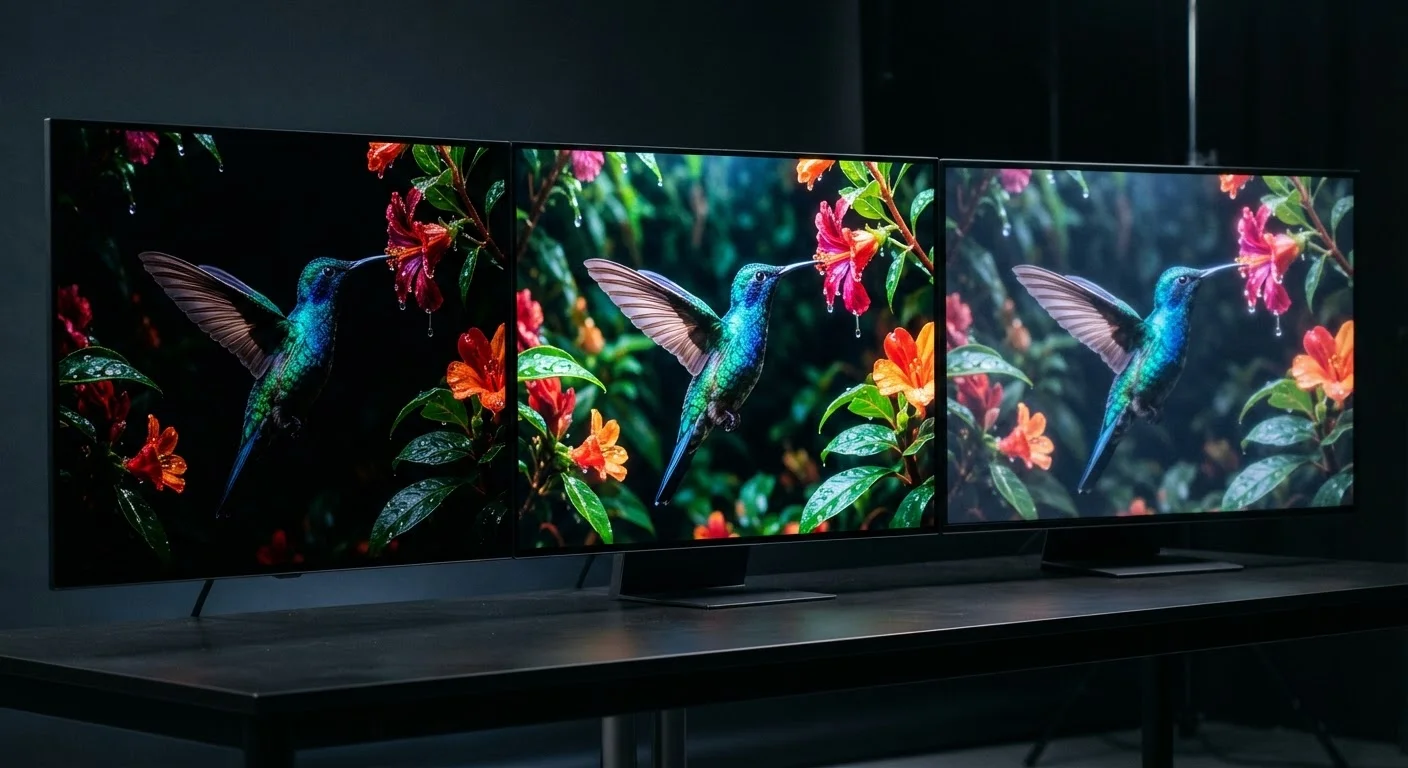
Every TV's picture starts with its panel — the physical display layer that produces light and color. Three main panel technologies dominate the market today: LCD (liquid crystal display), OLED (organic light-emitting diode), and QLED (quantum-dot LED). Each works differently and carries distinct tradeoffs.
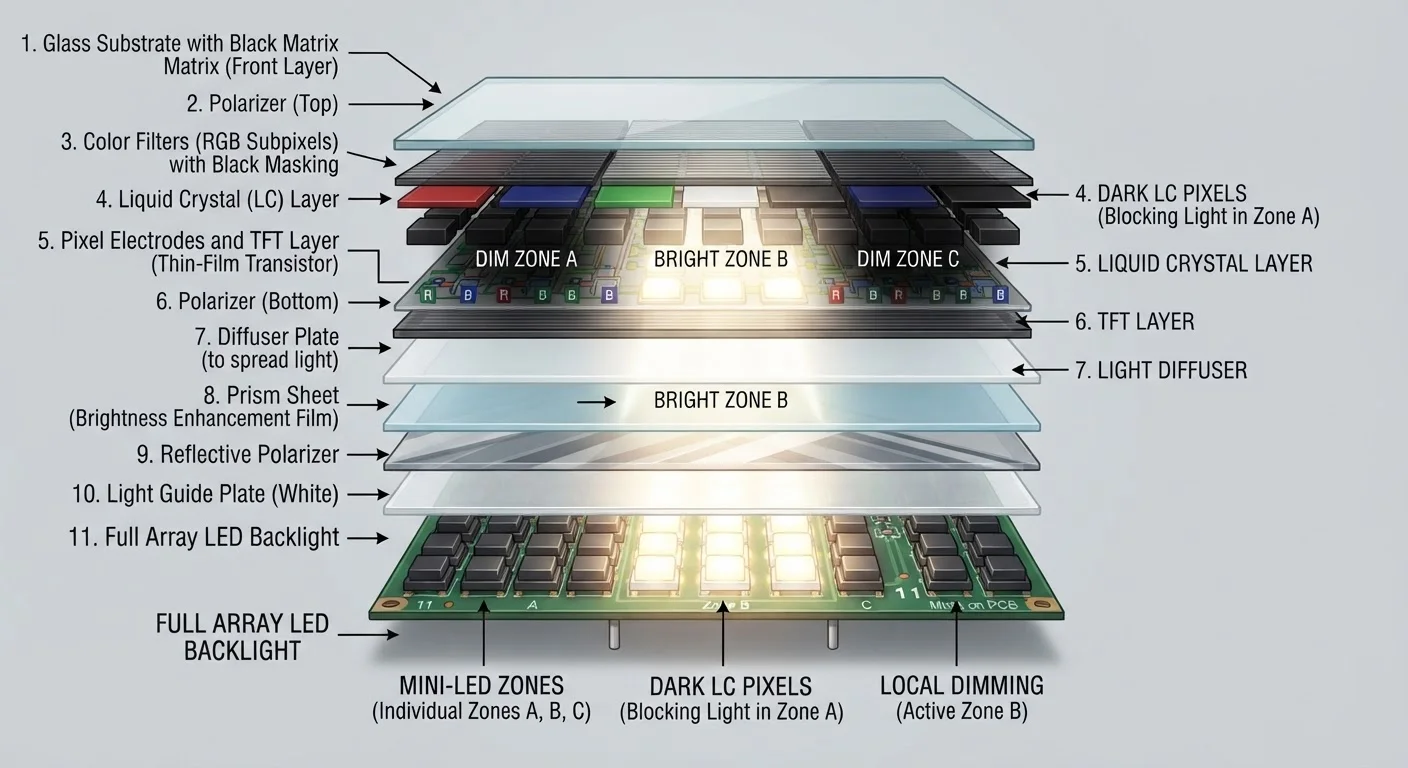
LCD panels use a backlight behind a layer of liquid crystals to filter and shape light into an image. They're widely available and span a broad price range, but their contrast is limited because the backlight can't be turned off completely for true black areas.
OLED panels have individual pixels that produce their own light and can switch off entirely, delivering near-perfect blacks and an infinite contrast ratio. They also offer wide viewing angles. The tradeoff is that they can be more expensive and, under some conditions, risk image retention over very long display times.
QLED is a marketing term referring to LCD TVs enhanced with quantum dots — semiconductor nanocrystals that improve color volume and brightness. QQLEDs remain LCD-based and share some of LCD's contrast limitations, but high-end implementations with full-array local dimming can perform impressively.
For a deeper comparison, see our guide to OLED, QLED, and LED differences.
Resolution Explained: 1080p, 4K, and 8K
Resolution describes how many pixels a screen contains. More pixels generally means a sharper image, but viewing distance and screen size determine how much of that detail your eye can actually detect.
- 1080p (Full HD): 1,920 × 1,080 pixels. Still a capable standard for screens 32–40 inches viewed from typical distances. Streaming content and cable broadcasts commonly use this format.
- 4K (Ultra HD): 3,840 × 2,160 pixels — four times the pixel count of 1080p. At 50 inches and above, the added sharpness is perceptible from a normal sofa distance, and 4K content is now widely available from streaming services and physical media.
- 8K: 7,680 × 4,320 pixels. Native 8K content is extremely scarce. At typical home viewing distances, the human eye has difficulty distinguishing 8K from 4K on most screen sizes. It's a future-facing spec with limited practical payoff today.
When evaluating a TV in a store, ask to see a dark, high-contrast scene — not a demo reel of vivid landscapes. Dark scenes reveal backlight uniformity and contrast handling far better than bright content does.
Demo content shown in showrooms is chosen to make all screens look appealing; contrast performance under realistic conditions is one of the biggest differentiators between display tiers.
Enable your TV's picture calibration mode (often labeled 'Movie' or 'Cinema') before judging its picture quality. Factory default modes like 'Vivid' or 'Dynamic' are deliberately over-saturated for bright showroom floors, not home viewing.
Calibrated modes more accurately represent a TV's true picture quality and typically meet industry color accuracy standards — they also reduce eye strain during extended viewing.
The upscaling engine inside the TV often matters as much as native resolution. A well-designed 4K TV can make 1080p or even 720p content look significantly better than a basic 4K set receiving the same signal.
HDR: What It Is and Why It Matters
High Dynamic Range (HDR) is a set of display standards that expand the range of brightness levels and colors a TV can show — from very dark shadows to extremely bright highlights. HDR can be a bigger visible upgrade than jumping from 1080p to 4K on a properly calibrated screen.
Common HDR formats include:
- HDR10
- The baseline open standard. Supported by virtually every 4K TV and streaming service. Uses static metadata — brightness instructions set once for the whole movie.
- Dolby Vision
- A licensed format using dynamic metadata that adjusts brightness instructions scene by scene or even frame by frame, potentially improving accuracy.
- HDR10+
- Samsung-backed open alternative to Dolby Vision, also using dynamic metadata. Supported by select streaming platforms and Blu-ray titles.
- HLG (Hybrid Log-Gamma)
- Designed for live broadcast HDR content; increasingly common in sports and news.
A TV's HDR performance depends heavily on how bright its panel can get and how well it controls local dimming — specs and features covered below.
Backlight Design and Local Dimming
On LCD-based TVs, the backlight design is one of the most consequential factors in real-world picture quality — yet it rarely appears on the front of a box.
Edge-lit panels place LEDs around the perimeter of the screen, which keeps sets thin and affordable. The limitation is that dimming control is coarse; a dark scene in one corner can bleed light into another area.
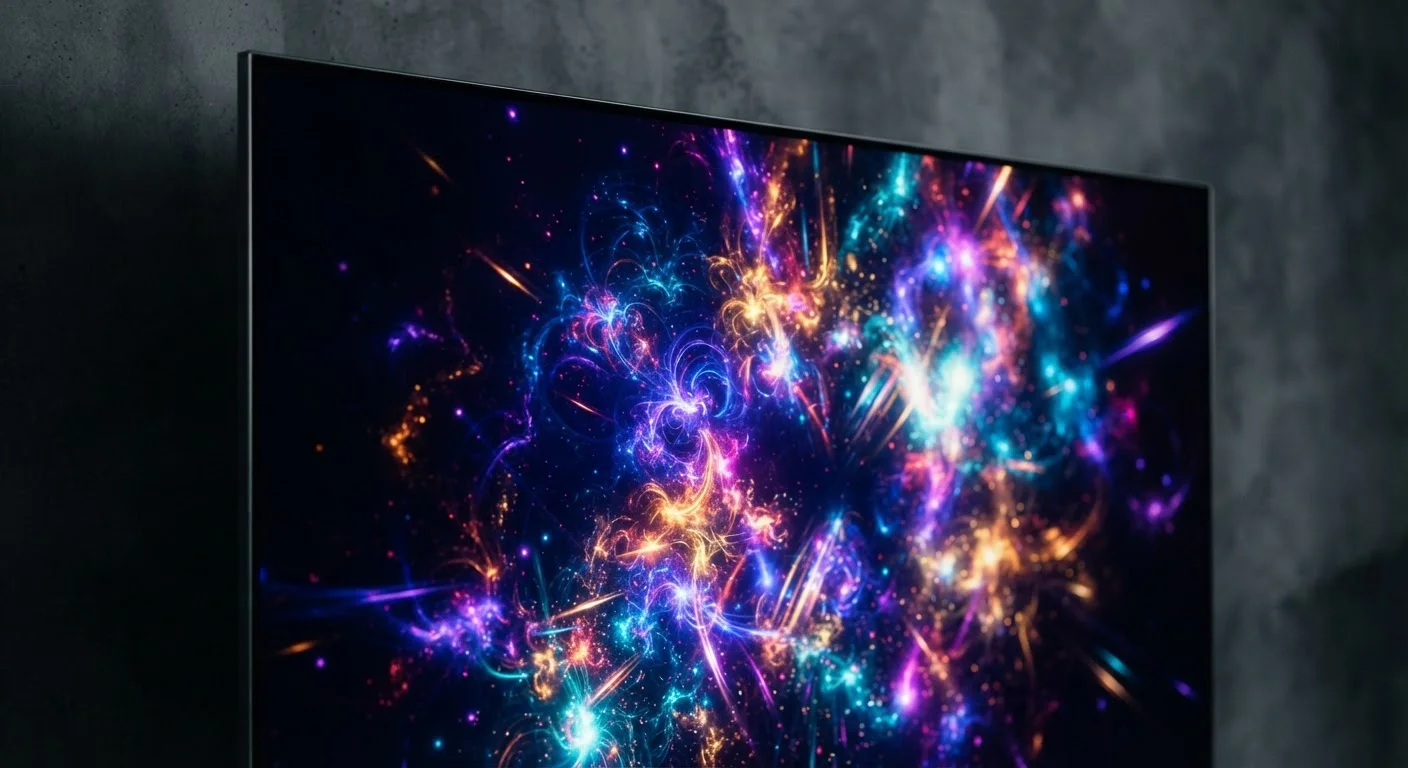
Full-array local dimming (FALD) places LEDs in a grid behind the entire panel, divided into independently controlled zones. This allows the TV to dim dark areas of a scene while keeping bright areas — like a star field — properly bright, dramatically improving contrast.
The number of dimming zones matters: a panel with hundreds of precise zones will handle complex scenes with far less haloing (a glow around bright objects on dark backgrounds) than one with only a dozen zones.
Learn how full-array and edge-lit panels compare in practice for a closer look at how this affects everyday viewing.
Refresh Rate and Motion Processing
Refresh rate, measured in hertz (Hz), describes how many times per second the panel redraws the image. A 60 Hz panel refreshes 60 times per second; a 120 Hz panel refreshes 120 times per second.
For most TV content — standard movies and shows — 60 Hz is adequate. Fast-moving content like sports, action films, and gaming benefits more noticeably from 120 Hz, which can reduce motion blur.
Don't Confuse Marketing Hz With Native Refresh Rate
TV manufacturers frequently advertise figures like '240 Motion Rate' or '480 CMI' that do not represent the panel's true native refresh rate. These numbers are calculated using proprietary formulas that combine real refresh rate with motion-processing effects. Always look for the native refresh rate — typically listed in detailed specs as 60 Hz or 120 Hz — when comparing models.
Most manufacturers also advertise inflated effective refresh rate numbers — values like 240 Hz or 480 Hz — that describe motion-processing algorithms rather than true native panel refresh rates. When comparing sets, focus on the native refresh rate (typically 60 Hz or 120 Hz) rather than these marketing figures.
Motion smoothing (sometimes called the "soap opera effect") is a processing mode that makes film content look unnaturally fluid. It's adjustable in TV settings and generally recommended to disable for movies while leaving it on or reduced for sports, depending on personal preference.
Picture Processing: The Software Behind the Image
Beyond the panel itself, a TV's processor interprets every incoming signal and decides how to render it. Key processing tasks include:
- Upscaling: Converting lower-resolution content (like 1080p) toward the TV's native 4K resolution, filling in detail using algorithms.
- Noise reduction: Smoothing out compression artifacts from streaming or broadcast signals, though aggressive settings can also soften fine detail.
- Color mapping: Translating the color information in the source signal to what the panel can accurately display, particularly important for HDR tone mapping.
- Auto-calibration: Some TVs use built-in sensors or external apps to adjust picture settings to room lighting conditions.
Processing quality varies significantly between manufacturers and product tiers. A mid-range TV with an excellent processor can outperform a higher-spec set with a weaker one, which is why reading calibrated measurements alongside spec sheets helps when making a decision.
Putting It All Together for Your Budget
Understanding these technologies doesn't require a technical background — it requires knowing which features actually affect the viewing you plan to do.
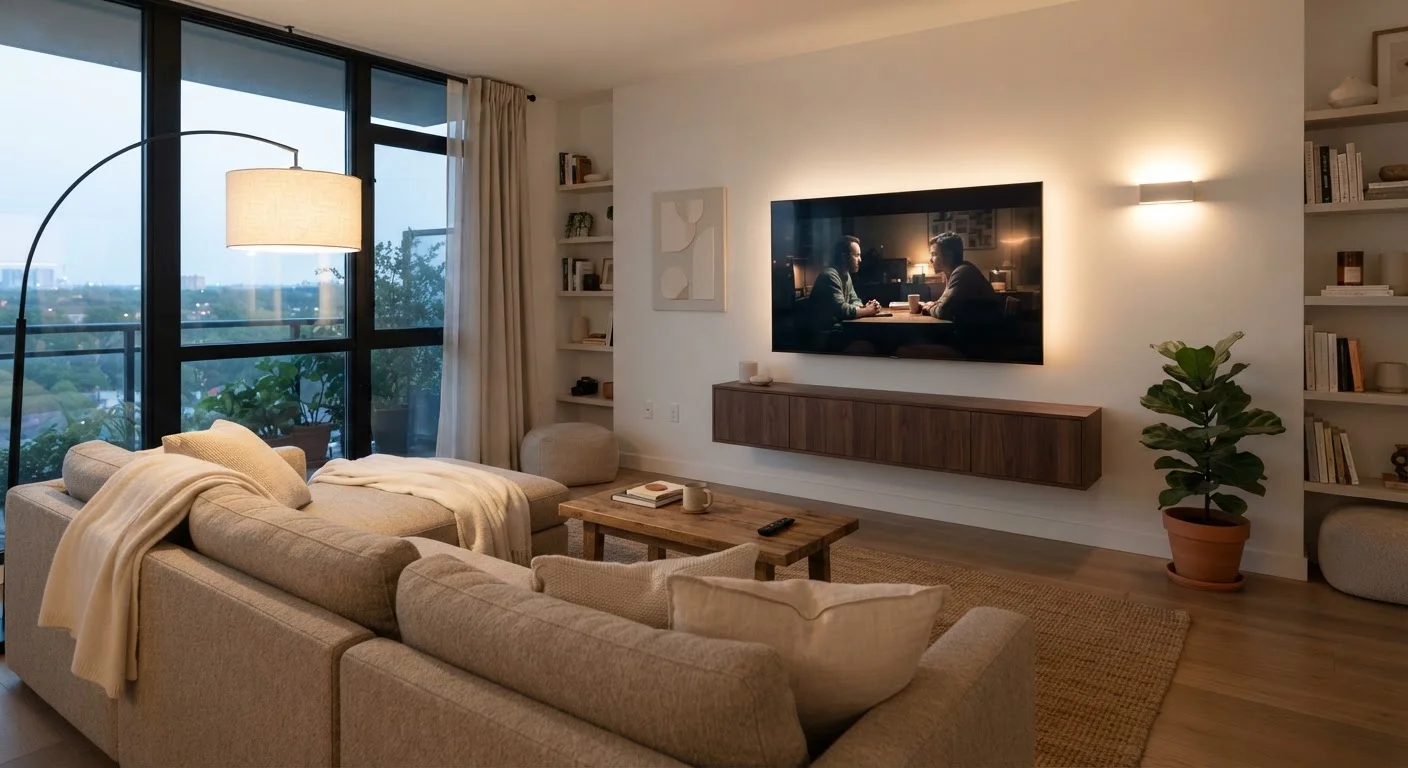
If you watch a lot of movies in a darkened room, OLED's contrast advantage is meaningful. If your living room is bright, a high-brightness QLED with full-array local dimming may deliver a more satisfying picture. For a smaller bedroom TV viewed casually, a well-calibrated 1080p or entry-level 4K LCD is often more than sufficient.
Focus your attention on panel type, backlight design, and HDR support in roughly that order before worrying about resolution beyond 4K or refresh rates beyond 120 Hz — those represent diminishing returns for most consumers in typical home environments.
If you're just starting to research your options, our first-time TV buyer's guide walks through every core concept before you commit. You can also explore Home Tech Basics for practical guidance on related home electronics decisions.