What HDR Actually Means — and Why the Label Alone Doesn't Tell You Much
Walk through any electronics section and you'll see HDR stamped on nearly every display. The problem is that "HDR" has become a marketing umbrella covering a wide range of very different real-world performance levels. Understanding what the term actually requires — and what it doesn't — is the first step to making sense of display specs.
HDR stands for High Dynamic Range, and it refers to the gap between the darkest and brightest elements a screen can display at the same time. A standard dynamic range (SDR) display typically reaches around 100 nits of peak brightness. A capable HDR display can hit 400, 1,000, or even 2,000+ nits in bright highlights, while simultaneously showing near-black shadow detail. That combination is what creates the "pop" you see in HDR demo footage.
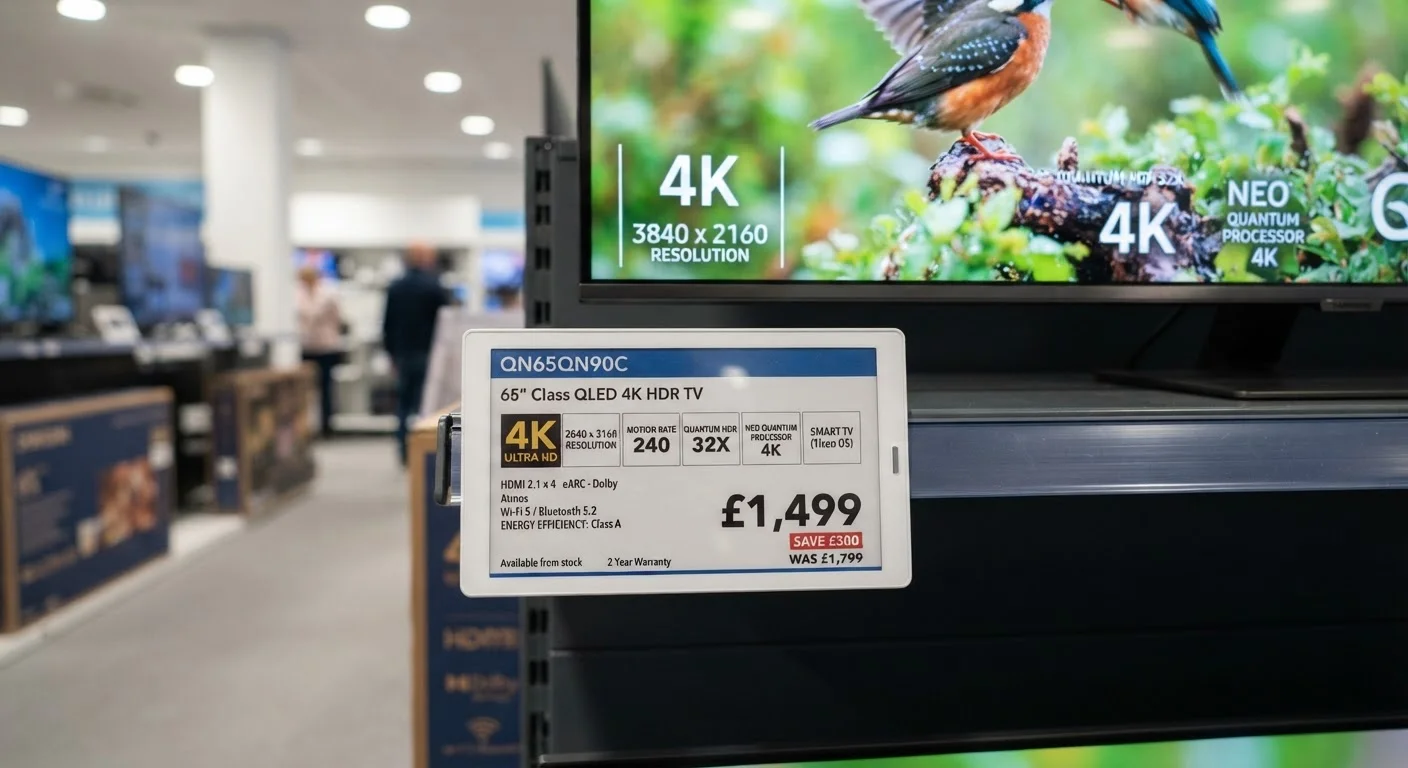
But here's the catch: industry certification tiers like VESA DisplayHDR 400 require only 400 nits of peak brightness — a threshold many display experts consider the bare minimum for any perceptible HDR effect. A panel hitting exactly 400 nits will look noticeably different from one reaching 1,000 nits, even though both carry an HDR badge. For a broader look at how brightness specs fit into the overall picture, see our TV specs decoder.
HDR Requires a Matching Content Source
A capable HDR display doesn't automatically make all content look better. The source — a streaming app, a Blu-ray player, a game console — must also output an HDR signal in a compatible format. Standard SDR content played on an HDR TV is still rendered in SDR, though many displays apply an upconversion process that approximates some HDR characteristics with mixed results.
The Four Main HDR Formats and What Sets Them Apart
Beyond the hardware question, there's a format question. HDR content is encoded using different standards, and not every display supports every format equally well.
- HDR10: The baseline open standard supported by virtually every HDR-capable TV and streaming device. It uses static metadata — a single set of brightness instructions applied to the entire program. It's widely compatible but less precise than newer formats.
- Dolby Vision: A licensed format from Dolby Laboratories that uses dynamic metadata, adjusting brightness and color tone-mapping on a scene-by-scene or frame-by-frame basis. The result is generally more accurate rendering on displays that support it, though it requires the content, the streaming app, and the TV to all support Dolby Vision simultaneously.
- HDR10+: Developed by Samsung and Amazon, HDR10+ adds dynamic metadata to the open HDR10 framework — essentially offering Dolby Vision-style precision without the licensing fee. Adoption has been more limited than either HDR10 or Dolby Vision.
- HLG (Hybrid Log-Gamma): Designed for live broadcast and streaming, HLG doesn't rely on metadata at all, making it easier to transmit over traditional broadcast infrastructure. It's the format most commonly used for live sports and news with HDR support.
The practical takeaway: if you watch a lot of streaming movies and series, Dolby Vision compatibility on both your display and your streaming source will typically give you the most refined picture from supported titles. For everyday broadcast TV, HLG compatibility matters more.
Why Panel Technology Determines How Good HDR Actually Looks
No HDR format can make a physically limited panel look better than its hardware allows. The display technology underneath the HDR label does much of the real work.
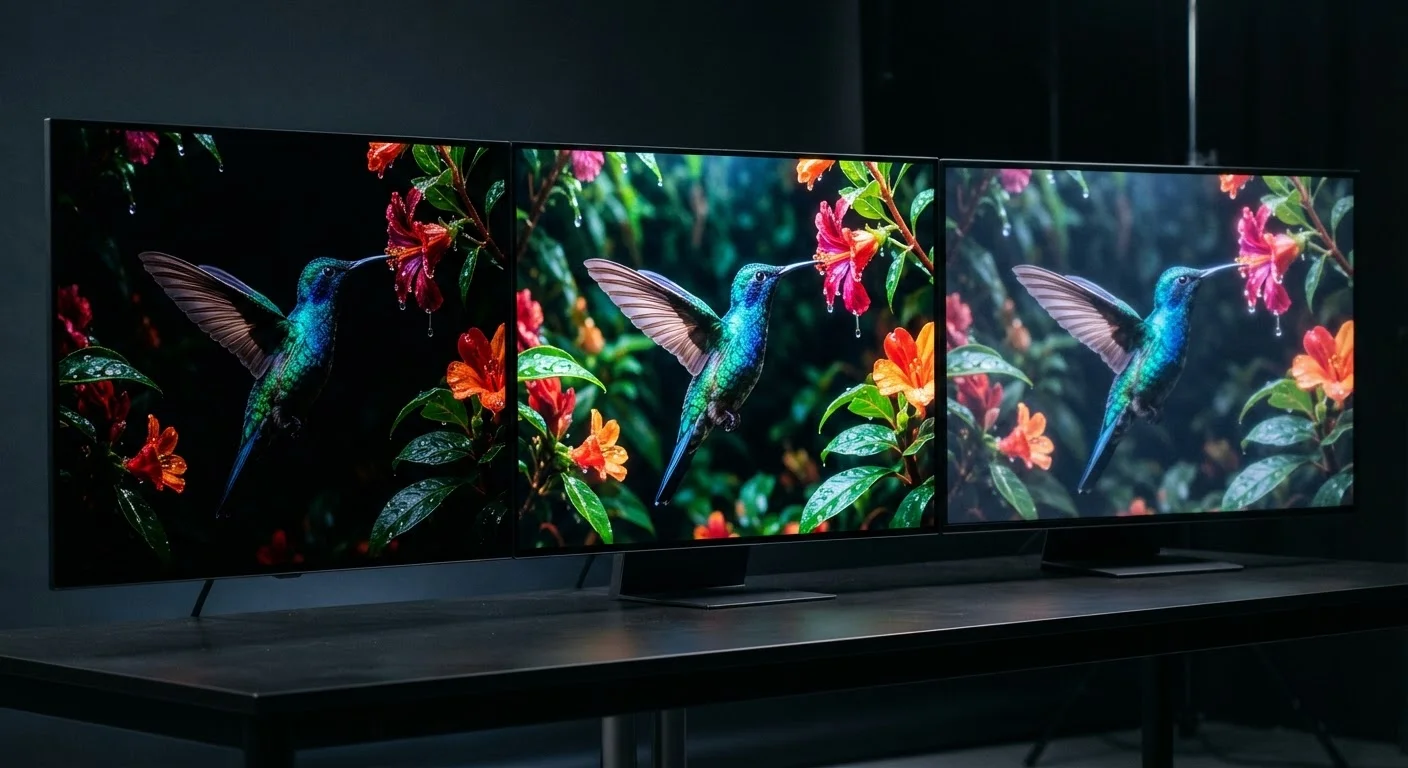
OLED panels achieve true blacks by turning individual pixels completely off, giving them an essentially infinite contrast ratio. This makes dark scenes in HDR content look genuinely dark, even if their peak brightness is lower than high-end LED screens. QLED and full-array LED panels with aggressive local dimming can reach higher peak brightness, which makes bright highlights — explosions, sunlight, stadium lights — more impactful, but their black levels depend heavily on how finely the dimming zones are divided. Our article on OLED, QLED, and LED differences covers this in more depth.
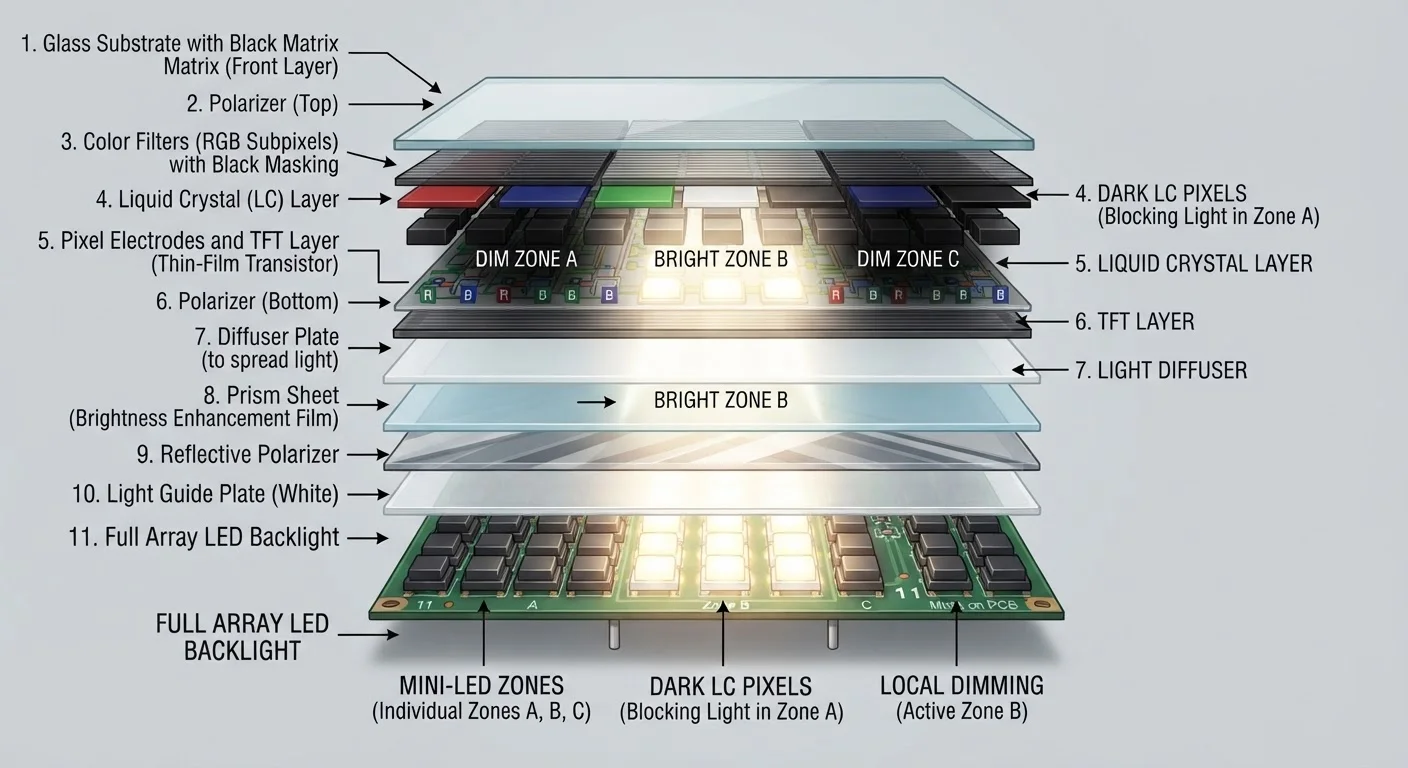
Edge-lit LED panels — still common at lower price points — have very limited local dimming capability, which means HDR content often shows a visible "halo" around bright objects on dark backgrounds. For a closer look at how backlighting shapes real-world picture quality, see our piece on backlight types and local dimming.
1,000+ nits
Peak brightness for premium HDR experience
Display standards bodies and professional reviewers generally cite 1,000 nits as the threshold where HDR highlights become visually impactful in a variety of room lighting conditions.
400 nits
Minimum for VESA DisplayHDR 400 certification
VESA's entry-level DisplayHDR 400 certification sets 400 nits as a baseline, but many display experts consider this level to produce only a modest HDR improvement over standard dynamic range.
~90%
DCI-P3 coverage in wide-color HDR displays
High-quality HDR-capable panels typically cover roughly 90% or more of the DCI-P3 color gamut, the cinema standard used to master most HDR streaming content.
Understanding these hardware differences helps explain why two displays both labeled "HDR" can look dramatically different when showing the same content. The format, the panel type, and the peak brightness all interact to produce the final image.
What to Look For When Evaluating HDR on a Display
Rather than relying on the HDR badge alone, focus on a few measurable factors that indicate whether a display will deliver a meaningful HDR experience.
- Peak brightness: Look for at least 600–1,000 nits for a noticeable HDR effect in a typical room. Displays below 400 nits may technically qualify as HDR but deliver limited benefit.
- Local dimming: More dimming zones generally mean better contrast. Full-array local dimming outperforms edge-lit designs. OLED sidesteps this entirely with per-pixel dimming.
- Color volume: HDR also expands the color space. Look for displays covering a wide percentage of the DCI-P3 color gamut, which is the standard used in cinema and most streaming HDR content.
- Format support: Confirm which HDR formats the display supports — HDR10 is the minimum baseline; Dolby Vision adds value if your content sources support it.
These same principles apply when evaluating laptop and monitor displays. Our screen resolution and display terms guide covers related specs you'll encounter shopping for smaller screens.
For a complete overview of how HDR fits into the broader landscape of TV technology, the Complete Guide to TV Display Technology brings all these concepts together in one place.
Test HDR Before You Judge It
If you have access to a store demo, look specifically at how the display handles mixed scenes — ones with both very bright and very dark elements on screen at the same time. A display that handles this well is delivering real HDR benefit. A display where bright objects produce a glow or halo against dark backgrounds likely has limited local dimming, regardless of what the label says.