Why Display Resolution Labels Matter
Walk into any electronics store — or scroll through an online listing — and you'll see display specs like FHD, QHD, and 4K stacked one after another. These labels describe how many pixels a screen can show, but the abbreviations aren't always self-explanatory. A higher number generally means a sharper picture, but the relationship between resolution, screen size, and your actual experience is more nuanced than spec sheets suggest.
This glossary covers the display terms you're most likely to encounter while researching laptops and monitors. For a broader look at how resolution interacts with other display specs, see what screen resolution actually does to picture quality. If you're also weighing processor and memory specs alongside your display choice, our plain-English laptop specs guide covers all of those in one place.
HD (720p)
High Definition, with a resolution of 1280 × 720 pixels. Once standard on budget laptops, HD is now considered low-resolution for modern screens and is less common on new machines above 11 inches.
FHD (1080p)
Full High Definition, with a resolution of 1920 × 1080 pixels. FHD is the most common laptop display resolution and delivers sharp, clear images on screens up to about 15 inches.
QHD (1440p)
Quad High Definition, with a resolution of 2560 × 1440 pixels — four times the pixel count of HD. QHD offers noticeably sharper detail on screens 15 inches and larger, and is popular on premium productivity and creative laptops.
4K / UHD
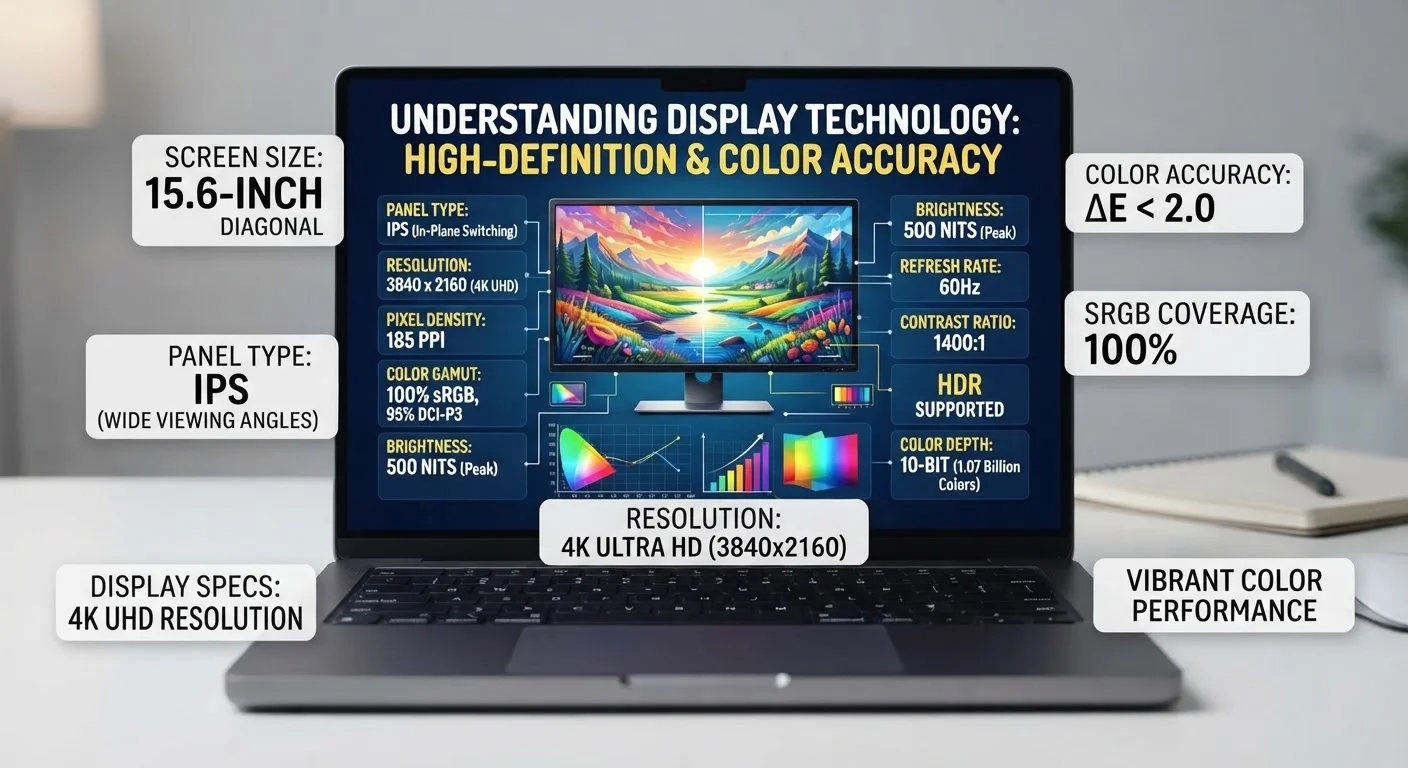
Ultra High Definition, typically 3840 × 2160 pixels. 4K delivers the highest pixel density available on consumer laptops, but the visual benefit is most apparent on screens 17 inches and larger or when viewed at close range.
Pixel
The smallest individual dot of light on a display. Every image on a screen is made up of millions of pixels arranged in a grid; more pixels mean finer detail.
PPI (Pixels Per Inch)
A measure of pixel density — how many pixels are packed into each inch of screen. Higher PPI produces a sharper image, making screen size just as important as raw resolution when comparing displays.
Aspect Ratio
The proportional relationship between a screen's width and height. Common laptop ratios include 16:9 (widescreen, standard for video) and 16:10 (taller, favored for productivity tasks).
Refresh Rate (Hz)
How many times per second a display redraws the image, measured in hertz. A 60 Hz display refreshes 60 times per second; higher rates (120 Hz, 144 Hz) produce smoother motion but can reduce battery life.
OLED
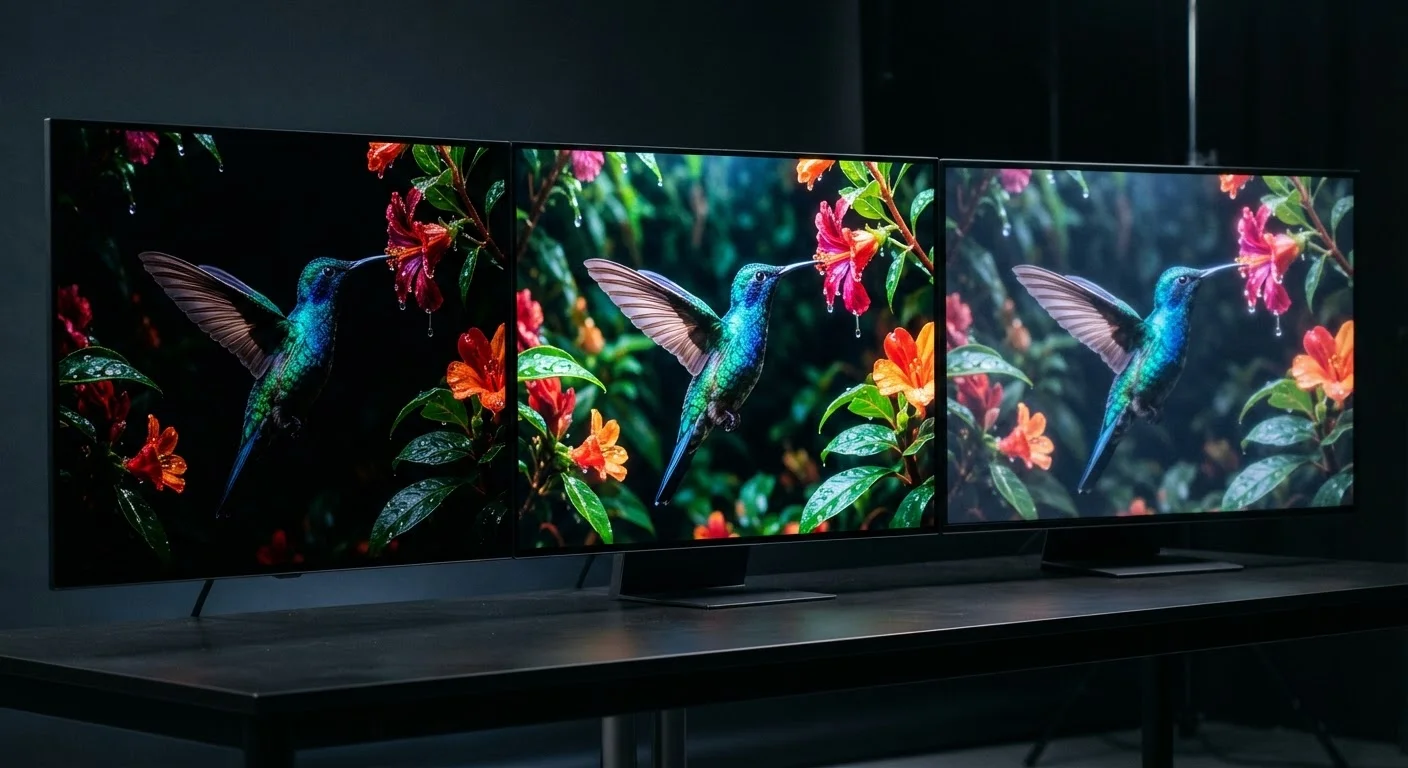
Organic Light-Emitting Diode — a panel technology where each pixel produces its own light. OLED displays offer deep blacks, vivid colors, and high contrast regardless of resolution, but tend to appear in higher-priced laptops.
IPS
In-Plane Switching — a widely used LCD panel type known for accurate colors and wide viewing angles. IPS panels appear across all resolution tiers and are common in mid-range and premium laptops.
HDR
High Dynamic Range — a feature that expands the range of brightness and color a display can show. HDR support depends on both the screen hardware and the content being played. For more detail, see the HDR explainer.
Native Resolution
The actual pixel grid built into a display, as opposed to a scaled or interpolated resolution. Running a screen at its native resolution always produces the sharpest image.
Key Display Spec Numbers at a Glance
Beyond resolution labels, manufacturers often list raw pixel counts, pixel density, and panel type in the same spec block. The quick-reference card below gives you a baseline for comparing what you'll commonly see on laptop listings.
| HD resolution | 1280 × 720 pixels |
| FHD resolution | 1920 × 1080 pixels |
| QHD resolution | 2560 × 1440 pixels |
| 4K / UHD resolution | 3840 × 2160 pixels |
| Most common laptop resolution | FHD (1080p) |
| Typical laptop refresh rate | 60 Hz (standard); 120–144 Hz (high-refresh) |
Pixel density — measured in pixels per inch (PPI) — matters just as much as raw resolution. A 1080p screen on a 13-inch laptop looks sharper than the same resolution stretched across a 17-inch display, because the pixels are packed more tightly. Similarly, panel technology affects color and contrast independent of resolution. To understand how OLED and other panel types differ, see OLED, QLED, and LED display differences. If you're shopping for a phone or tablet, display specs for phones and tablets walks through how those same terms apply on smaller screens.
How Resolution Connects to Battery Life and Performance
Resolution is not just a visual choice — it has real-world consequences for how a laptop performs and how long it runs between charges. Driving more pixels requires more work from both the processor and the graphics chip. A laptop rendering a QHD display draws more power than the same machine running at FHD, which can translate to noticeably shorter battery life during everyday tasks.
For creative professionals — video editors, photographers, designers — a higher-resolution display delivers genuine benefits: finer detail, more accurate color reproduction, and a closer match to print output. For everyday tasks like browsing, email, and video calls, FHD is typically sufficient on screen sizes up to 15 inches. QHD or 4K panels begin to show their advantage on displays 16 inches and larger, where the added pixel density becomes more visible to the average eye.
Refresh rate is a related spec worth noting. Most laptop displays run at 60 Hz (60 frames per second), which is adequate for general use. Higher refresh rates — 90 Hz, 120 Hz, or 144 Hz — reduce motion blur and feel smoother during scrolling or gaming. Some manufacturers pair high refresh rates with lower resolutions to preserve battery life. Understanding the tradeoff helps you prioritize what matters most for how you actually use your laptop. For a deeper dive into how these specs interact on TV-sized screens, TV display spec numbers decoded provides useful context on the same principles.