Resolution: Pixels Are Not the Whole Story
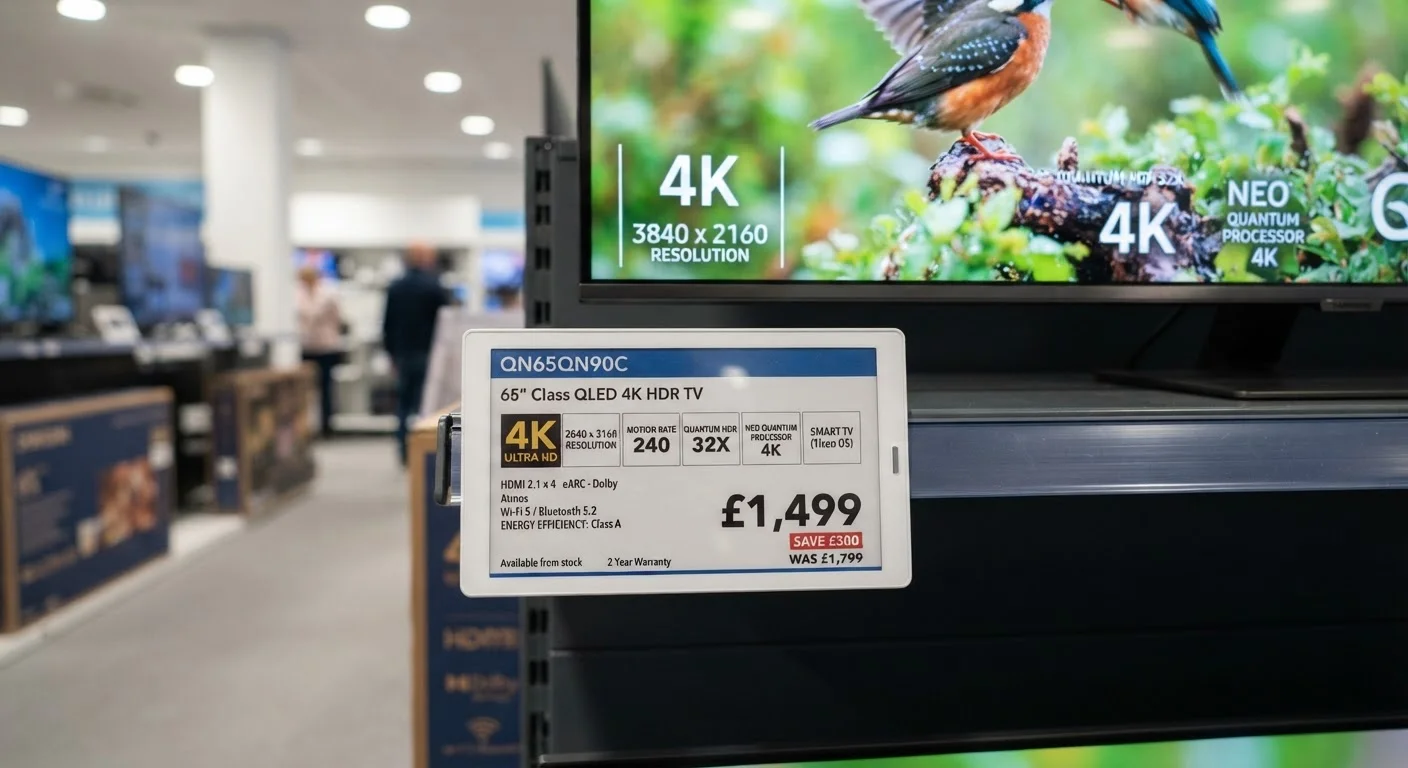
Resolution describes how many individual pixels make up the image on screen. You'll see labels like 1080p (Full HD), 4K (Ultra HD), and occasionally 8K. The pixel counts are 1920 × 1080, 3840 × 2160, and 7680 × 4320 respectively.
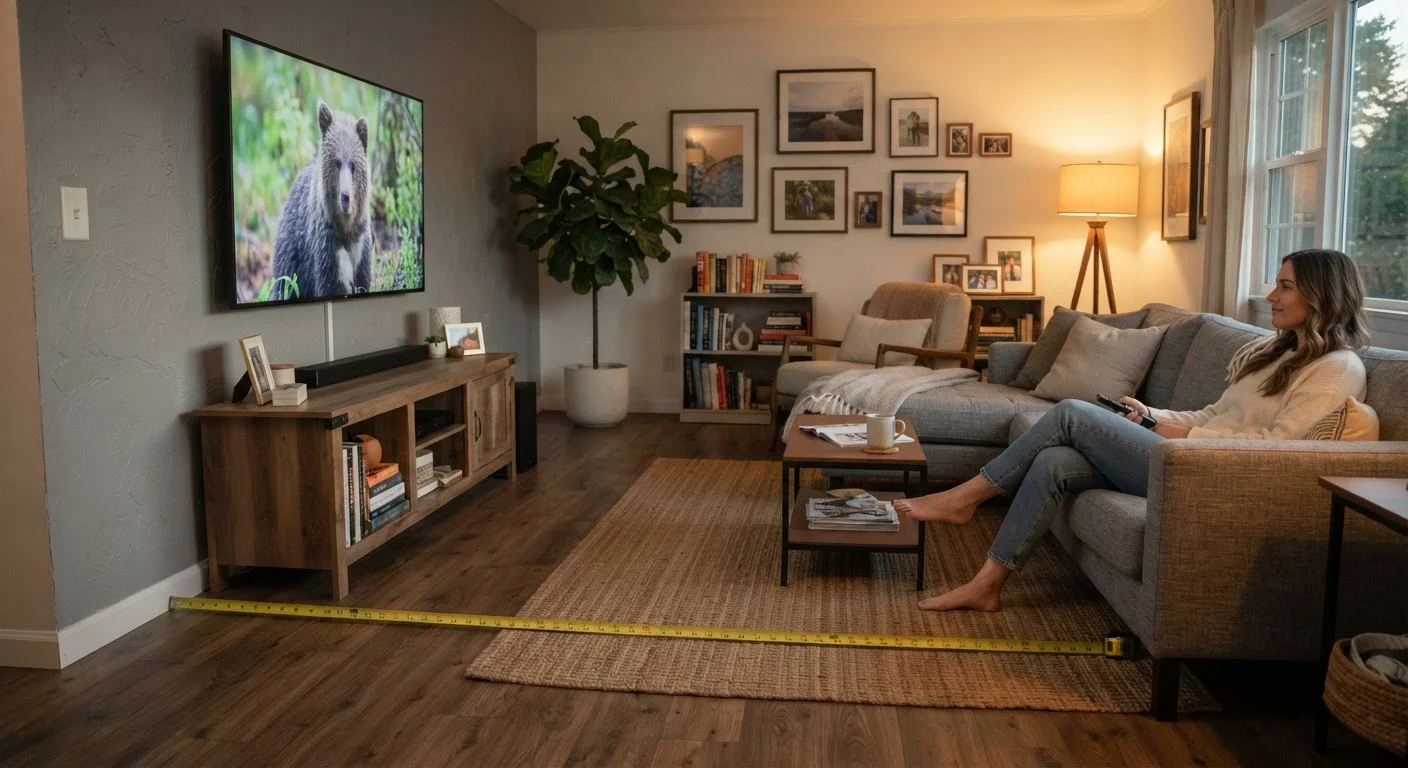
Here's the practical catch: resolution only delivers visible benefit if you sit close enough to the screen to perceive individual pixels. At a typical living room viewing distance of 8–10 feet, the difference between 1080p and 4K becomes noticeable around 55 inches and above. Closer than that or on a smaller screen, the benefit shrinks. See our TV sizing guide for distance recommendations by screen size.
Also note that your content must actually be in 4K for a 4K TV to display it. Streaming services, Blu-ray discs, and some cable/satellite broadcasts offer 4K; most standard cable TV and older streaming libraries are still 1080p or lower.
Resolution
The total number of pixels that make up a TV's image, expressed as width × height (e.g., 3840 × 2160). More pixels generally means finer detail, but viewing distance determines whether you can see the difference.
Refresh Rate
How many times per second the screen redraws its image, measured in Hertz (Hz). A native 120Hz panel updates twice as often as a 60Hz panel, which matters most for fast motion like sports or gaming.
Nits
A unit of brightness measuring how much light a display emits per square meter. Higher nit counts help images remain visible and punchy in bright rooms, and are especially relevant for HDR performance.
HDR (High Dynamic Range)
A display capability that increases the range between the darkest shadows and brightest highlights in an image. HDR comes in multiple formats (HDR10, Dolby Vision, HLG) with different quality levels.
Contrast Ratio
The difference between the brightest white and darkest black a TV can produce. Higher contrast ratios generally produce more vivid, lifelike images, though measurement methods vary by manufacturer.
Panel Type
The underlying display technology used — commonly LCD/LED, QLED, or OLED. Each has different characteristics for brightness, black levels, viewing angles, and power consumption.
Color Gamut
The range of colors a TV can reproduce. Wider gamuts (like DCI-P3 or BT.2020) allow more vivid, accurate color when paired with compatible content.
Input Lag
The delay between a signal being sent to the TV and the image appearing on screen, measured in milliseconds. Low input lag is important for gaming; it has no meaningful effect on passive watching.
Refresh Rate, Brightness, and HDR: What the Big Numbers Mean
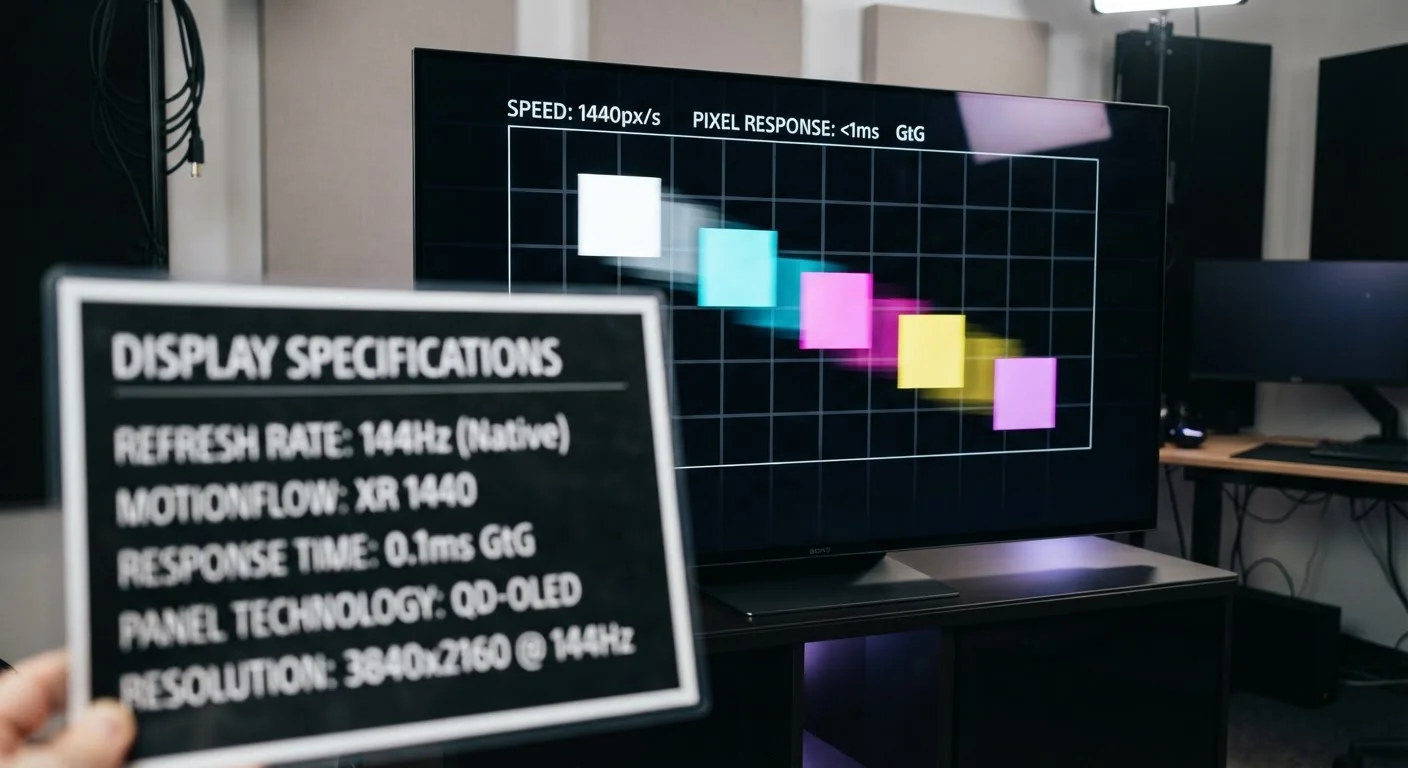
Refresh rate is measured in Hertz (Hz). A 60Hz TV redraws the image 60 times per second; a 120Hz TV does it twice as fast. For watching films and regular TV, 60Hz is adequate. For live sports, fast-paced gaming, or anything with quick on-screen motion, a native 120Hz panel produces noticeably smoother results.
"Effective" Refresh Rates Can Be Misleading
Manufacturers sometimes advertise numbers like "240Hz effective" or "Motion Rate 240" that are calculated using image-processing tricks rather than actual panel hardware. Always look for the native refresh rate, not the marketed motion enhancement number. Our article on refresh rate marketing explains how to tell the difference.
Brightness (nits) measures light output. For a well-lit room, 300–400 nits handles everyday viewing. To get the most from HDR content — where bright highlights like sunlight or flames need to pop — you want 600 nits or more, with premium tiers exceeding 1,000 nits. Learn more in our HDR explainer.
HDR itself is not a single standard. HDR10 is the baseline format, supported on virtually every HDR TV. Dolby Vision adds dynamic scene-by-scene metadata for more precise processing. HLG is common in broadcast. A TV may list support for multiple formats; the formats available on your streaming service or disc determine which one actually plays. Check our complete TV display guide for a deeper look at how these interact.
| Standard 4K resolution | 3840 × 2160 pixels (8.3 million total) (Consumer Electronics Association standard) |
| Native refresh rate to look for | 60Hz (standard) or 120Hz (sports/gaming) |
| Brightness threshold for HDR | 400–1,000+ nits depending on HDR tier (VESA DisplayHDR certification levels) |
| Typical low input lag for gaming | Under 20 milliseconds |
| Color coverage for HDR content | DCI-P3 color space, 90%+ recommended |
| Full HD (1080p) resolution | 1920 × 1080 pixels |
Panel Type, Contrast, and the Numbers That Rarely Get Explained
Panel technology determines the fundamental look and behavior of the image. LCD/LED panels use a backlight behind liquid crystals — they're widely available and bright, but black areas can look grayish because the backlight bleeds through. QLED is a variant that adds quantum dots to improve color output. OLED panels light each pixel individually, meaning true blacks and outstanding contrast, though they can be dimmer than high-end LCD panels in very bright rooms.
Contrast ratio numbers on spec sheets — sometimes listed as 5,000:1 or even 1,000,000:1 — should be taken with skepticism. There is no universal measurement standard across manufacturers, so comparing these numbers across brands tells you very little. Panel type is a more reliable indicator of expected contrast behavior.
Color gamut figures like "98% DCI-P3" describe how wide a range of colors a TV can produce. The DCI-P3 color space covers the colors used in digital cinema; coverage above 90% is a meaningful indicator for HDR content. BT.2020 is a wider standard relevant for future content but less commonly achievable at full coverage today.
For gaming specifically, watch for input lag — a spec measured in milliseconds that indicates how quickly the TV responds to a signal. For gaming, look for under 20ms in a dedicated Game Mode. This has no effect on movie or TV watching, so it only matters if your TV will double as a gaming display. If picture quality seems off despite strong specs, our picture quality troubleshooting guide covers settings and source checks to try first.