Why Viewing Distance Drives Everything
When shoppers walk into an electronics retailer, the instinct is often to gravitate toward the largest screen that fits the budget. But screen size is only one variable in a two-part equation. The distance between the viewer and the screen — not the square footage of the room — determines whether a given TV size will feel comfortable or overwhelming.
Sit too close to a screen that is too large and your eyes must constantly scan to take in the full image. Sit too far from a screen that is too small and you lose picture detail and immersion. The goal is to find the size that lets you see the full picture at once within a relaxed field of view, without straining in either direction.
For a broader look at how display measurements interact with picture quality, the first-time TV buyer's guide walks through the full set of concepts before you commit to a purchase.
Measure First, Shop Second
Many buyers pick a screen size based on gut feeling or what fits a TV stand, then discover the image looks too close or too distant from their couch. Always measure your seating distance in inches before deciding on a screen diagonal. This single step prevents the most common and costly sizing mistake.
How to Find Your Ideal Screen Size
The steps below walk you through measuring your space, applying a straightforward formula, and accounting for resolution — the three factors that together determine your right-size range. You'll need only a tape measure and about ten minutes.
Tape measure
Measures the distance from your seating position to the TV wall in inches or feet.
Painter's tape
Used to outline a simulated screen size on the wall so you can visualize the dimensions before purchasing.
Notepad or notes app
Records your measurements so you have exact numbers when comparing TV specs in-store or online.
Measure your viewing distance
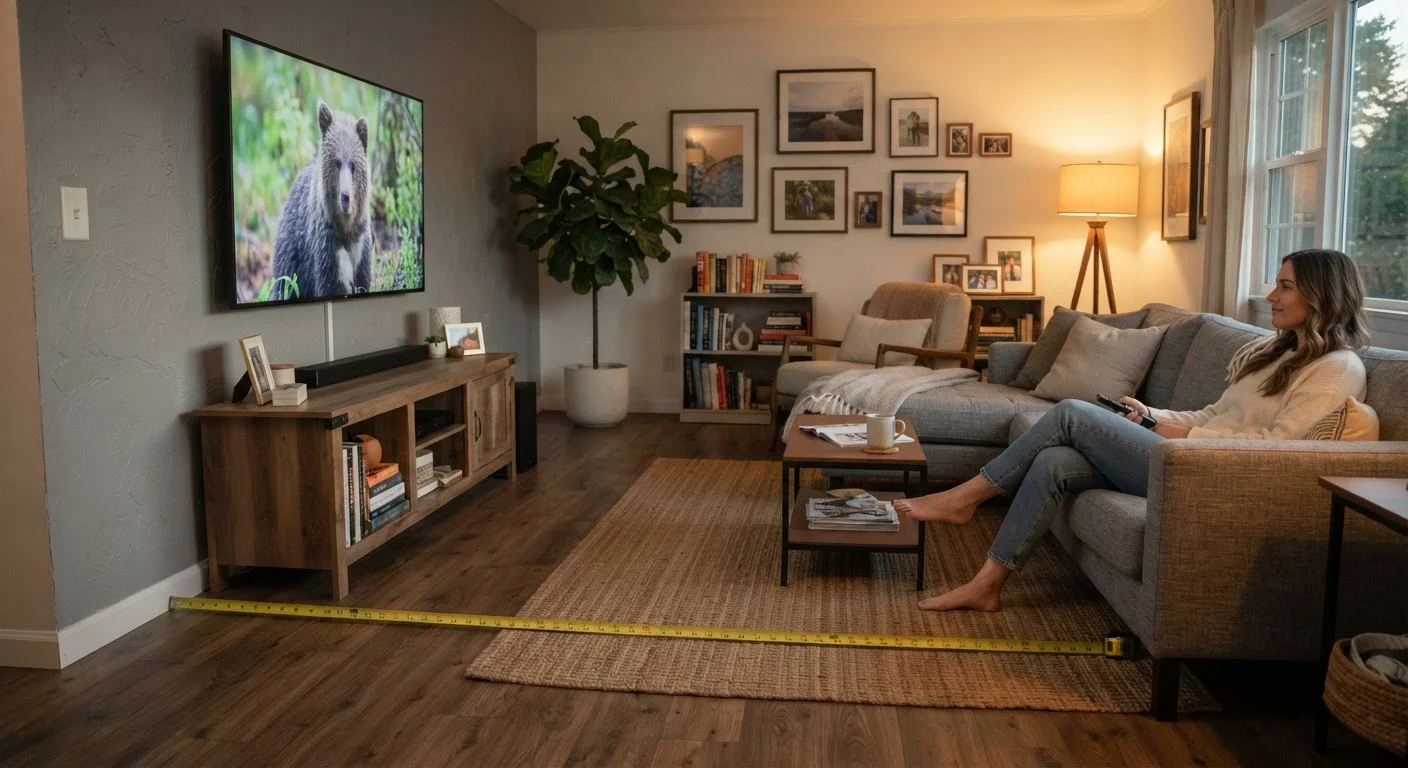
Using a tape measure, record the distance in inches from your primary seating position to the wall where the TV will sit. If your couch is 9 feet from the wall, that equals 108 inches. Write this number down — it is the anchor for every calculation that follows.
Apply the viewing distance formula
Divide your viewing distance in inches by 1.5 to get the upper end of a comfortable screen size range, and divide by 2 to get the lower end. For example, 108 inches ÷ 1.5 = 72 inches and 108 ÷ 2 = 54 inches. Your comfortable range would be approximately 54–72 inches diagonal.
This formula is based on the field-of-view principles outlined by display standards organizations, which suggest that a viewing angle of roughly 30–40 degrees produces an immersive but comfortable picture.
Adjust for screen resolution
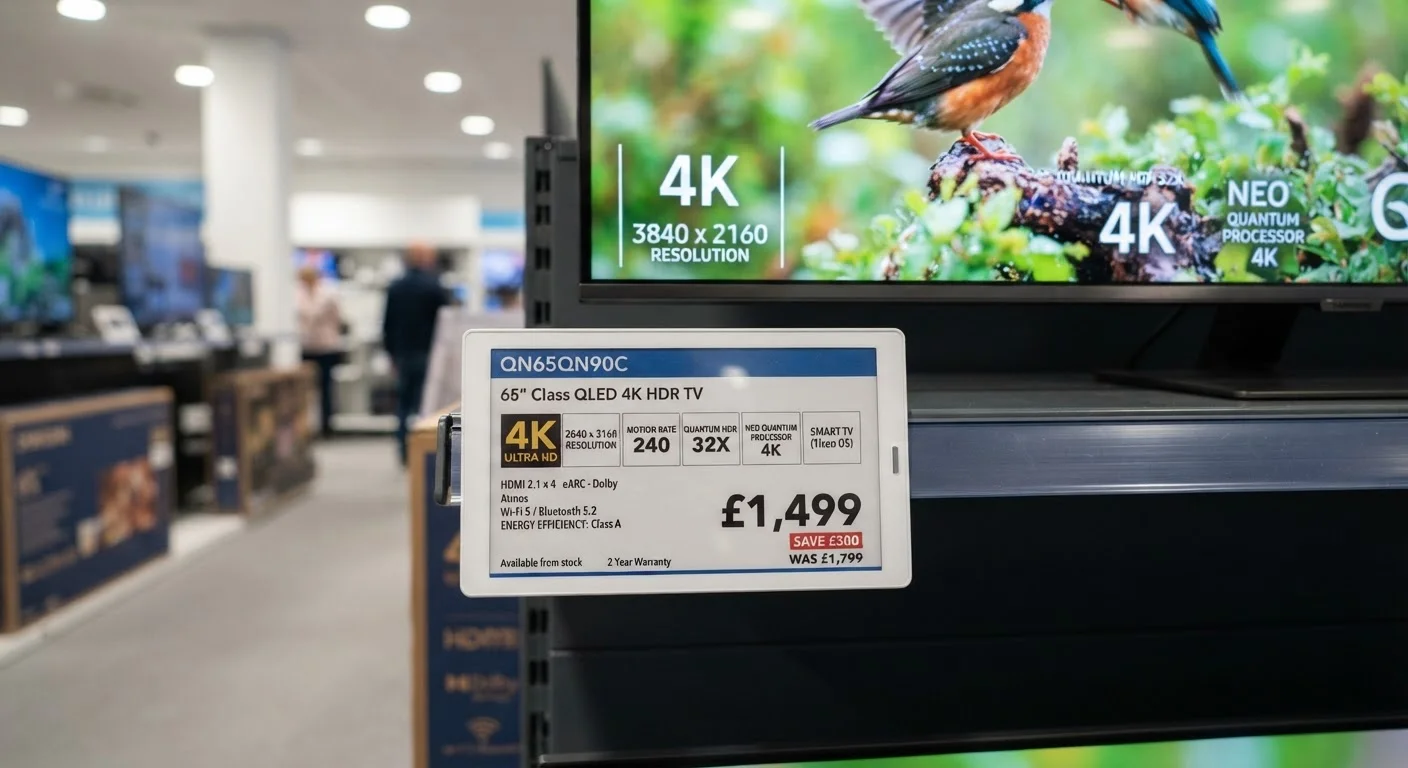
Resolution affects how close you can sit before individual pixels become visible. A 4K (Ultra HD) screen — meaning 3840 × 2160 pixels — packs four times as many pixels as a 1080p screen of the same size. This means you can safely sit closer to a 4K TV without seeing a pixelated image.
If you're choosing a 4K TV, shift toward the larger end of your calculated range. If you're considering a 1080p screen, staying toward the smaller end of the range keeps the image looking sharp. For a breakdown of what resolution specs actually mean for picture quality, see our TV specs decoded guide.
Check physical fit in your space
Once you have a target screen size range, convert the diagonal measurement into actual width and height. A 65-inch TV is roughly 57 inches wide and 32 inches tall (assuming the standard 16:9 aspect ratio). Compare these dimensions against your TV stand, media console, or wall mounting area.
Leave at least a few inches of clearance on each side to allow for ventilation and to avoid a cramped look. If you're working with a smaller room or limited wall space, our guide to furniture dimensions in small spaces explains how to proportion large objects within compact rooms.
Confirm mounting height for comfortable viewing
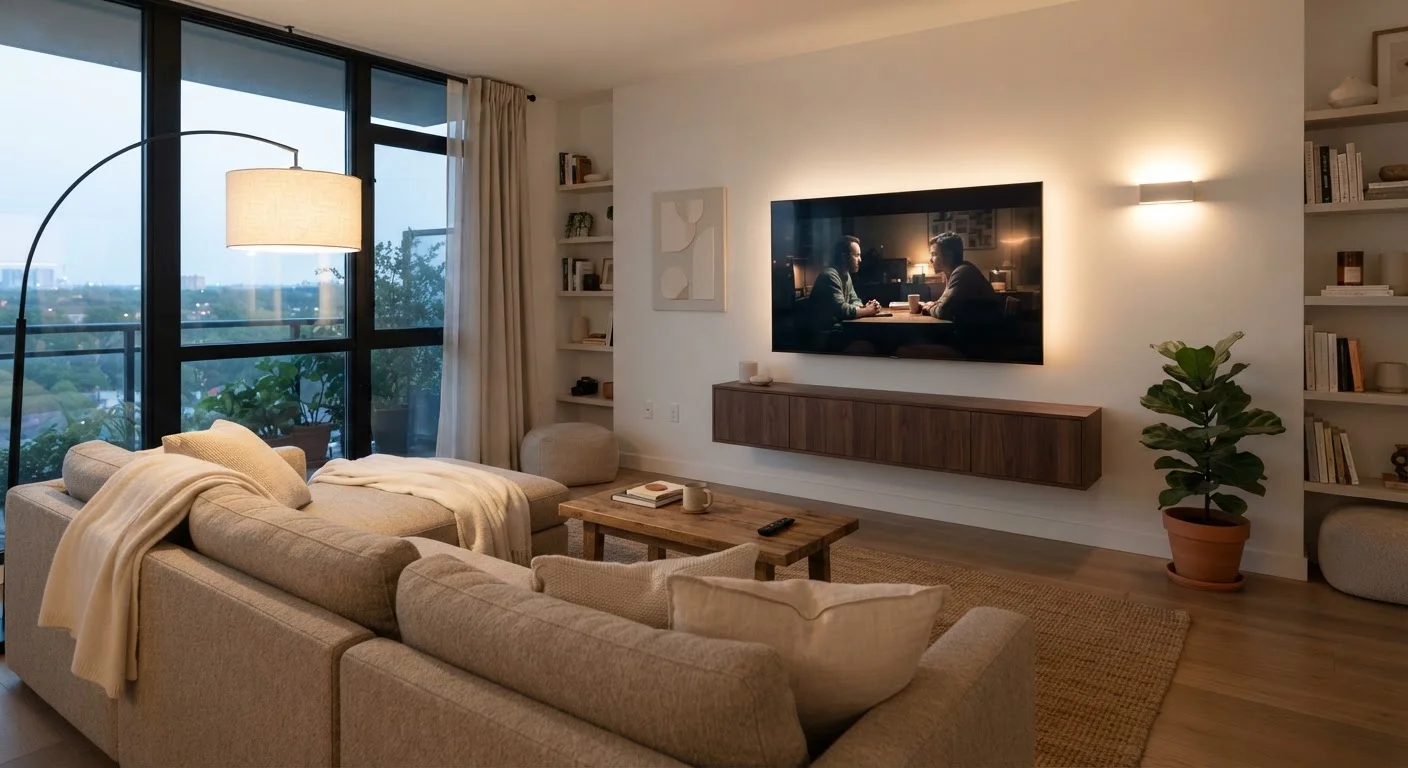
Whether wall-mounting or placing on a stand, the center of the screen should align with your eye level when seated — typically around 42–48 inches from the floor for most standard sofas. Mounting too high forces you to tilt your head upward for extended periods, which causes neck strain.
Use a pencil mark or a piece of tape on the wall to mark the ideal center point before drilling or positioning furniture.
Use Painter's Tape to Simulate Screen Size
Before committing to a size, cut a rectangle of painter's tape on your wall matching the dimensions of the screen you're considering. Sit in your usual viewing spot and assess whether the simulated screen feels too large, too small, or just right. This low-cost trick takes about five minutes and can save you from a return trip.
Don't Rely on Room Size Alone
A large living room does not automatically call for the largest TV available. If your sofa is positioned only 8 feet from the wall, a very large screen can cause eye strain and make it hard to take in the full picture comfortably. Match the screen to where you actually sit, not to how big the room feels.
Once you've identified your target size range, it's worth understanding how other display specs — resolution, refresh rate, and panel type — interact with screen size to affect real-world picture quality. Our complete guide to TV display technology covers each of these concepts in plain language.