Why Refresh Rate Numbers Are Confusing in the First Place
Refresh rate measures how many times per second a TV redraws the image on screen, expressed in hertz (Hz). A 60Hz panel redraws 60 times per second; a 120Hz panel redraws 120 times. In principle, higher is smoother — but the number printed on a box or store tag rarely tells the whole story.
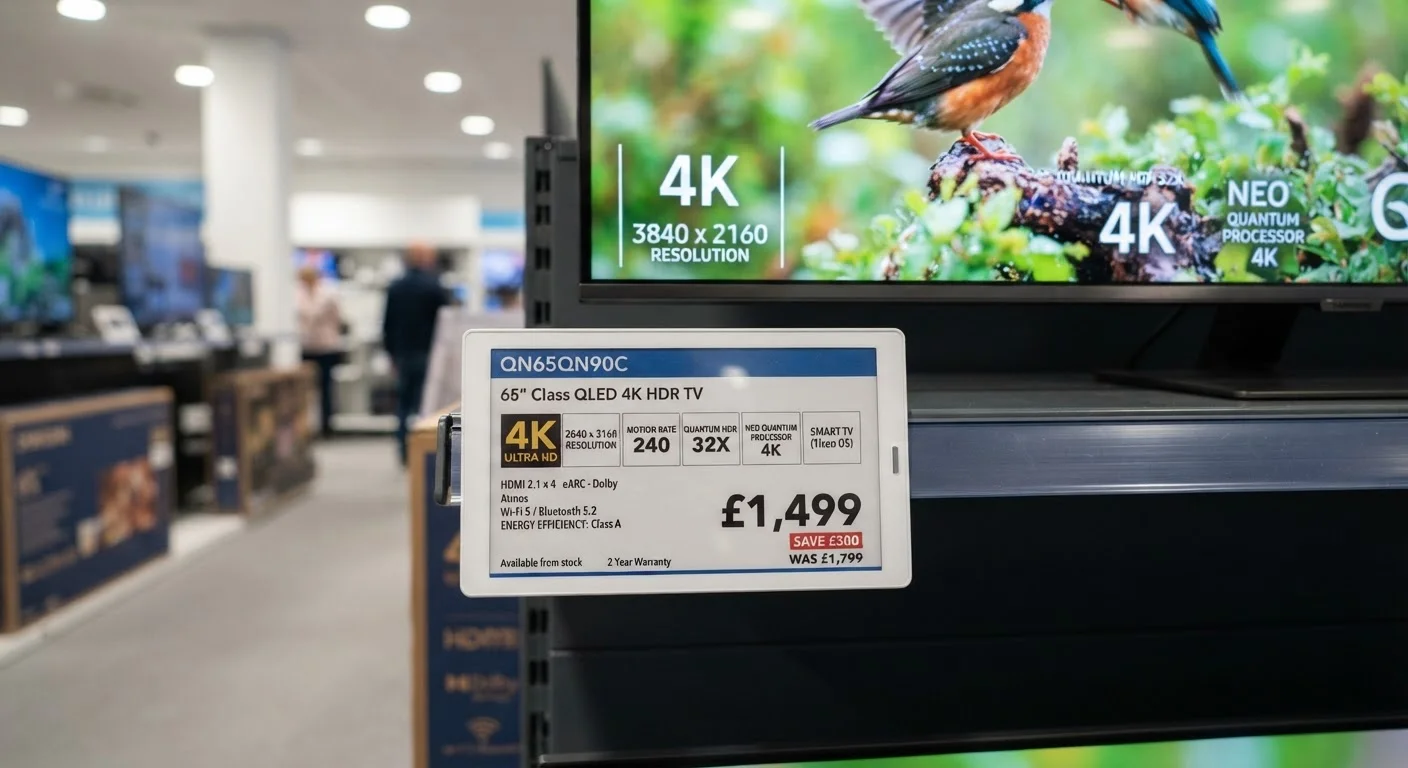
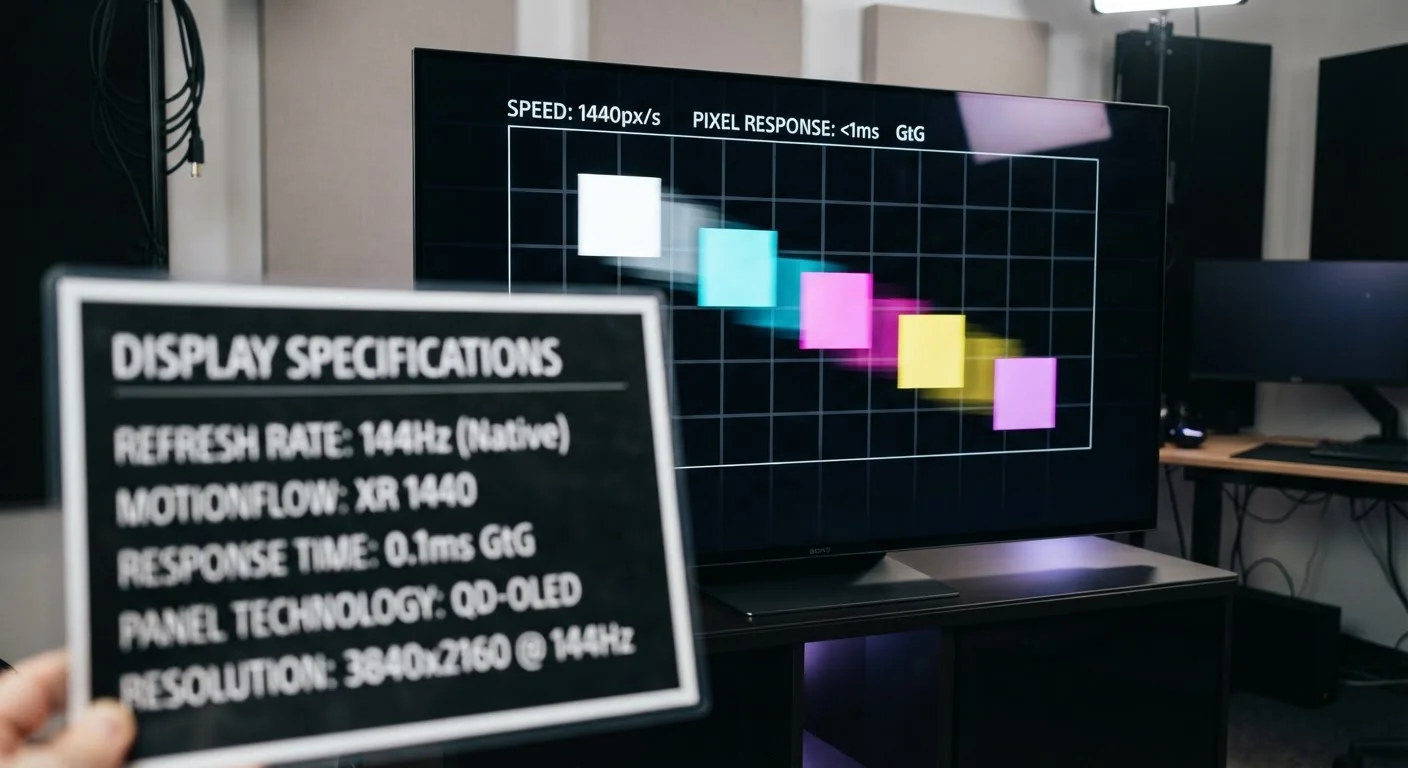
Manufacturers have long used proprietary terms — "Motion Rate," "Clear Motion Rate," "TruMotion," "MotionFlow" — to advertise numbers like 240 or even 960. These figures almost never describe the physical refresh rate of the panel itself. Instead, they reflect a combination of the native rate plus software processing and, in some cases, the flicker of a backlight. Understanding the gap between those two figures is the single most useful skill a TV shopper can develop.
For a broader look at how refresh rate fits alongside other spec sheet numbers, see our TV Specs Decoded guide.
Myth
A TV advertised as '240Hz' has a panel that refreshes 240 times per second.
Fact
Most TVs using that number have a native 60Hz or 120Hz panel; the higher figure reflects a proprietary marketing metric that includes software processing.
Terms like "240 Motion Rate" or "960 MotionFlow" are manufacturer-specific formulas, not hardware specifications. They typically multiply the native refresh rate by a factor that accounts for frame interpolation (software-generated in-between frames) and sometimes backlight scanning or flicker. A TV with a native 60Hz panel and aggressive motion processing may be sold as a "240Hz" set, while a true native 120Hz panel might be marketed as "240Hz" using a different formula. Always seek out the native refresh rate in the technical specifications.
Myth
A higher refresh rate always means a better, sharper picture.
Fact
Higher native refresh rate reduces motion blur in fast-moving content, but overall picture quality also depends on panel technology, brightness, and color accuracy.
Refresh rate specifically addresses how smoothly motion is rendered. A 120Hz OLED panel and a 120Hz budget LCD panel will look very different in practice because contrast, color volume, and backlight uniformity also shape perceived sharpness. Chasing a high Hz number while ignoring other specs can lead to disappointment. For context on how panel type interacts with motion, see our OLED, QLED, and LED comparison.
Myth
Turning on motion smoothing makes movies look better.
Fact
Motion smoothing often makes movies look artificially fluid — an effect widely called the 'soap opera effect' — which many viewers find distracting and uncinematic.
Films are typically shot and mastered at 24 frames per second, a frame rate that gives cinema its characteristic look. When a TV's motion smoothing feature generates interpolated frames to fill gaps, it can make a film look like it was shot on a consumer camcorder — overly sharp and hyper-realistic in a way that clashes with the intended aesthetic. Most TVs allow this feature to be reduced or disabled in the picture settings menu, which is usually the preferred setting for movies and scripted content.
Myth
If your content is only 60fps, a 120Hz TV offers zero benefit.
Fact
A native 120Hz panel can still reduce judder and improve the handling of 24fps and 30fps content, and it provides headroom for future higher frame-rate sources.
60fps content on a 120Hz panel has the advantage of being evenly divisible — each frame can be displayed exactly twice, which reduces uneven cadence artifacts. For 24fps film content, a 120Hz panel can display each frame exactly five times (24 × 5 = 120), a mathematically clean relationship that minimizes judder without requiring motion interpolation. Additionally, as game consoles and streaming services gradually expand 120fps content libraries, owning a native 120Hz panel provides forward compatibility.
Myth
All 120Hz TVs can actually display 120fps from a gaming console.
Fact
A native 120Hz panel is necessary but not sufficient — the TV also needs an HDMI 2.1 port and correct settings enabled to pass a 120fps signal from a modern console.
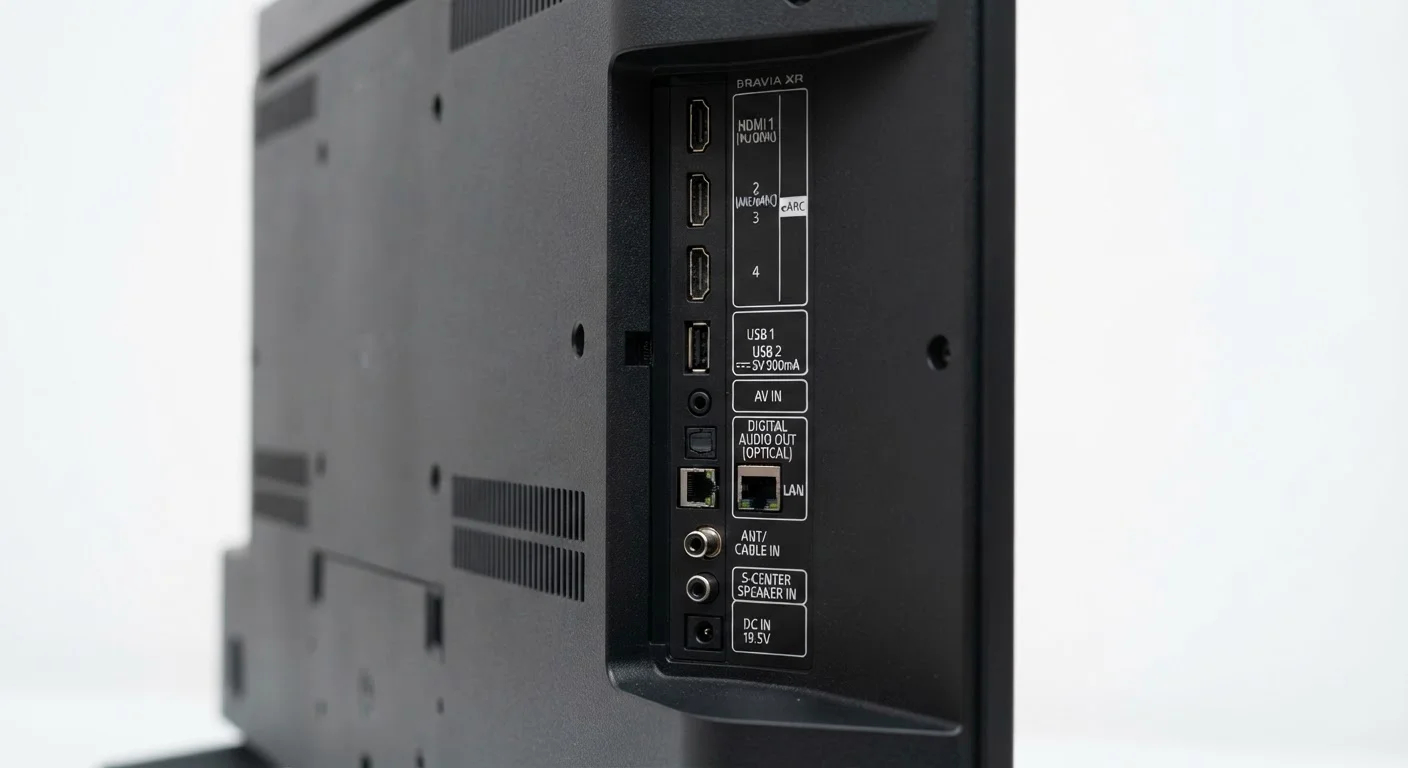
HDMI 2.0 ports, which are common on many TVs, have limited bandwidth and cannot reliably carry a 4K 120fps signal. HDMI 2.1 is required for 4K at 120fps. Some TVs labeled as 120Hz only include HDMI 2.1 on one or two of their ports, not all four. Always verify which specific ports on a given model support the higher bandwidth before assuming the full feature set is available on every input. Our guide to TV ports covers this in detail.
What Refresh Rate Actually Changes in Daily Viewing
The practical impact of refresh rate depends heavily on what you watch and how you use your TV.
Everyday streaming and broadcast content — the shows, movies, and news you watch most — is typically encoded at 24, 30, or 60 frames per second. A 120Hz TV does not magically create new frames from that content unless motion-processing software is turned on. The underlying video doesn't change; only how the TV handles the signal does.
Gaming is where native 120Hz matters most. Modern gaming consoles can output up to 120 frames per second in supported titles, and a panel that can genuinely refresh at that rate renders those frames with less blur and lag. If gaming is a priority, confirming the TV has a true native 120Hz panel — and the right HDMI 2.1 ports to carry that signal — is worth the extra attention. Our article on TV ports that actually matter explains which connections support high frame rate gaming.
Sports content can also benefit from a higher native refresh rate, since fast-moving action — a soccer ball, a racing car — is where motion blur becomes most visible to the human eye.
24fps
Standard cinematic frame rate for most movies
The vast majority of Hollywood films are shot and distributed at 24 frames per second, well below any TV's native refresh rate.
120Hz
Native panel rate needed for full console gaming performance
Current-generation gaming consoles support up to 120 frames per second in select titles, requiring a true native 120Hz panel and HDMI 2.1 connection.
For viewers who mainly watch movies and scripted TV, the difference between 60Hz and 120Hz is far less significant than marketing language implies. Calibrating your picture settings is often a more impactful step — something covered in our guide on getting the most out of a budget TV.
Making a Smarter Purchase Decision
When comparing TVs, look specifically for the phrase "native refresh rate" in the spec sheet rather than any branded motion-rate number. Manufacturer marketing terms are not standardized, which means a "240 Motion Rate" on one brand may describe a 60Hz native panel while the same figure on another brand describes a 120Hz panel.
If a retailer's display card doesn't distinguish between native and effective rates, check the manufacturer's own technical specification page — it will typically list the panel's native refresh rate separately from any processing enhancements.
Motion smoothing (the feature that generates those artificially high effective rates) is adjustable. Most TVs allow you to dial it down or turn it off entirely in picture settings. Filmmakers and many videographers recommend reducing or disabling it for movies and scripted content to preserve the intended cinematic look. For sports and gaming, moderate motion processing can genuinely reduce blur — so the ideal setting depends on what you're watching.
Refresh rate is one piece of the picture quality puzzle. Resolution, panel technology, and brightness all interact with it. Our Complete Guide to TV Display Technology walks through how these specs work together, and our OLED vs. QLED vs. LED comparison explains how panel type affects motion handling independent of refresh rate alone.