Why Spec Sheets Feel Confusing
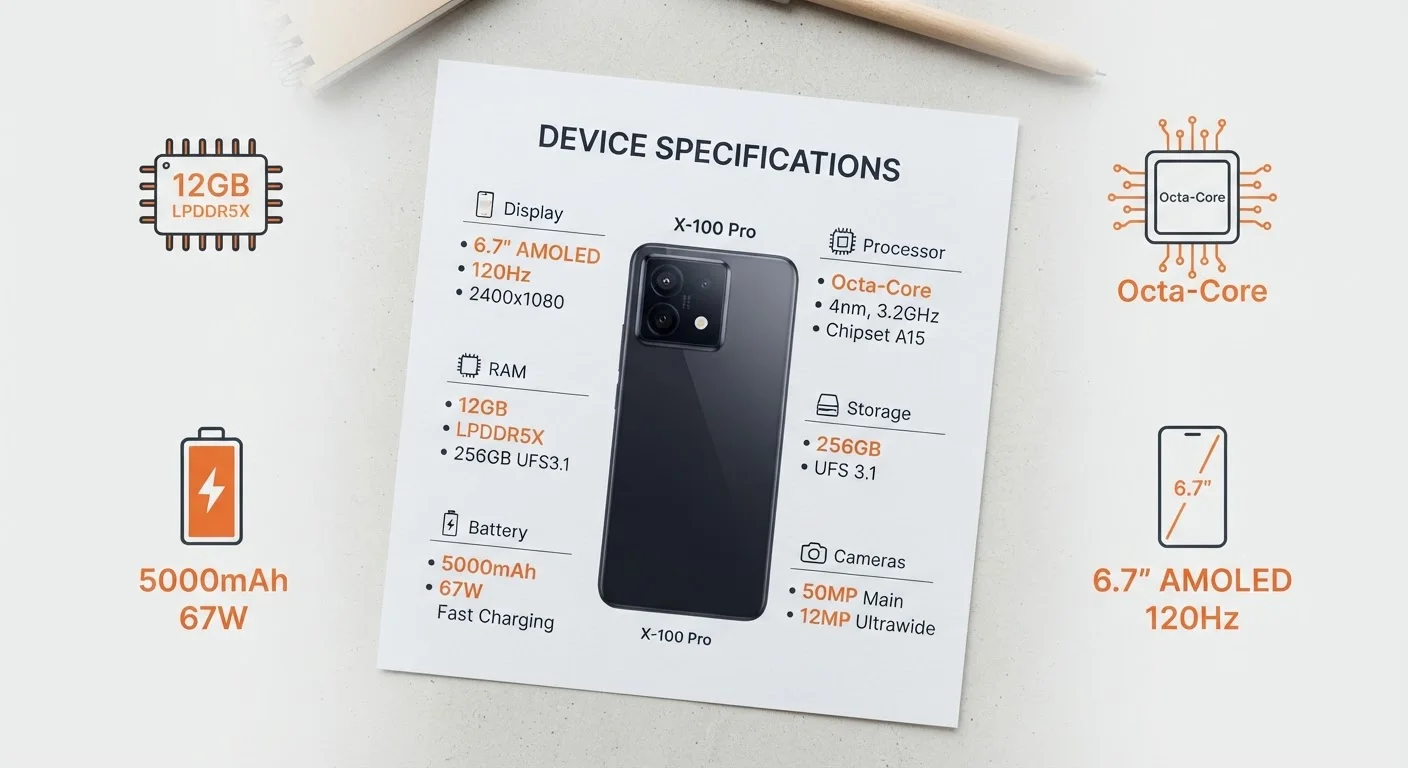
Walk into any electronics retailer or scroll through an online listing and you'll find phones described in a dense wall of numbers: "8 GB RAM, 3.2 GHz octa-core, 4nm, 2400 nits, 256 GB UFS 3.1." None of those phrases come with explanations. Manufacturers write spec sheets for internal benchmarking and competitor comparison — not for everyday shoppers trying to decide what they actually need.
The good news is that once you understand what each measurement is actually counting, you can cut through the noise quickly. Most specs fall into four categories: memory, processing, display, and storage. Knowing what each one measures — and what it doesn't — is more useful than chasing the highest number in every column.
RAM and Storage: Two Very Different Types of Memory
RAM (Random Access Memory) is your phone's short-term working memory. It holds the apps and processes currently running so you can switch between them without the phone reloading everything from scratch. More RAM means smoother multitasking — but it has nothing to do with how much music or how many photos you can store.
Storage (measured in GB or TB) is your phone's long-term memory — the digital equivalent of a filing cabinet. It holds your apps, photos, videos, and downloaded files permanently. When your phone warns you it's "running out of space," that's storage, not RAM.
6 GB
RAM sufficient for most everyday smartphone users
General guidance from mobile hardware analysts suggests 6 GB covers typical multitasking comfortably for the majority of consumers.
800+ nits
Brightness threshold for comfortable outdoor readability
Display industry benchmarks generally place 800 nits as the minimum for clear outdoor visibility in direct sunlight.
128 GB
Storage capacity adequate for most average users
Consumer usage surveys consistently show 128 GB meets the needs of users with typical app libraries and photo habits.
A practical way to think about it: RAM is your desk surface (working space), and storage is your filing cabinet (long-term holding). You can have a huge filing cabinet and still feel cramped if your desk is too small — and vice versa.
Processors: GHz, Cores, and the nm Mystery
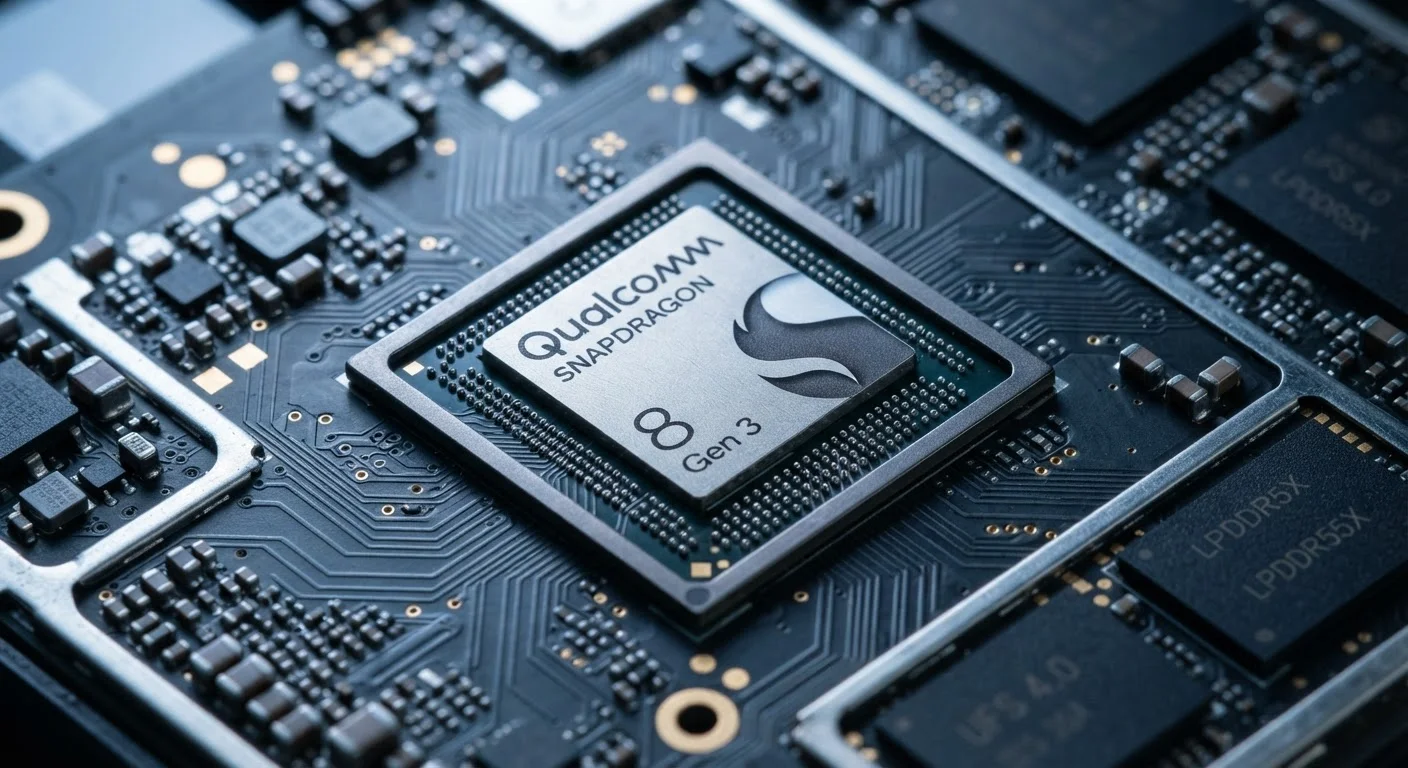
A phone's processor — also called a chipset or SoC (System on a Chip) — is responsible for everything the phone computes. Three numbers appear on spec sheets related to chips.
- GHz (gigahertz) is clock speed: how many processing cycles per second the chip can run. Higher GHz can mean faster individual tasks, but architecture and generation matter far more. Think of it like comparing engine RPM between a motorcycle and a semi-truck — RPM alone doesn't tell you which hauls more.
- Cores refer to independent processing units on the chip. "Octa-core" means eight cores. More cores help with tasks that can run in parallel — like video rendering or gaming — but most everyday tasks use just one or two cores at a time.
- nm (nanometers) describes the size of the transistors on the chip. This is a manufacturing process measurement, not a speed rating. Smaller nm values (e.g., 4 nm vs. 7 nm) generally mean the chip is more energy-efficient and runs cooler, which translates directly to better battery life and sustained performance under load.
For a deeper look at how these factors interact, see our guide to mobile processors.
Display Specs: Nits, Resolution, and Refresh Rate
Screens come with their own cluster of numbers, and each one measures something distinct.
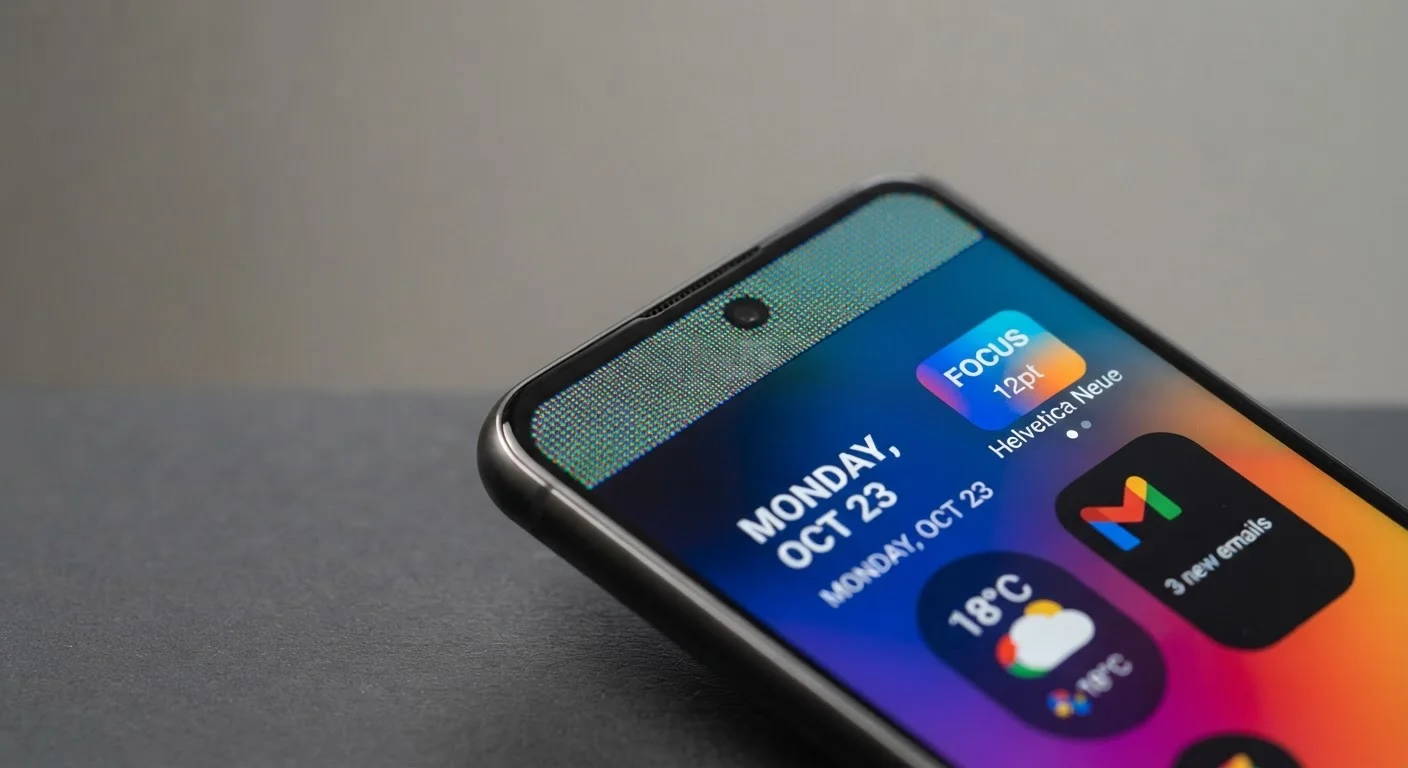
- Nits measure brightness. One nit is roughly the brightness of one candle per square meter. For indoor use, 400–600 nits is adequate. For outdoor readability in direct sunlight, 800+ nits is where phones start to stay comfortably visible.
- Resolution (e.g., 1080p, 1440p) describes the number of pixels packed into the display. Higher resolution means sharper images and text. On a smaller screen, the difference between 1080p and 1440p may be difficult to notice; on larger screens, it becomes more apparent.
- Refresh rate (Hz) is how many times the screen redraws per second. A 60 Hz display refreshes 60 times per second; a 120 Hz display does so twice as often, producing noticeably smoother scrolling and animations — at the cost of somewhat more battery draw.
Our display specs reference breaks down each of these in greater detail.
Which Specs Actually Matter for Your Needs
No spec should be read in isolation. A phone with lower RAM but a well-optimized operating system can outperform a phone with more RAM running inefficient software. Similarly, megapixel counts on cameras are one of the most misunderstood specs of all — sensor size, aperture, and image processing do far more to determine photo quality. Our article on what camera specs don't tell you covers this gap in detail.
A practical shortcut: identify your real-world priorities first. Heavy multitaskers should weight RAM and processor generation. Frequent outdoor users should look at nit values. Photographers should look beyond megapixels. And if you're comparing smartphones to other device categories, the same decoding principles apply — our laptop specs guide walks through similar concepts for computers.
Understanding what the numbers actually count — rather than assuming bigger always means better — puts you in a far stronger position when comparing options and deciding where your budget is best spent.