What Security Updates Actually Do
Every operating system — whether Android or iOS — contains code written by humans, which means it contains imperfections. Security researchers and, unfortunately, malicious actors constantly probe for weaknesses. When a vulnerability is discovered, the manufacturer releases a security patch: a targeted software update that closes that specific gap before it can be widely exploited.
These patches don't add new features or change how your phone looks. Their job is purely defensive — they quietly fix cracks in the foundation that others could use to gain unauthorized access to your device, your accounts, or your data. Without them, known vulnerabilities remain open indefinitely.
Understanding this is important because many people assume an older phone is "fine" as long as it still makes calls and runs apps. From a purely functional standpoint, that's often true. From a security standpoint, the picture is more complicated.
What Changes When Updates Stop
When a phone reaches its end-of-support date, the manufacturer stops issuing patches for that model. Any vulnerability discovered after that point — and many discovered before it — will not be fixed. The phone is essentially frozen at its last security state while the threat landscape continues to evolve around it.
Security Patches vs. Feature Updates: Not the Same
Manufacturers sometimes continue issuing security patches even after stopping major OS version upgrades. Conversely, some devices receive a new OS version but with a delayed or reduced security patch schedule. Always check the security patch date in your settings — not just the OS version number — to understand where your device actually stands.
This creates a widening gap. Security researchers publish details about vulnerabilities (often after a responsible disclosure period), and that public information can be used by attackers to target devices that were never patched. The longer a phone goes without updates, the larger that catalog of known, exploitable weaknesses grows.
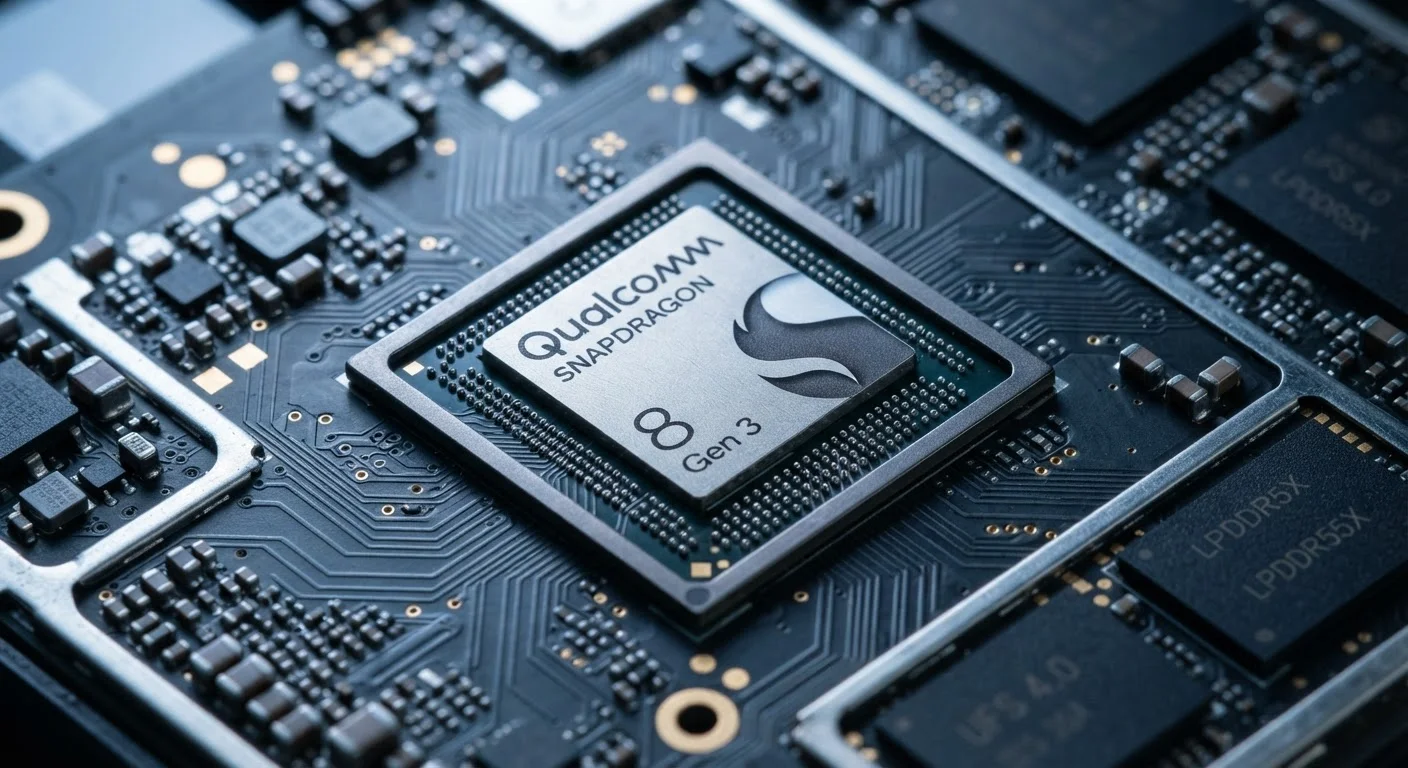
It's also worth noting that operating system versions and security patch levels are related but distinct. A phone might still technically run a recent OS version but receive no security fixes for it — or it might be stuck on an older OS entirely, which carries its own compatibility and risk implications. For a deeper look at how the underlying chip shapes software longevity, see our article on how mobile processors affect software support.
Real-World Risks for Everyday Users
The practical risk level depends heavily on how you use your phone. Someone who primarily uses their device to stream video over a home Wi-Fi network faces a different risk profile than someone who regularly accesses mobile banking, uses corporate email, or connects to public Wi-Fi in airports and coffee shops.
Public networks are a particular concern. Connecting an unpatched phone to an open Wi-Fi network can expose it to techniques that exploit known vulnerabilities in how the device handles network communications. Sensitive transactions — banking, shopping, healthcare portals — are higher-value targets and worth protecting accordingly.
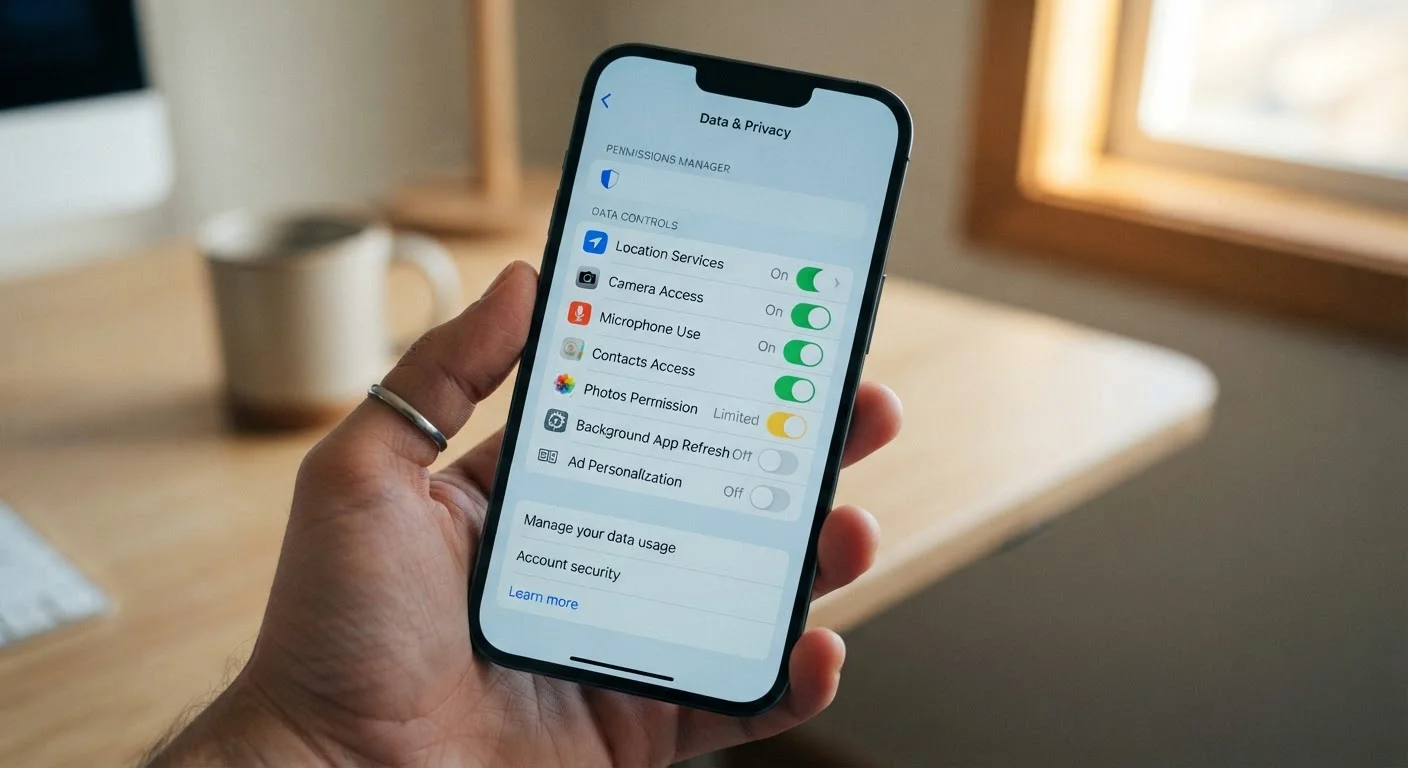
For a broader look at the data your phone shares and how to limit exposure, see our guide on smartphone privacy and data collection.
How to Factor Support Windows Into a Purchase Decision
One of the most underappreciated aspects of buying a phone is the manufacturer's stated security support commitment. A device that costs less upfront but receives only two years of patches may deliver less total value than one with a longer support window — especially if you tend to keep phones for three to four years.
Before purchasing, it's worth searching for the manufacturer's published update policy for that specific model. Some manufacturers guarantee a defined number of years of security patches at the time of announcement; others are less explicit. Budget-tier devices often receive shorter support windows than flagship models, which is a real tradeoff worth weighing alongside price.
If you're evaluating whether it's time to upgrade your current device, the questions worth asking before upgrading your smartphone can help you think through whether a new device makes sense for your situation. And if your current phone's battery is also showing its age alongside its security status, our article on why phone batteries degrade explains what's happening and what affects longevity.
Reducing Risk If You're Not Ready to Upgrade
If replacing your phone right now isn't realistic, there are practical steps that can reduce — though not eliminate — your exposure. Limiting sensitive activities on an unsupported device is the most impactful change. Avoid mobile banking, shopping with saved payment details, or accessing work systems on a phone that's no longer patched.
Keep your apps updated through official app stores, since app-level updates can sometimes close risks within individual applications even when the OS itself is frozen. Be especially cautious on unfamiliar networks. The same principles that apply to securing smart home devices are relevant here — layering small habits adds up. Our guide on keeping smart home devices secure covers several of those habits in detail.
None of these measures replaces a supported operating system, but they help manage risk while you plan your next steps.