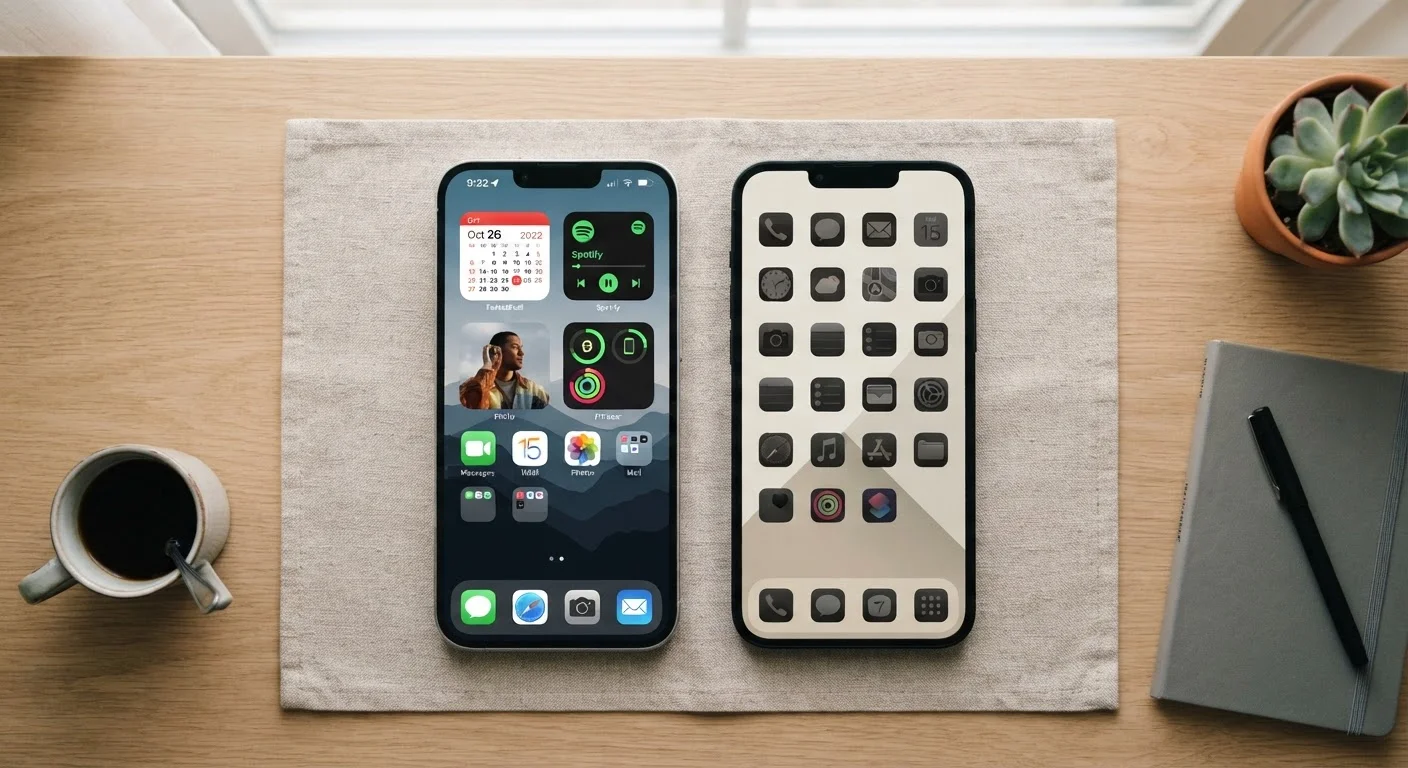
Before trading in your current phone, use this checklist to assess whether an upgrade is genuinely worthwhile for your situation.
Key Takeaways
A phone upgrade isn't always necessary — many performance issues have software or storage fixes.
Security update support is one of the most practical reasons to consider a new device.
Your total cost of ownership includes carrier agreements, accessories, and data migration time.
Switching platforms (Android to iOS or vice versa) requires extra planning before you commit.
Refurbished or unlocked phones can be legitimate alternatives worth evaluating first.
Why This Checklist Exists
Smartphone manufacturers release new models every year, and carriers run promotions designed to make upgrading feel urgent. But for most people, the decision to replace a phone deserves a clear-eyed look — not a reflexive one. A device you already own and know how to use has real value, and an upgrade only makes sense when the new option genuinely improves your daily experience or addresses a concrete problem.
This checklist helps you slow down and audit where your current phone actually stands, what a new one would realistically cost you, and whether there's a smarter path — like a refurbished device or a software fix — that you haven't considered yet.
If you're entirely new to smartphones, our guide for first-time buyers covers the foundational specs and terminology worth understanding before you shop.
Assess Your Current Device
Check whether your phone's slowdowns can be traced to storage being nearly full — free up space and restart before assuming the hardware is failing.Must
Run a battery health check (via Settings on both iOS and Android) to determine whether a battery replacement — typically far cheaper than a new phone — would restore normal performance.Must
Identify whether any hardware issue (cracked screen, broken port) has a repair cost that is substantially lower than an upgrade.Should
Note which specific tasks your current phone cannot perform adequately — be concrete rather than vague about what's frustrating you.Must
Security and Software Support
Verify the last date your phone received a security patch, found under Settings > About Phone (Android) or Settings > General > About (iOS).Must
Check whether your device model is still on the manufacturer's official supported devices list for future OS updates.Must
Determine whether apps you rely on daily still support your current OS version — some apps drop support for older operating systems before hardware fails.Should
Evaluate the True Cost of Upgrading
Calculate the full out-of-pocket cost of a new device, including any carrier installment plan interest, activation fees, and required accessories (cases, chargers).Must
Review whether you are still within a carrier lock-in or installment period that would add early-upgrade costs.Must
Research your current phone's realistic trade-in or resale value to factor it into the net upgrade cost.Should
Compare the cost of a certified refurbished model against a new one, especially if the newest features aren't features you'd actually use.Nice to have
Platform and Ecosystem Considerations
Decide whether you intend to stay within your current platform (Android or iOS) or switch, since switching affects app purchases, cloud storage, and accessory compatibility.Must
Inventory apps, subscriptions, or purchases tied to your current platform that may not transfer to a new one.Should
Consider how a new device fits with other technology you already own — smart home devices, earbuds, or wearables may have platform preferences.Nice to have
Data and Privacy Readiness
Confirm that all contacts, photos, and app data are backed up to a cloud service or local drive before making any decision that involves transferring or selling your device.Must
Review which privacy or data settings you've configured on your current phone that you'll want to replicate on a new one.Should
Factor in the time cost of migrating to a new device — restoring apps, reconfiguring two-factor authentication, and re-entering passwords can take several hours.Should
How to Work Through This Checklist
Work through each group honestly. Some items have clear yes/no answers; others will prompt you to do a bit of research — checking your phone's settings, your carrier agreement, or your device manufacturer's support page. Budget roughly 20–40 minutes to do this properly.
Don't Skip the Backup Step
Before you go any further in the upgrade process, make sure your data is fully backed up to a cloud service or external storage. Trade-in programs and carrier upgrade exchanges sometimes require you to factory reset your phone on the spot. Losing photos, contacts, or app data because a backup wasn't confirmed is a common and entirely avoidable mistake.
When you reach the security update section, check your phone's settings under About phone or General > About to find your last patch date and whether updates are still being issued. If your device has passed its official end-of-support date, read our explainer on what end-of-support actually means for your data before making a final call.
If you're weighing a switch between Android and iOS, that decision has its own complexity — platform ecosystems, app availability, and privacy defaults all differ in meaningful ways. Our comparison of Android vs. iOS core differences is worth reading before you commit to a new platform.
Finally, if a brand-new device feels like too big a spend, don't overlook the refurbished market. Our article on the trade-offs of buying a refurbished phone gives a balanced look at what that path actually involves. And if you're buying from a carrier, understanding locked vs. unlocked phone agreements will protect your flexibility down the road.
Electronics Explained Editorial Team is the collective byline for our editorial team and contributor network. Articles published under this byline or an editorial pen name are researched, written, and reviewed according to our editorial standards for clarity, consistency, and independence before publication.
The content provided on our blog site traverses numerous categories, offering readers valuable and practical information. Readers can use the editorial team’s research and data to gain more insights into their topics of interest. However, they are requested not to treat the articles as conclusive. The website team cannot be held responsible for differences in data or inaccuracies found across other platforms. Please also note that the site might also miss out on various schemes and offers available that the readers may find more beneficial than the ones we cover.