Start With the Operating System
Before you look at a single spec sheet, the most consequential decision you'll make is choosing an operating system — the software platform that runs everything on your phone. In the U.S., the two dominant options are Android and iOS (Apple's platform, exclusive to iPhones).
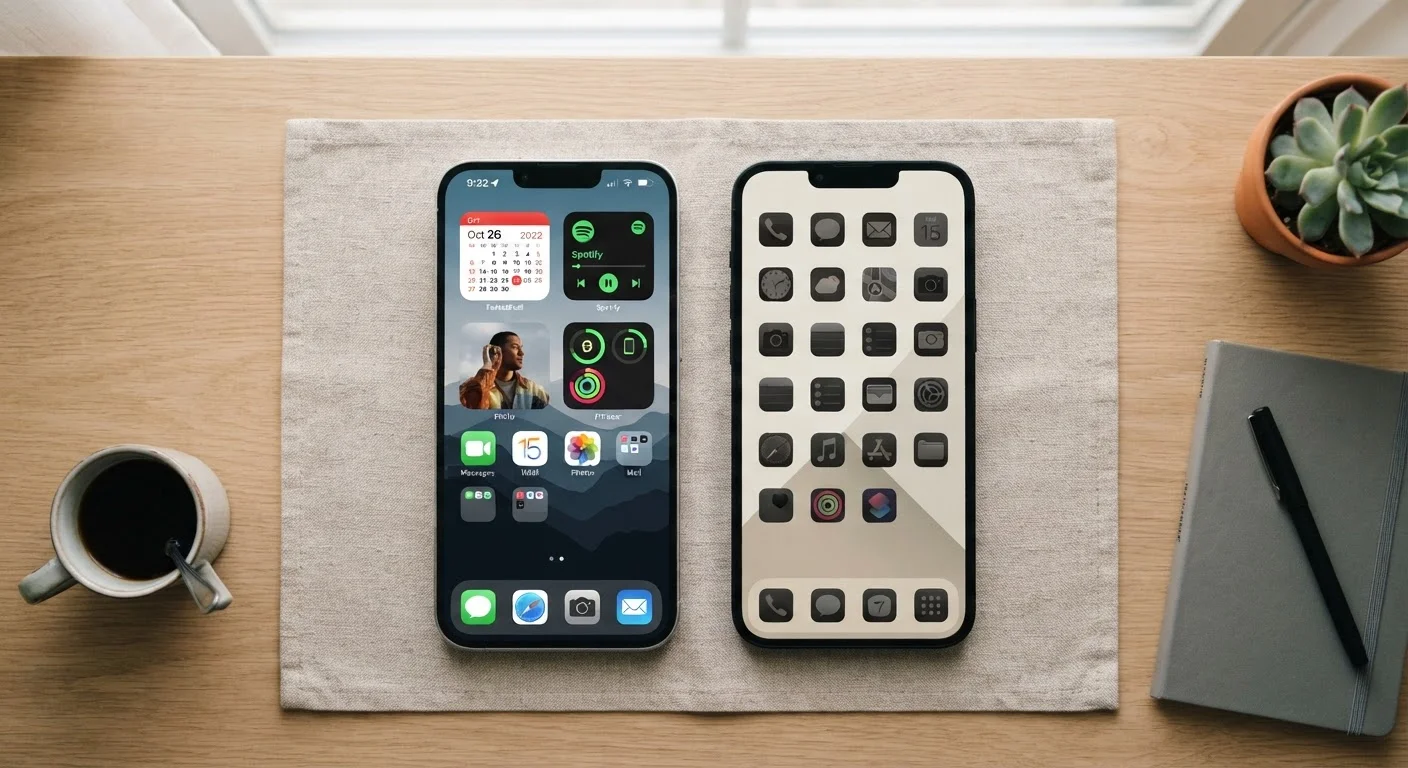
Android runs on phones from a wide range of manufacturers and gives users more control over customization, file management, and third-party apps. iOS offers a tightly integrated experience, generally prioritizes privacy controls, and tends to deliver longer software update support windows. Neither is objectively better — it comes down to your preferences and whether people close to you use a particular platform (features like iMessage work only between Apple devices).
For a thorough side-by-side breakdown, see our guide on Android vs. iOS core differences. Once you've settled on an OS, every other decision becomes much easier to narrow down.
Operating System (OS)
The core software that manages everything on your phone — from the apps you use to how the screen looks. Android and iOS are the two main options in the U.S.
Storage (GB)
The permanent space on your phone where apps, photos, and files are saved. Once it's full, you need to delete content or expand storage (if supported).
RAM
Short-term working memory that lets your phone run multiple apps at once without slowing down. It does not store files permanently.
Unlocked Phone
A phone not tied to a specific carrier, allowing you to use it with any compatible network by inserting a different SIM card.
Refresh Rate (Hz)
How many times per second your screen updates its image. Higher refresh rates (90Hz, 120Hz) make scrolling and animations look smoother.
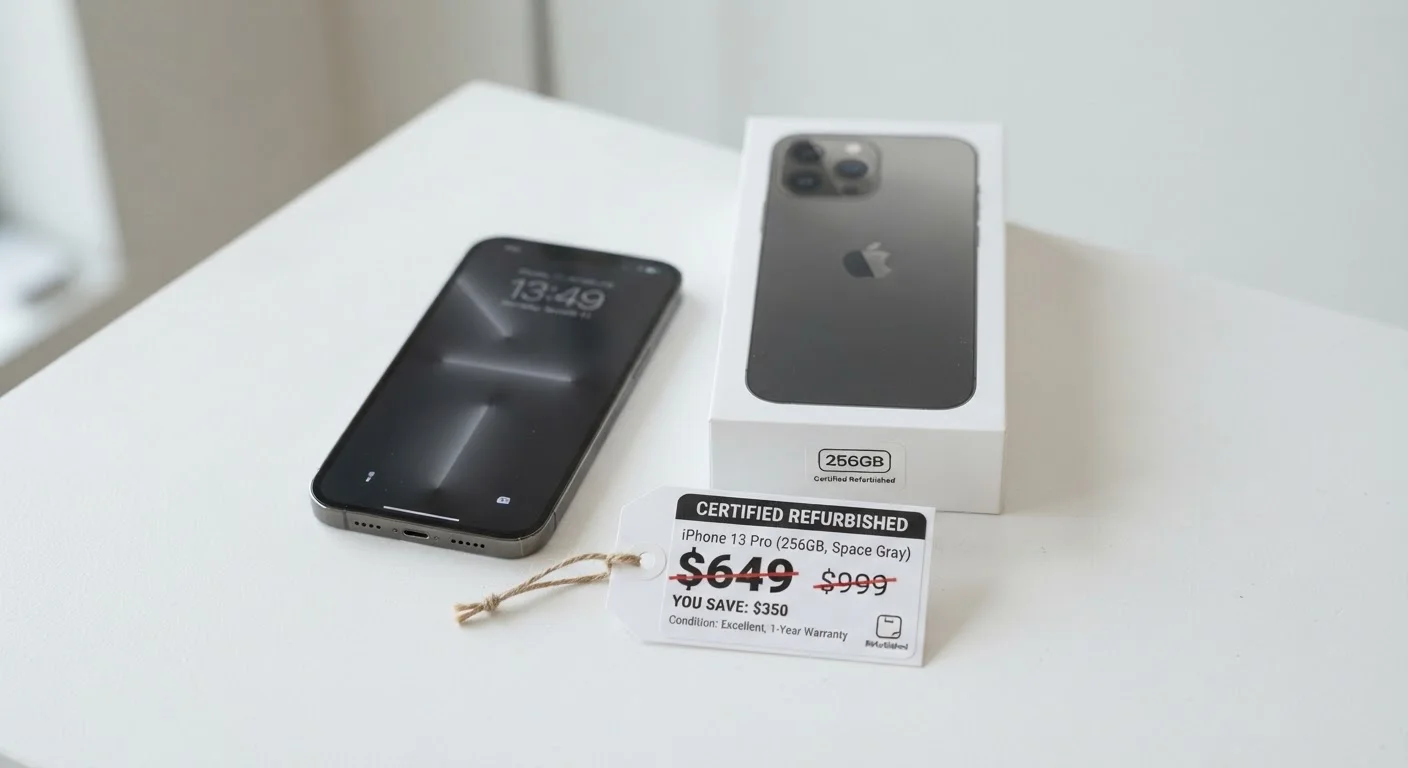
Certified Refurbished
A used phone that has been inspected, repaired to a defined standard, and tested before resale — usually with a limited warranty included.
Understanding Storage and Memory
Two terms cause enormous confusion for first-timers: storage and RAM. They sound interchangeable but serve completely different functions.
Storage — measured in gigabytes (GB) — is where your photos, apps, music, and documents live permanently. Most entry-level phones today ship with 64 GB or 128 GB. For typical daily use, 128 GB is a reasonable floor. Heavy photo or video takers, or anyone who downloads a lot of content for offline use, will likely want 256 GB or more.
RAM, also measured in GB, is the phone's short-term working memory — the space it uses to keep apps running in the background and switch between them fluidly. You can't store files in RAM; it simply determines how smoothly the phone multitasks. For most everyday users, 6–8 GB of RAM is more than sufficient.
One practical note: not all Android phones allow you to expand storage with a memory card. Verify this before purchasing if you expect your storage needs to grow.
Connectivity: What the Letters Actually Mean
Smartphone listings are filled with connectivity terms that can feel like alphabet soup. Here's what the most common ones mean in practice.
- 4G LTE: The current mainstream mobile data standard. Delivers reliable speeds for streaming, browsing, and video calls in most parts of the country.
- 5G: The next generation of mobile data, offering faster speeds where infrastructure exists. Coverage varies widely — dense urban areas have stronger 5G presence than rural regions.
- Wi-Fi 6 (802.11ax): A newer Wi-Fi standard offering faster speeds and better performance in crowded environments. Only beneficial if your home router also supports Wi-Fi 6.
- Bluetooth 5.x: Used for connecting wireless earbuds, speakers, and accessories. Newer versions offer better range and more stable connections.
For most first-time buyers, 4G LTE coverage and Wi-Fi calling support will have a bigger daily impact than 5G capability. Confirm that any phone you consider is compatible with your carrier's network bands — this is especially important with unlocked phones.
Check Carrier Compatibility Before Buying
Not every phone works on every U.S. carrier's network. Carriers use different radio frequency bands, and a phone sold for one network may not support another's. Before purchasing an unlocked phone, verify that it lists your carrier's specific bands in its technical specifications — this information is usually available on the manufacturer's website or the carrier's compatibility checker.
Battery, Camera, and Display: Prioritizing What Fits Your Life
Three features dominate consumer conversations — battery, camera, and display — but the right priority order depends on how you actually use a phone.
Battery
Battery capacity is measured in milliampere-hours (mAh). A larger number generally means longer battery life, but software efficiency matters just as much. A phone with 4,500 mAh and well-optimized software can outlast a 5,000 mAh phone with poor power management. Look for real-world battery life figures from independent reviewers rather than relying on manufacturer estimates.
Camera
Megapixel count is a poor proxy for photo quality. Sensor size, aperture, and computational photography (the software that processes images) collectively determine how good your photos actually look. If photography matters to you, prioritize phones with larger sensors and good low-light performance over raw megapixel numbers.
Display
Screen size is a personal preference. Resolution and refresh rate matter more for quality. A 90Hz or 120Hz refresh rate makes scrolling and animations feel noticeably smoother than a standard 60Hz display — worth considering if you read or watch video on your phone frequently.
Budget Realities and Where to Look
Smartphone pricing spans a wide range, and higher price does not always mean meaningfully better performance for everyday tasks. Mid-range phones — generally in the $300–$500 price band — often deliver capable cameras, sufficient storage, and solid battery life for most users. Flagship pricing reflects premium materials, the latest processors, and cutting-edge camera systems, which may not align with a first-timer's actual priorities.
If budget is a significant consideration, certified refurbished phones are worth researching — but they carry genuine trade-offs around warranty coverage and battery health. Our article on the trade-offs of buying a refurbished phone outlines what to weigh carefully before going that route.
Once you've made your first purchase decision, it's also worth thinking ahead. Before assuming you'll need to upgrade again in a year or two, see the questions worth asking before upgrading your smartphone. And because phones collect substantial personal data by default, familiarize yourself with what data your device collects and how to limit it as an early step in responsible ownership.
Finally, if you're balancing this purchase against other financial priorities, our companion guide on managing debt and savings for beginners provides grounded context for making confident spending decisions.