Why People Confuse RAM and Storage
Both RAM and internal storage are measured in gigabytes (GB), appear on the same spec sheet, and live inside the same device — so it's easy to assume they're the same thing. They're not. They serve completely different purposes, and understanding the distinction will change how you evaluate a phone before you buy one.
Think of your phone as an office. RAM is your desk — it's where you spread out the work you're actively doing right now. Internal storage is your filing cabinet — it's where everything is kept when you're not using it. A bigger desk lets you work on more things at once without constantly putting things away. A bigger filing cabinet means you can store more stuff long-term.
For a broader look at how these numbers fit into the full picture, see our smartphone specs guide — it covers RAM, processors, and display figures in one place.
What RAM Actually Does
RAM — short for Random Access Memory — is your phone's short-term, active workspace. When you open an app, the phone loads it into RAM so the processor can work with it quickly. When you switch to another app, that first app ideally stays in RAM so it's ready when you come back.
When RAM is full, the phone has to evict older apps from memory and reload them from storage the next time you open them. That's the moment you experience as a lag, a blank loading screen, or an app that's "forgotten" where you were. More RAM means the phone can juggle more open apps simultaneously without that friction.
| Criterion | RAM | Internal Storage |
|---|---|---|
| Function | Active workspace for running apps | Permanent file and app storage |
| Data persistence | Cleared when phone powers off | Retained when phone powers off |
| Typical range | 4 GB – 16 GB | 64 GB – 1 TB |
| Impact when full | App reloads, lag, crashes | Can't save files; overall slowdown |
| Affects multitasking? | Yes — directly | Indirectly, when nearly full |
| Expandable on most phones? | No | Sometimes, via microSD |
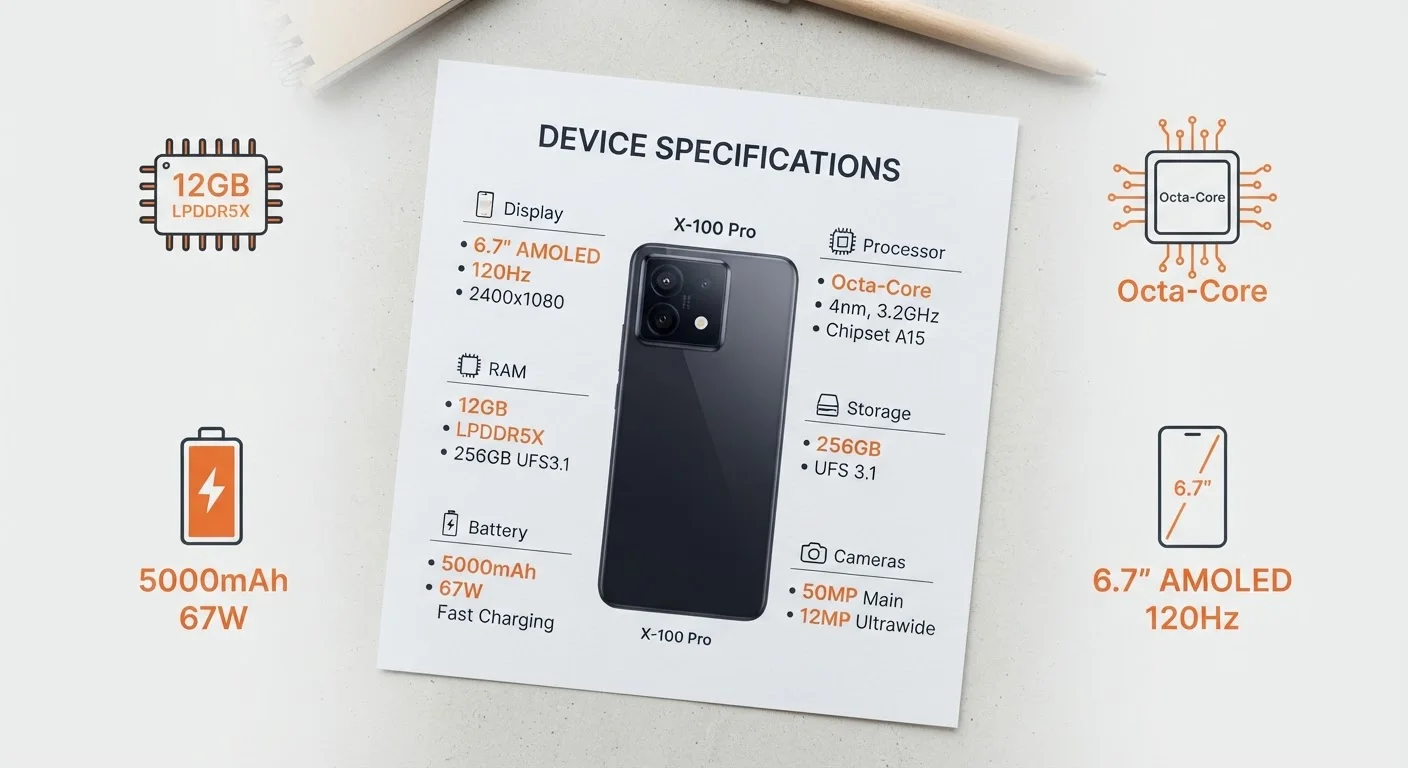
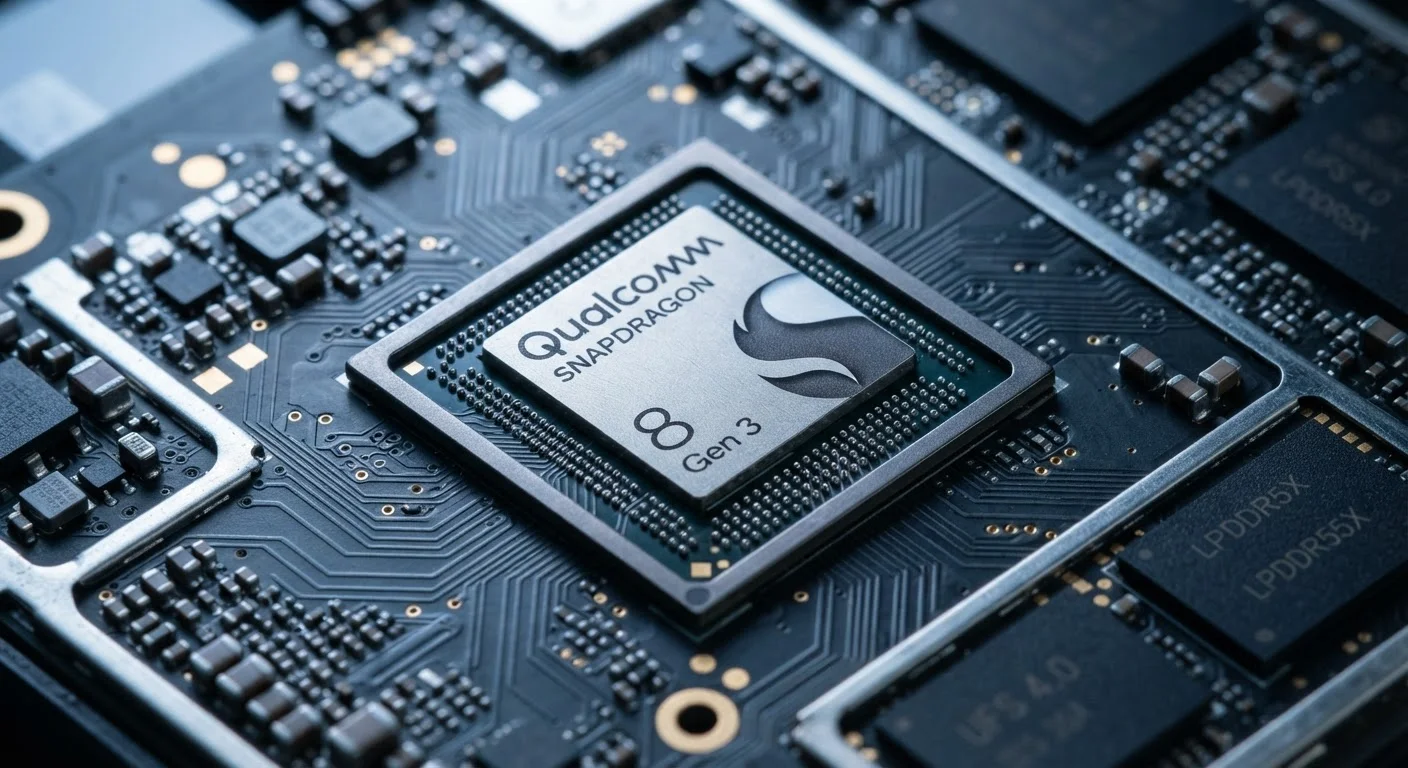
Common RAM amounts in phones range from 4 GB in budget devices to 12 GB or more in high-end models. For general everyday use — social media, messaging, streaming, light browsing — 6 GB is a reasonable baseline. Heavy multitaskers and mobile gamers may notice a real difference at 8 GB or above. To understand how RAM interacts with the processor underneath, our article on how mobile processors work explains that relationship clearly.
What Internal Storage Actually Does
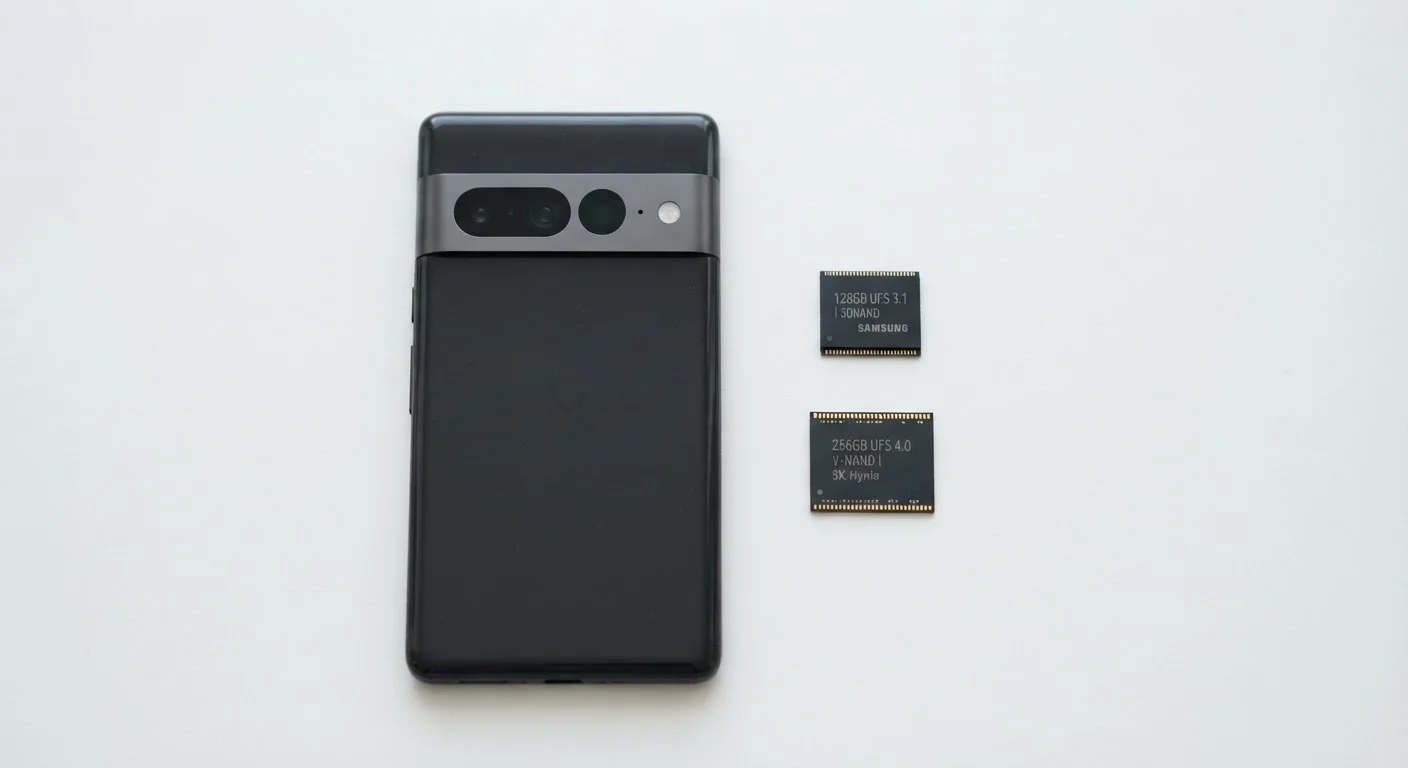
Internal storage — sometimes called UFS flash storage on modern phones — is where everything on your device permanently lives: your apps, photos, videos, music, documents, and the operating system itself. Unlike RAM, it retains data when the phone is powered off.
When people say "my phone is full," they almost always mean internal storage, not RAM. A full storage drive slows your phone in a secondary way: the operating system needs a buffer of free space to function properly, and when that buffer shrinks, performance degrades across the board.
64 GB
Minimum storage many users exhaust within a year
A single minute of 4K video can consume roughly 400 MB; 64 GB fills faster than most buyers anticipate.
6–8 GB
RAM sweet spot for everyday multitasking
Industry analysts generally consider this range sufficient for current Android and iOS usage patterns in mid-range devices.
~20%
Storage buffer phones need to run efficiently
Operating systems and caches require headroom; filling storage beyond roughly 80% capacity can noticeably degrade performance.
Common internal storage sizes range from 64 GB on entry-level devices to 512 GB or more on flagships. Whether you need 128 GB or 256 GB depends heavily on your habits. Camera-heavy users, podcast downloaders, and gamers will exhaust 64 GB faster than they expect. If a phone doesn't support expandable storage via a microSD card — and many modern phones don't — the storage you buy at the start is the storage you have for life. This consideration is worth keeping in mind when buying your first smartphone.
The same principle applies across device categories. Our guide on SSD vs. HDD storage explores how persistent storage tradeoffs work on computers — the concepts translate directly.
Making the Right Call for Your Needs
When comparing two phones, look at both specs — but weight them against your actual usage. A phone with 8 GB of RAM and 64 GB of storage will frustrate a photographer. A phone with 4 GB of RAM and 256 GB of storage will frustrate a mobile gamer who switches between apps constantly.
For most everyday American consumers, the practical guidance is straightforward: don't go below 6 GB of RAM, and don't go below 128 GB of internal storage — especially if there's no option to expand it later. Those thresholds leave breathing room as apps grow and your photo library expands over the typical two-to-three-year device lifespan.
If you're comparing phone specs alongside laptop or computer purchases, the laptop specs decoded guide applies many of the same frameworks — helpful if you're deciding how to allocate your budget across devices.
Understanding the desk-versus-filing-cabinet distinction puts you in control of that decision. No spec sheet trick required.