Why This Choice Is Harder Than It Used to Be
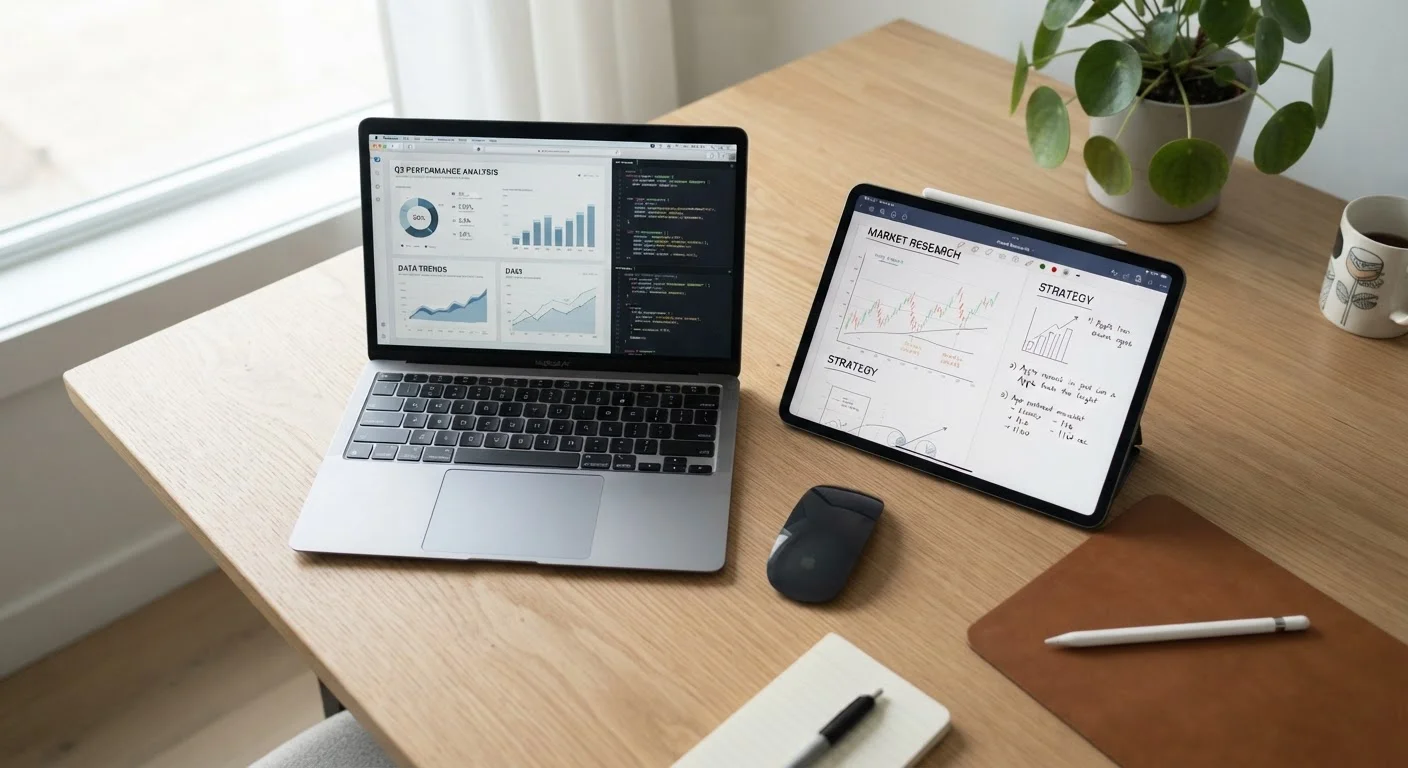
A few years ago, the tablet-versus-laptop question was fairly simple: tablets were for casual use, laptops were for work. That line has blurred considerably. Tablets now support detachable keyboards and stylus input, while lightweight laptops rival tablets in portability. Understanding where the real differences still exist — and where they don't — is what helps you spend wisely.
The choice also intersects with your broader device ecosystem. If you're already invested in a particular operating system, that can pull you toward one form factor over another. Our guide on Android vs. iOS differences explains how platform ecosystems affect the software and services available to you, which applies equally to tablets running those systems.
| Tablet | Laptop | |
|---|---|---|
| Portability | Lighter, thinner, easier to carry | Heavier, but still portable in slim models |
| Typing comfort | On-screen keyboard; add-on keyboards available | Built-in physical keyboard standard |
| Software compatibility | Mobile/app versions; some desktop gaps | Full desktop software broadly supported |
| Battery life | Often 10–14 hours in typical use | Typically 6–12 hours depending on model |
| Multitasking | Improving but still limited vs. desktops | Stronger; handles multiple apps well |
| Peripheral connectivity | Limited ports; often needs adapters | More ports; easier to connect devices |
| Touch input | Native touchscreen; stylus support on many | Limited; most require trackpad or mouse |
| Best primary use | Media, reading, light tasks | Productivity, creation, complex work |
What Tablets Do Well — and Where They Fall Short
Tablets shine in specific contexts. Their touchscreens feel natural for reading, sketching, scrolling social media, and video streaming. Battery life on many tablets outlasts most laptops by a meaningful margin, and their slim profiles make them easy to slip into a bag for travel.
However, tablets hit real walls when the work gets complex. Multitasking across several applications simultaneously remains less fluid than on a laptop. Many professional-grade desktop programs — accounting software, video editing suites, engineering tools — either have no tablet version or offer a stripped-down app that lacks key features. File management, attaching documents to emails, and connecting peripherals can all require workarounds that add friction to everyday tasks.
Storage is another common pain point. Tablets frequently ship with less internal storage than laptops at similar price points, and not all models allow expandable storage. Before purchasing, it's worth reading about common tablet buying mistakes to avoid surprises after the box is opened.
What Laptops Offer — and Their Trade-Offs
Laptops are built around productivity. A physical keyboard makes long-form writing, data entry, and coding significantly more comfortable than typing on glass. Most laptops also support a wider range of software — the full desktop versions of programs rather than mobile-optimized apps. Connecting monitors, external drives, and other peripherals is typically straightforward.
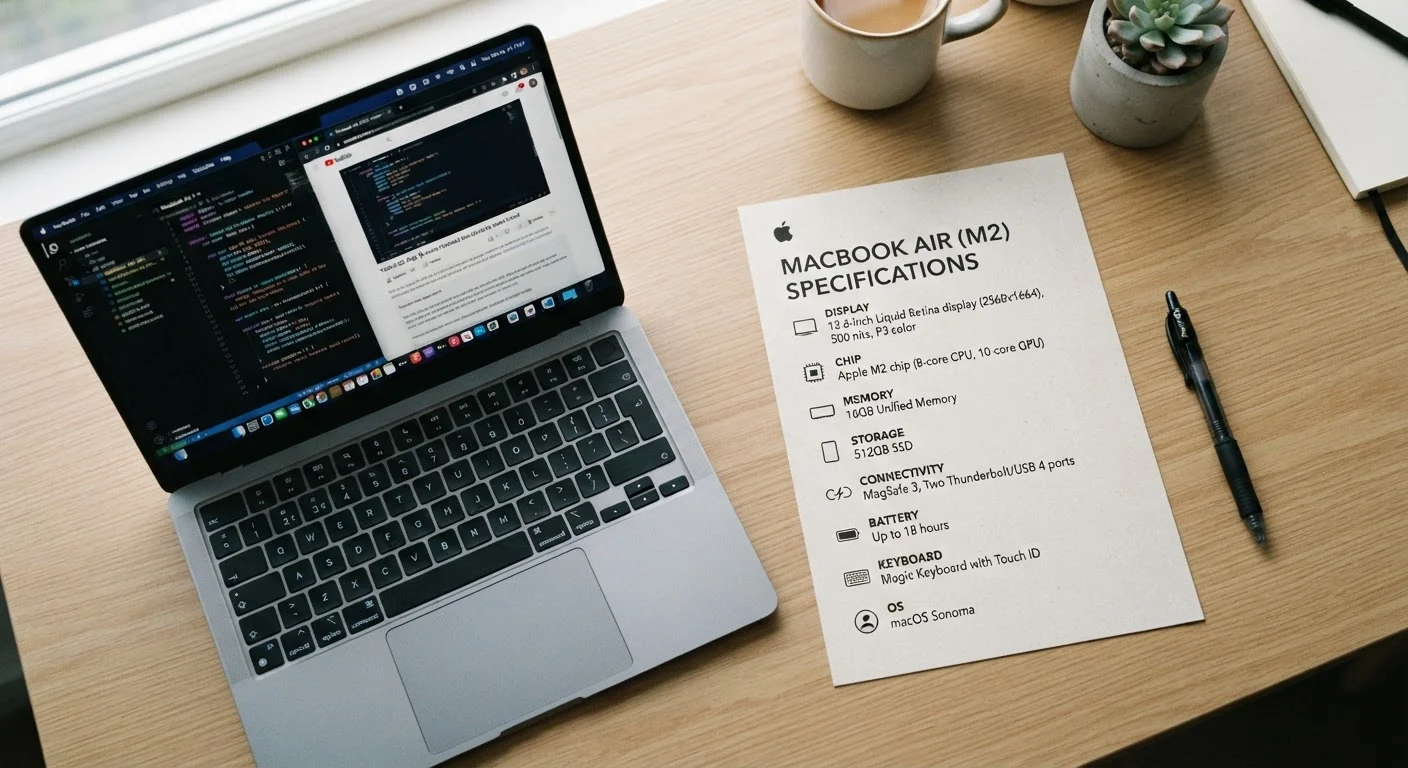
Processing power is another area where laptops generally lead. While high-end tablets have capable chips, laptops — particularly those with dedicated graphics — handle demanding tasks like video rendering, large spreadsheets, and running virtual machines with more headroom. For a deeper look at how processor and memory specs actually affect day-to-day performance, see our plain-English guide to laptop specs.
The trade-offs are real, though. Laptops are heavier, often bulkier, and tend to have shorter battery life than tablets at the same price range. Screen interaction is usually limited to a trackpad and keyboard rather than touch.
Key Questions to Ask Before You Decide
Rather than thinking about specs first, start with how you actually use a device each day. Ask yourself:
- Do I type for extended periods? If writing is a core task, a physical keyboard matters enormously for comfort and speed.
- What software do I need? Check whether the programs you rely on have full-featured tablet versions, or if they require a traditional operating system.
- How often do I work on the go? Tablets win on portability; laptops win on sustained performance at a desk.
- Am I replacing a primary device or adding a second one? A tablet rarely works as a full laptop replacement for demanding users, but it can be a practical companion.
- What's my budget for accessories? A tablet plus a quality keyboard case can approach the price of a basic laptop, without matching its capability.
This kind of honest self-audit reflects the same thinking that applies to any multi-purpose versus single-purpose purchase decision — a concept worth considering across other areas of your home setup as well.
Getting the Most From Whichever Device You Choose
Once you've made your choice, a few habits help protect that investment over time. For laptop owners, consistent maintenance — keeping storage manageable, avoiding excessive heat, and staying current on software — has a measurable effect on longevity. Our guide on extending a laptop's useful life covers the specific habits that actually move the needle.
For tablet users, focus on managing app clutter, keeping the operating system updated for security patches, and understanding your storage limits from day one. Choosing a device that fits your ecosystem — rather than fighting against it — will make daily use smoother and reduce the frustration that leads to early replacement purchases.
Neither device type is the permanent right answer for everyone. As your work habits evolve, your ideal device may shift too. The goal is making a deliberate choice now, based on what you actually do, rather than the most impressive spec sheet or the lowest sticker price.