The Core Problem a Hub Solves
Imagine buying a smart thermostat, a set of smart light bulbs, and a video doorbell — only to discover each one requires its own separate app, and none of them can trigger actions in the others. This fragmentation is the central problem a smart home hub is designed to fix.
Smart devices communicate using different wireless protocols. Some use Wi-Fi, which connects directly to your router. Others use Zigbee or Z-Wave — low-power radio protocols that are energy-efficient but require a special bridge to reach your network. A hub speaks all of these languages, acting as the interpreter in the middle.
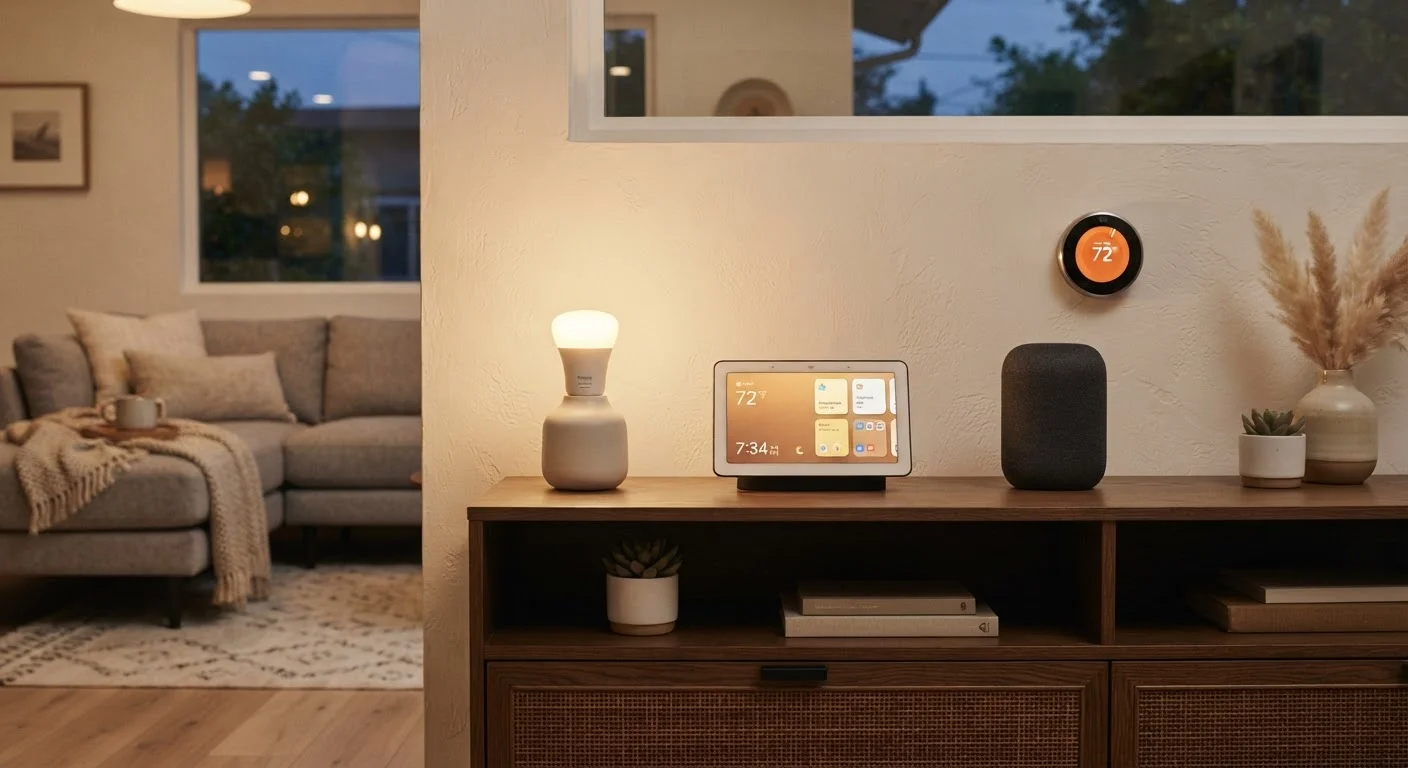
The result is a unified system where your thermostat can tell your lights to dim when you set it to "sleep mode," or your doorbell can trigger an indoor chime and turn on a lamp — regardless of whether those devices share a brand.
Protocols Explained Simply
Think of wireless protocols like different languages. A Zigbee device and a Z-Wave device cannot talk directly to each other, just as a French speaker and a Mandarin speaker cannot without a translator. A hub is that translator. Wi-Fi devices skip this problem because they already share the same 'language' as your router — but they consume more power and can crowd your network.
How Hubs Actually Process Your Commands
When you tap a button in a smart home app or tell a voice assistant to turn off the lights, that command travels somewhere to be processed. With many standalone smart devices, it travels all the way to a manufacturer's cloud server and back — adding latency and a dependency on your internet connection.
A hub with local processing handles that command on-device, inside your home. Automations run faster, and many functions remain available even if your internet goes down. This is one of the most practical — and often overlooked — advantages of a dedicated hub over a purely cloud-based system.
Not all hubs offer local processing, however. Some still rely heavily on cloud infrastructure, so it is worth checking how a hub handles automation execution before assuming you gain offline capability.
When You Probably Don't Need a Hub
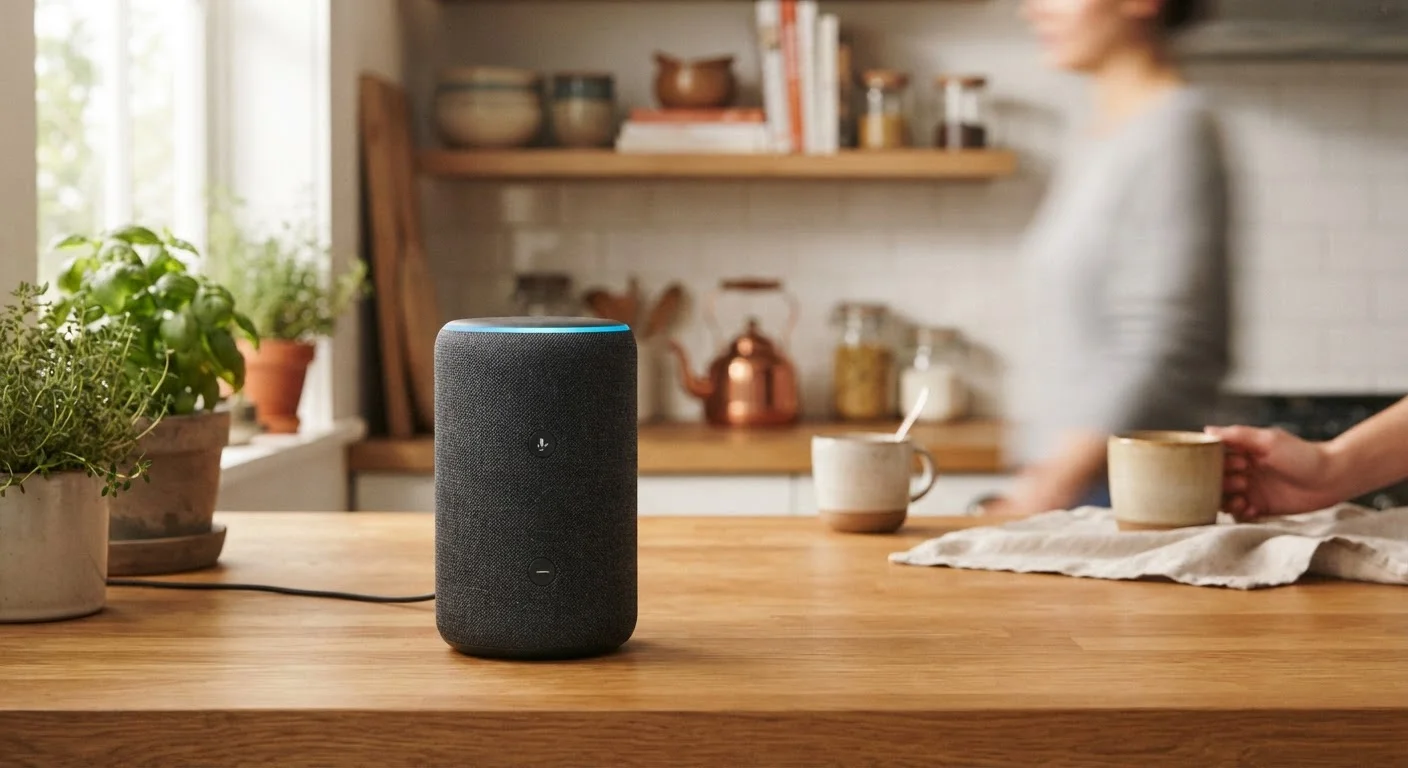
If every device in your home uses Wi-Fi and you are comfortable managing a few separate apps — or using a voice assistant like Alexa or Google Home as a loose coordinator — you may not need a dedicated hub at all. A modest setup of a smart speaker, a couple of Wi-Fi bulbs, and a smart plug can work well without any additional hardware.
Smart lighting systems, for example, often include their own bridge devices that handle protocol translation for that brand's bulbs specifically. If you stay within one ecosystem, that bridge may be all you need.
The calculus changes when your device count grows, when you mix protocols, or when you want automations that cross brand boundaries reliably. That is the point at which a hub starts paying for itself in convenience.
~29%
U.S. households with at least one smart home device
According to Statista consumer survey data, roughly three in ten American households have adopted at least one smart home product, indicating a broad but uneven level of ecosystem complexity.
Zigbee & Z-Wave
Most common non-Wi-Fi smart home protocols
These two low-power mesh protocols remain widely used in smart locks, sensors, and bulbs, and both require a compatible hub or bridge to connect to a standard home network.
600+
Matter-certified devices available
The Connectivity Standards Alliance reported over 600 Matter-certified products as the standard gained traction, though coverage across all smart home categories remains incomplete.
The Rise of Matter and What It Changes
Matter is an open connectivity standard backed by major technology companies. Its goal is straightforward: let certified smart devices work with any Matter-compatible platform without needing a proprietary hub or bridge. A Matter-certified lock, for instance, should pair with any Matter controller — regardless of brand.
Thread, the wireless protocol often used underneath Matter, adds another layer: it creates a mesh network where devices relay signals to one another, extending range and resilience without additional hardware.
Matter does reduce the need for protocol-specific hubs in new setups built around compatible devices. However, it does not cover all device types yet, and the millions of existing Zigbee and Z-Wave devices already in homes do not gain Matter compatibility automatically. For many households, hubs remain the practical bridge between older and newer generations of smart hardware.
If you are building a setup from scratch, it is worth thinking critically about what your setup actually requires before investing in hub hardware.
Security Considerations for Hub-Based Systems
Centralising your smart devices through a hub creates convenience — and also a single point worth protecting carefully. If a hub's software is outdated or its network access is poorly configured, it can expose multiple devices at once.
Keeping hub firmware updated, placing smart devices on a separate network segment from personal computers, and using strong, unique credentials are foundational habits for any connected home. Our practical guide to smart home device security covers these steps in detail without requiring technical expertise.
A hub is not inherently more or less secure than a cloud-only setup — but it does shift some responsibility to the owner to keep local software maintained, which is a trade-off worth understanding before you commit to the hardware.
“The promise of the smart home has always been seamless interoperability. The challenge is that 'seamless' has historically depended on whether your devices happened to speak the same protocol — and most don't, out of the box.”
— Connectivity Standards Alliance, Industry body overseeing the Matter smart home standard