What Makes a Light Bulb "Smart"
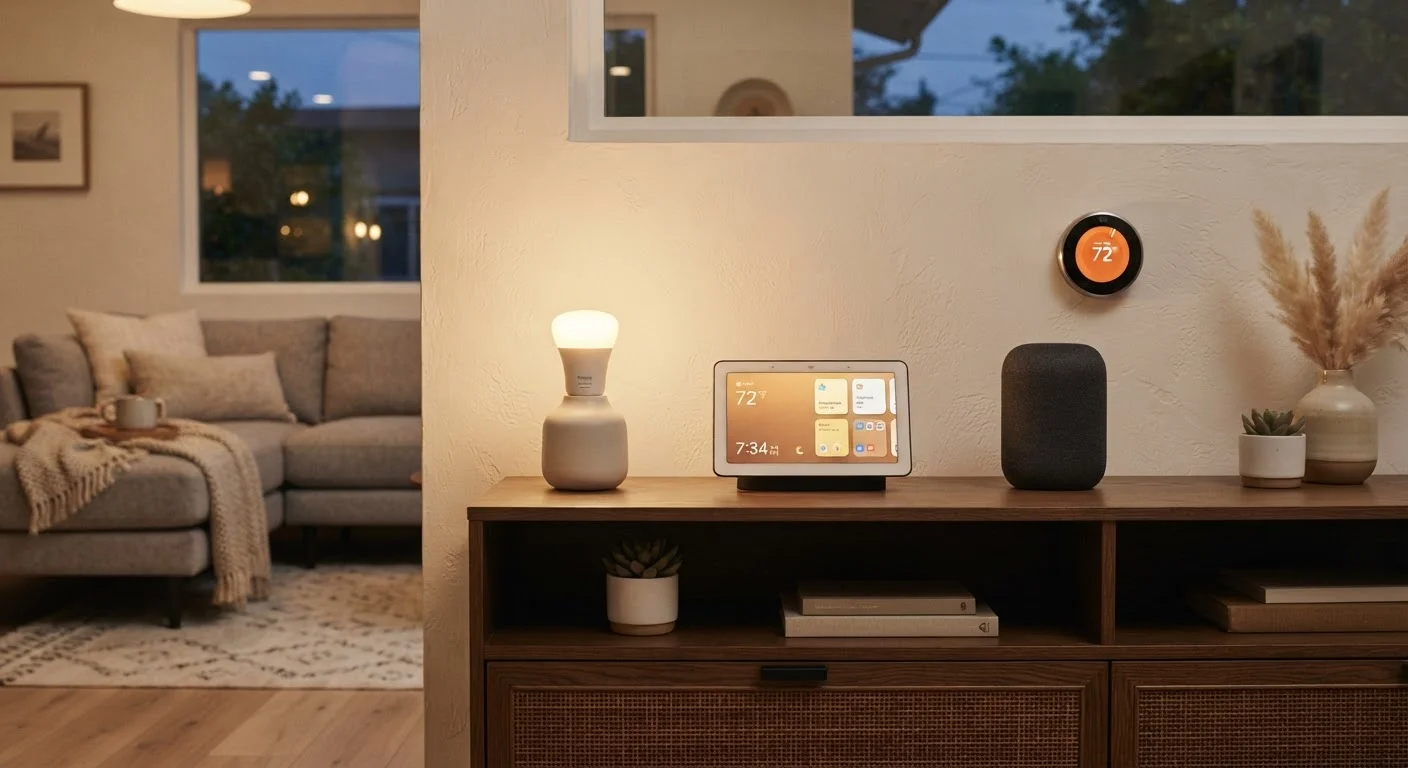
A smart bulb is, at its core, an LED bulb with a wireless radio built in. That radio — whether Wi-Fi, Zigbee, or another protocol — is what allows the bulb to receive commands from an app, a voice assistant, or an automation system without any wiring changes. The bulb still screws into a standard E26 or GU10 socket just like a conventional bulb.
Because the radio needs a constant trickle of power to stay connected, a smart bulb must remain powered at the socket level at all times. This is the single most important thing to understand before buying: if the wall switch cuts power to the socket, the bulb loses its connection and cannot respond to app or voice commands until power is restored manually.
Beyond connectivity, most smart bulbs also offer dimming and color control — either tunable white (adjusting from warm amber to cool daylight) or full RGB color. These capabilities are managed through the radio, not through the switch, which is why the always-on power requirement exists.
Smart Switches vs. Smart Bulbs: A Key Distinction
A smart switch replaces your existing wall switch and moves the intelligence to the wall rather than the fixture. The switch controls power to the socket using radio commands, while the bulb in the socket can be any standard (non-smart) bulb. This approach avoids the always-on conflict entirely.
The tradeoff is installation complexity. Most smart switches require a neutral wire — a white wire in the electrical box that many older homes lack. Some newer switch designs work without a neutral wire, but wiring work of any kind inside a wall box should be handled carefully. If you are unfamiliar with household electrical work, consult a licensed electrician before attempting any switch replacement.
Keep Smart Bulbs Powered at the Socket
Label wall switches that control smart-bulb circuits with a small sticker or switch guard so household members know not to turn them off. This prevents the frustrating situation where a family member flips the switch and leaves your smart bulbs unreachable from the app. Smart switch covers designed for this purpose cost very little and save significant troubleshooting headaches.
Mixing smart bulbs with smart switches in the same fixture is generally not recommended. A smart switch that dims power will confuse a smart bulb's internal driver, causing flickering or incorrect color rendering. Use one or the other in each circuit.
For renters or anyone avoiding wiring, smart plugs offer a middle path: they plug into a standard outlet and add remote control to any lamp, allowing smart bulbs in that lamp to remain powered at all times. See our guide to smart home hubs to understand how these devices get tied together.
How Scenes Work and Why They Matter
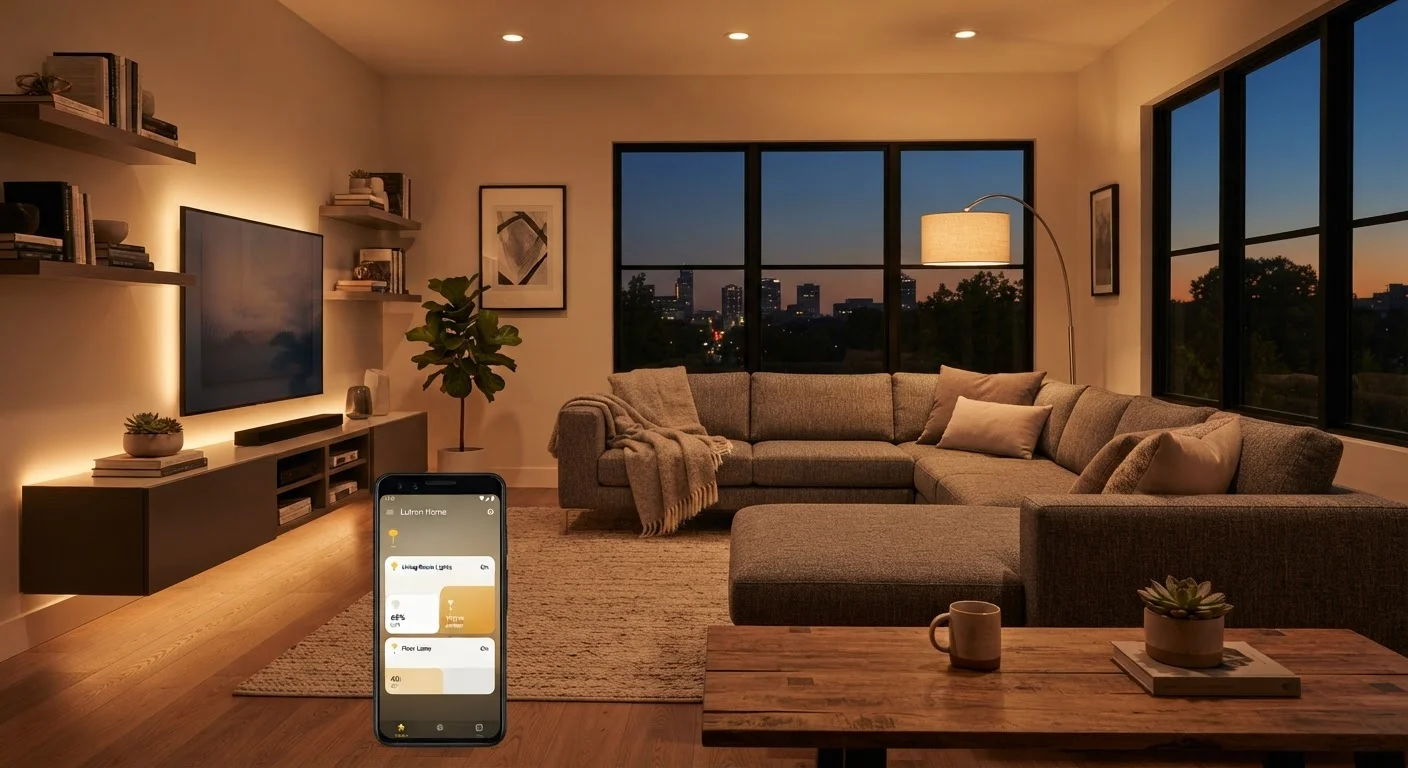
A scene is a saved snapshot of multiple lights at specific settings — brightness level, color temperature, and on/off state — that you can activate with a single tap, voice command, or automation trigger. Think of a "Movie Night" scene that dims the overhead light to 20%, turns off the kitchen pendant, and sets the floor lamp to a warm amber, all at once.
Scenes are stored either in a hub, in the bulb manufacturer's cloud, or locally on a smart home controller. When you activate a scene, the system broadcasts the saved settings to each enrolled device simultaneously. The practical result is that you stop managing individual bulbs and start managing moods or activities.
Scenes become especially powerful when paired with automations — rules that trigger a scene based on a condition like time of day, sunrise/sunset, or a sensor detecting motion. A "Good Morning" automation might gradually brighten the bedroom lights at 6:45 a.m. to simulate sunrise, without you touching anything. This combination of scenes and automations is what most people mean when they say their home lighting feels truly smart.
Communication Protocols: Wi-Fi, Zigbee, Z-Wave, and Matter
Every smart lighting device communicates using a wireless protocol — a set of rules that governs how devices talk to each other and to your network. The protocol determines range, reliability, battery requirements (for battery-powered accessories), and whether devices from different manufacturers can work together.
~13%
Share of U.S. households with smart lighting
According to Parks Associates research on smart home device adoption in the United States.
Up to 80%
Energy savings vs. incandescent bulbs
LED bulbs — the technology underlying all smart bulbs — use roughly 75–80% less energy than traditional incandescent bulbs, per the U.S. Department of Energy.
15,000–25,000 hrs
Typical smart LED bulb rated lifespan
Most LED smart bulbs are rated for 15,000 to 25,000 hours of use under normal operating conditions, according to manufacturer specifications.
- Wi-Fi bulbs connect directly to your home router, requiring no extra hardware. The downside is that each bulb adds a device to your network, and if your router is far from the bulb, signal strength can drop.
- Zigbee and Z-Wave use low-power mesh networks — each device repeats the signal to others, extending range. They require a hub or controller that translates their signal to your home network.
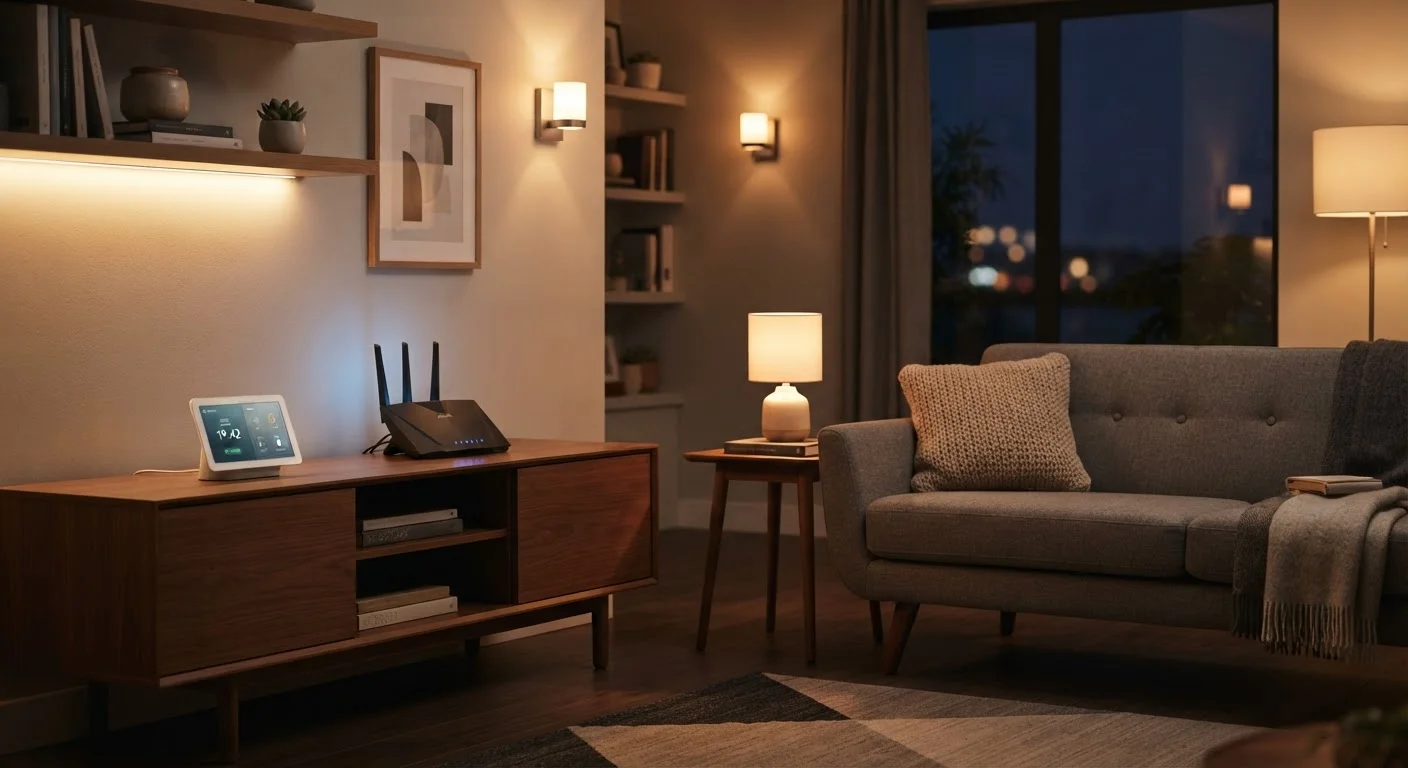
- Matter is a newer, industry-wide standard backed by major tech companies. Matter-certified devices are designed to work across different ecosystems (Apple Home, Google Home, Amazon Alexa, and others) without compatibility guesswork. It runs over Wi-Fi or Thread, a low-power mesh protocol similar to Zigbee.
For a deeper look at whether you need a hub to tie these protocols together, see our article on what smart home hubs actually do.
Putting It All Together: Planning Your Setup
Before purchasing anything, answer three questions: Which rooms do you want to automate? Do you prefer bulb-level or switch-level control? And which ecosystem — Google Home, Apple HomeKit, Amazon Alexa, or a standalone platform — will you use to manage everything?
Your ecosystem choice shapes everything else. Most platforms now support Matter devices, which reduces lock-in risk. But if you already own devices that use Zigbee, Z-Wave, or a proprietary protocol, you may need a hub that speaks all those languages. Our hub explainer walks through when a hub genuinely adds value versus when it adds unnecessary complexity.
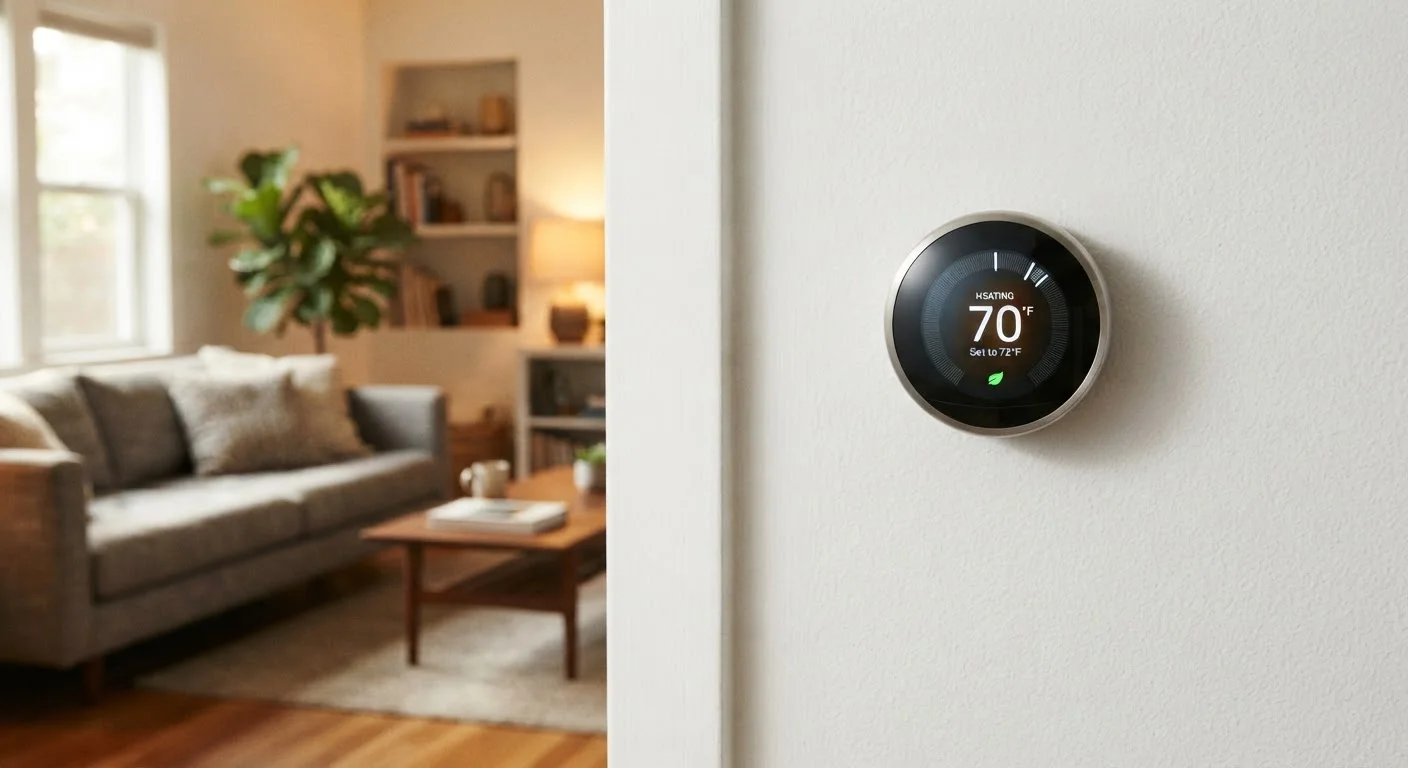
Start small: one room, one scene, one automation. Expand once you understand how your devices behave. Smart lighting is one of the more approachable entry points to a connected home — and pairing it thoughtfully with devices like a smart thermostat can create genuinely useful automations that reduce energy use over time.
Finally, keep security in mind. Every connected device is a potential entry point on your home network. Consult practical smart home security habits to ensure your lighting setup does not inadvertently expand your digital risk. For more ideas on connected home upgrades overall, explore the Home Improvement hub.
When planning a scene, start with the lights you use most and work outward. A single well-crafted 'Evening' scene covering your main living areas will deliver more daily value than a dozen half-built scenes across the whole house.
Automation fatigue is real — overly complex setups get abandoned. Starting with high-impact, frequently used scenes builds habits and confidence before you expand.
Group your smart bulbs by room in your app immediately after setup, before you create any scenes. Regrouping devices after scenes are built requires rebuilding those scenes from scratch in most platforms.
Scenes reference device groups, not individual bulbs. Getting the grouping right first saves significant rework time and prevents scenes from controlling unintended fixtures.