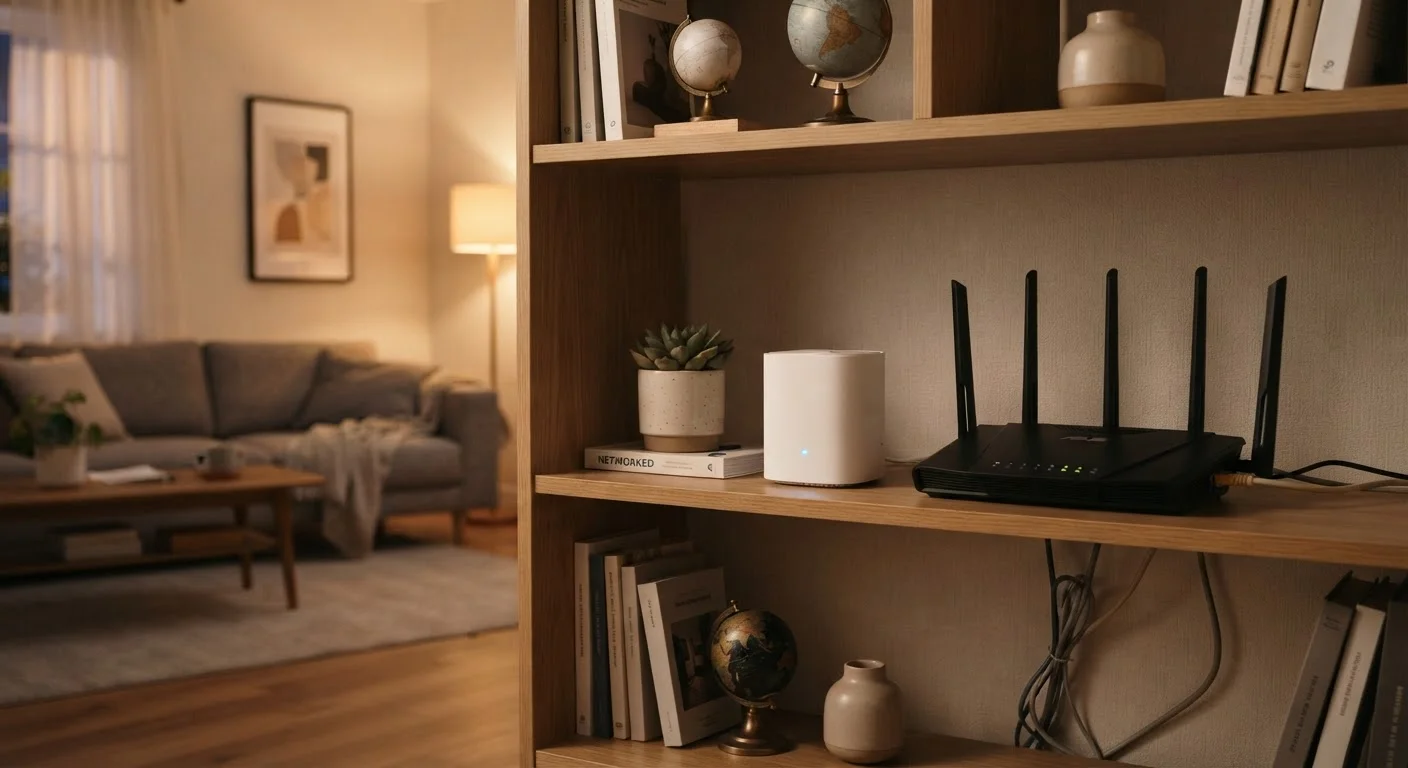
How Each Technology Actually Works
Before comparing the two approaches, it helps to understand what each one is doing behind the scenes — because the difference is more fundamental than most shoppers realize.
A Wi-Fi range extender (sometimes called a repeater or booster) picks up the wireless signal from your existing router and rebroadcasts it. Think of it like a megaphone: it amplifies what's already there. The catch is that the extender typically uses the same radio channel to both receive your router's signal and retransmit it to your devices. This process, called half-duplex communication, means available bandwidth can drop significantly — often by 40–50% — for devices connecting through the extender rather than the router directly. Extenders also usually broadcast under a separate network name (SSID), which means your phone or laptop won't automatically switch over; you have to do it manually.
A mesh Wi-Fi system takes a different architectural approach. It consists of a primary router and one or more satellite nodes that communicate with each other — and with your devices — as a coordinated unit. Many mesh systems dedicate a separate wireless band exclusively to node-to-node communication (called a backhaul), leaving the other bands free to serve your devices at full capacity. The entire system shares one network name, so devices roam between nodes automatically as you move through your home. For a deeper look at how wireless standards affect this performance, see our Wi-Fi 6 vs. Wi-Fi 5 comparison.
Coverage, Speed, and Real-World Performance
Coverage area and speed consistency are the two metrics that matter most to most households — and the two approaches diverge sharply on both.
| Criteria | Range Extender | Mesh Wi-Fi System | |
|---|---|---|---|
| Typical upfront cost | Criteria | Lower — single unit purchase | Higher — multi-node system |
| Network management | Criteria | Two separate SSIDs to manage | Single unified network name |
| Device roaming | Criteria | Manual switching required | Automatic, seamless handoff |
| Speed impact | Criteria | Can reduce bandwidth by ~50% | Minimal loss with dedicated backhaul |
| Best coverage area | Criteria | Smaller homes, one dead zone | Large or multi-story homes |
| Setup complexity | Criteria | Simple plug-and-play | Moderate — app-guided installation |
| Scalability | Criteria | Limited; add more extenders | Add nodes as needed |
Range extenders work best when placed at the edge of your router's reliable signal, not in a dead zone. If you place one too far from the router, it picks up a weak signal and rebroadcasts a weak signal. Getting that placement right often takes trial and error. And because you're dealing with a separate network name, streaming or video calls can stutter when your device stubbornly clings to the extender's weaker signal instead of switching back to the router.
Mesh systems manage these transitions automatically. Nodes communicate their signal strength to one another and hand off your device seamlessly — a feature called band steering and roaming. In practice, this means a video call started in the kitchen can stay connected as you move to the backyard without interruption. If slow speeds are already a frustration, our guide on the overlooked reasons your home Wi-Fi slows down covers additional factors worth ruling out first.
Cost, Setup, and Long-Term Management
Cost is often the deciding factor, and the gap between the two options is real.
Range extenders are generally the more affordable entry point. A single unit can address one problematic area of a home without requiring you to replace or supplement your existing router substantially. Setup is typically straightforward: plug it in, connect it to your router via a setup app or WPS button, and position it in the right spot. The tradeoff is that managing two separate networks — and manually switching between them — adds friction over time.
Mesh systems represent a larger upfront investment. You're purchasing a complete networking solution, which means replacing your existing router in most cases. However, ongoing management tends to be simpler: one app, one network name, and automatic updates across all nodes. If your home grows — adding a home office, a garage, or a backyard workspace — scaling a mesh system usually means adding another node rather than starting over.
Check Your Router Before Upgrading
If your router is several years old, it may be the bottleneck rather than coverage gaps. An aging router with limited range or outdated wireless standards can underperform regardless of what you add to your network. Evaluating your current router's capabilities first can save you from buying an extender or mesh system that doesn't fully solve the underlying problem.
It's also worth noting that some internet service providers now offer mesh-capable gateway devices, which can reduce the need for a separate mesh purchase. Check what your ISP provides before buying either option.
Which Setup Fits Your Home?
The honest answer is that neither approach is right for every situation. A few questions can help you narrow it down:
- How large is your home? Homes under roughly 1,500 square feet with an open floor plan may be fully served by a well-positioned extender. Larger homes — particularly multi-story or those with thick walls and structural interference — generally benefit more from a mesh system's coordinated coverage.
- How many devices are connecting? Households with smart TVs, game consoles, laptops, phones, and smart home devices all competing for bandwidth tend to perform better on a mesh network that manages traffic across multiple nodes.
- How much dead zone are you dealing with? One stubborn corner of a room is a different problem than signal that fades across an entire floor. A targeted extender solves the first; a mesh system addresses the second more reliably.
- What's your tolerance for setup complexity? Extenders are plug-and-play but require manual network management. Mesh systems take more initial configuration but are simpler day-to-day.
Understanding wireless fundamentals also matters here. The principles that govern how mesh and extender systems perform are closely tied to the radio bands and protocols in use — something our Wi-Fi standard explainer covers in plain terms.